

DeskIn Remote Desktop APK
3.3.4.8
DeskIn Remote Desktop
DeskIn Remote Desktop APK
Download for Android
DeskIn Remote Desktop
Master Your Digital Workspace from Anywhere
• DeskIn transforms your iPad, iPhone, or computer into a command center for your digital life.
• Whether you are troubleshooting an IT issue, collaborating on a design project, or simply accessing your professional files from home, DeskIn provides a seamless, high-performance bridge between your devices.
Why Choose DeskIn?
• Elite Performance: Experience ultra-HD visuals up to 4K/144FPS with near-zero latency (under 40ms).
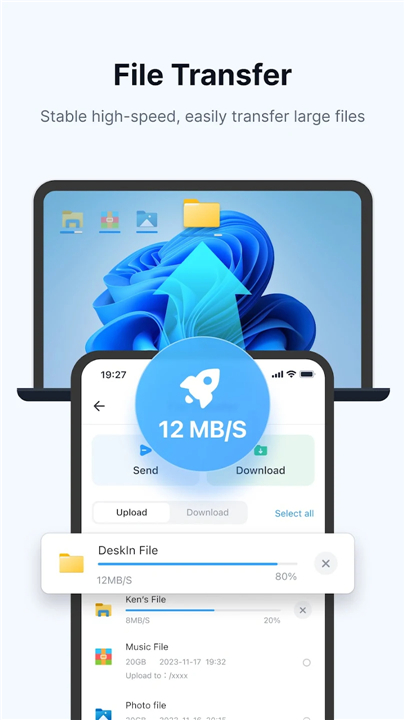
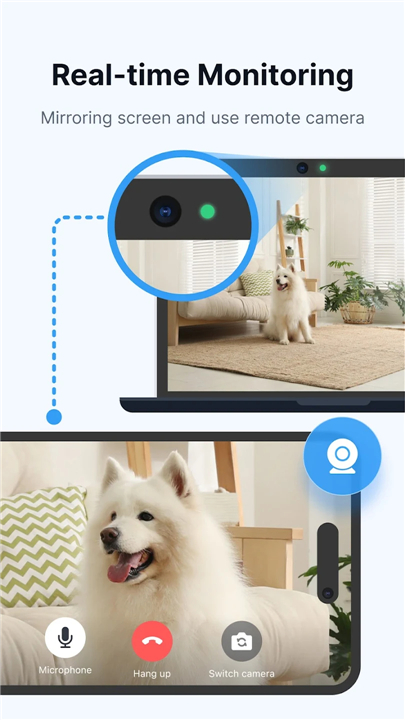
• Unmatched Versatility: A comprehensive suite featuring file transfers, screen mirroring, mobile control, and remote gaming.
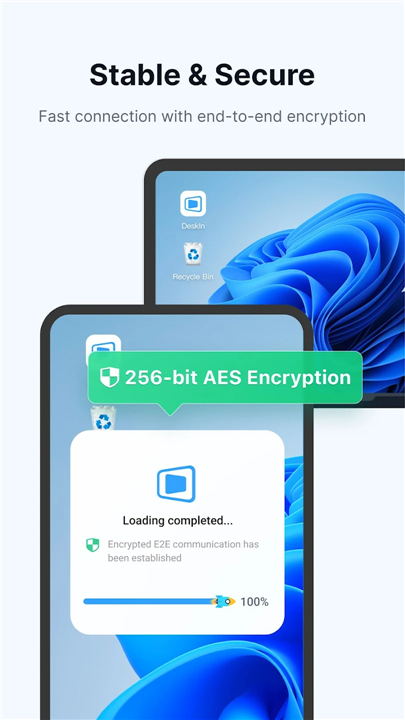
• Rock-Solid Security: Rest easy with bank-grade end-to-end encryption, multi-factor authentication, and customizable access controls.
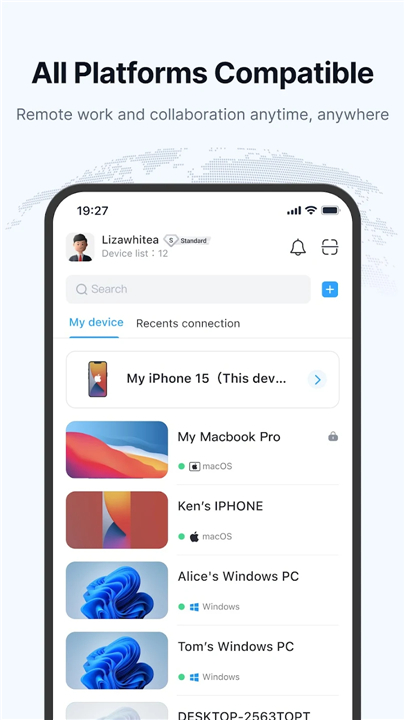
• Unified Connectivity: Cross-platform functionality that bridges the gap between Windows, Mac, Android, and iOS.
What You Can Accomplish
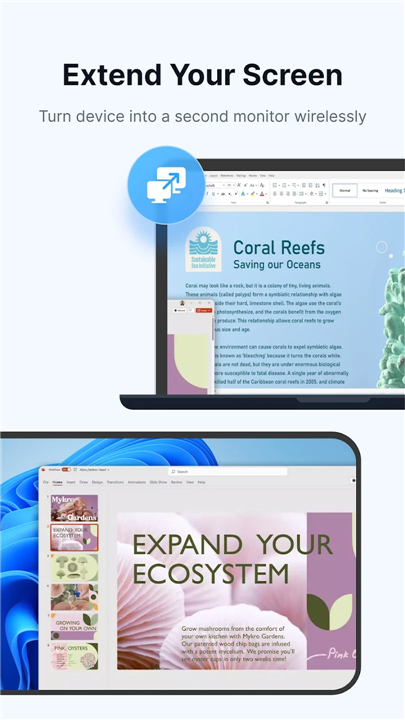
• Remote Efficiency: Command your workstation from your phone. Use your tablet as a secondary monitor or mirror your screen for presentations without needing the same network.
• IT Mastery: Manage servers and PCs remotely. Wake, restart, and execute CMD commands to resolve technical issues instantly.
• Creative Freedom: Designed for professionals, our 4:4:4 true-color display ensures your design work remains vivid and precise.
• Unattended Access: Set up persistent, secure access to your home or office machines so your files are always waiting for you.
• Gaming Anywhere: Take your Steam library on the road with optimized gamepad support and lag-free streaming.
Effortless Setup
• Install DeskIn on your host and client devices.
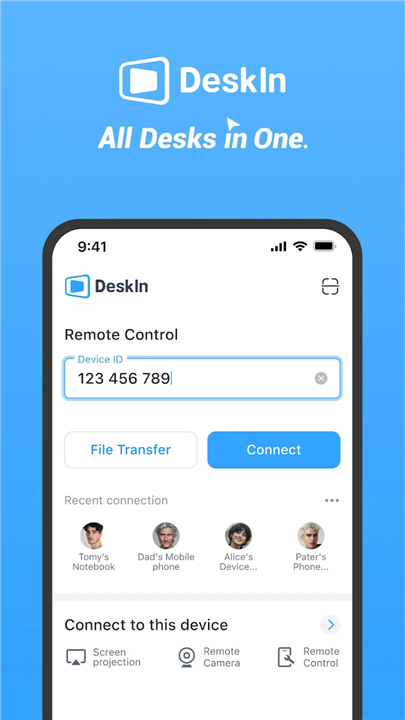
• Sign in and enter the target device’s ID and password.
• Establish your secure, high-speed connection instantly.
DeskIn is free for personal use and serves as a powerful, reliable alternative to traditional remote desktop software. For enterprise-grade requirements, explore our advanced features at deskin.io.
Note:
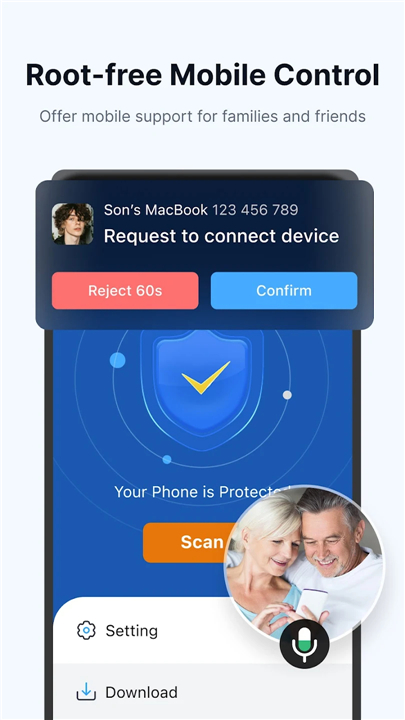
• This app utilizes the AccessibilityService API to facilitate secure, real-time control of Android devices.
Get Started
• Experience the next level of mobile productivity.
• For support or inquiries, email us at support@deskin.io.
FAQ
Q: Does DeskIn support cross-platform connectivity?
A: Absolutely, DeskIn is designed to bridge the gap between different operating systems. You can seamlessly connect between Windows, Mac, Android, and iOS devices, allowing you to control your PC or Mac from your tablet or phone with ease.
Q: How does DeskIn maintain low latency during remote sessions?
A: DeskIn utilizes highly optimized streaming protocols that achieve near-zero latency, often keeping delays under 40ms. This high-performance architecture ensures that your mouse movements and commands feel instantaneous, even when you are working from a remote location.
Q: Can I use DeskIn for professional design work?
A: Yes, you can certainly use it for creative projects. DeskIn supports a 4:4:4 true-color display, which ensures that the visuals remain vivid and color-accurate, making it a reliable solution for designers who need to work on high-quality graphics remotely.
Version History
v3.3.4.8——24 Jun 2026
Cross system remote control PC & Phone.Transfer file,share screen and IT support Download the latest version of DeskIn Remote Desktop to enjoy new features and updates immediately!
*3.3.4.8
∙ Fixed several known issues
*3.3.4.7
∙ Fixed several known issues
*3.3.4.6
∙ Fixed several known issues











Ratings and reviews
There are no reviews yet. Be the first one to write one.