

Remote Fire TV - Firestick APK
202411.01.05
Remote Fire TV - Firestick
Remote Fire TV - Firestick APK
Download for Android
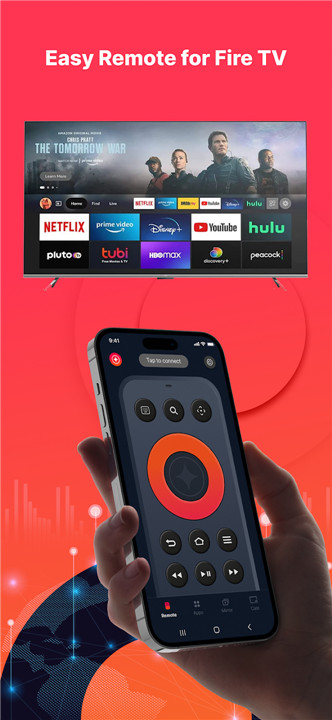
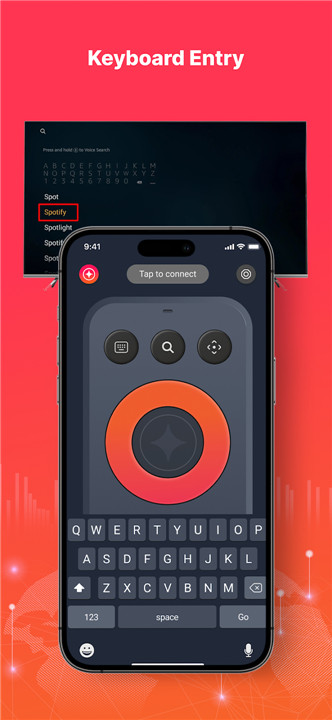
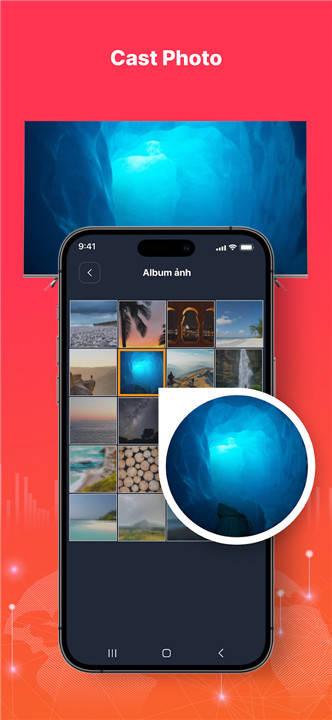
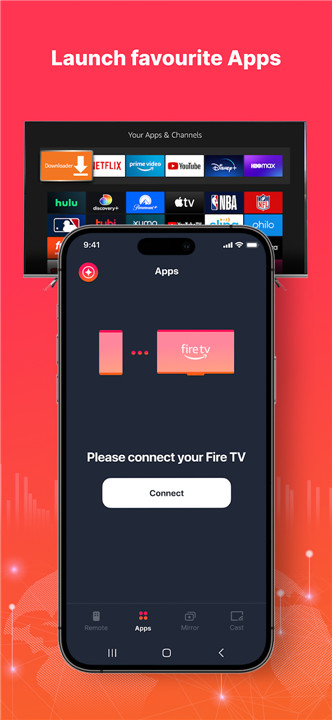
The Remote for Fire TV & FireStick is specifically crafted to allow you to control your Fire TV using your Android mobile device. It is compatible with Fire TV Box, Fire TV Stick, Fire TV Cube, and Fire TV.
To get started, simply connect your Android device and Fire TV or Fire Stick to the same Wi-Fi network. After enabling ADB on your Fire TV, you’ll be ready to control it from your mobile device.
Key Features:
- Operate your TV just like a traditional Fire TV remote
- Utilize the keyboard feature for easy text input and searching on your TV
- Quickly access your favorite channels and applications
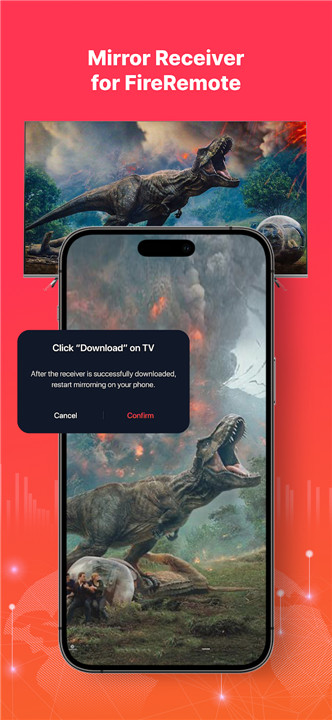
- Mirror your phone’s screen to Fire TV with minimal delay
- Cast local photos and videos from your phone to Fire TV
- Power your Fire TV on or off with a single tap
- Adjust the volume effortlessly
- Activate the auto-connect control button for your Fire device
IMPORTANT: For seamless screen mirroring, please download our companion app, Screen Mirroring for Fire TV, on your TV device.
Connecting to Fire TV or Fire Stick:
1. Ensure ADB debugging is enabled on your Fire device before connecting.
2. Your Fire TV should be connected to your home Wi-Fi network.
3. Make sure your Android phone’s Wi-Fi is on and connected to the same network as the Fire TV.
4. Tap to connect your device. The app will automatically search for Fire devices in your vicinity.
To screen mirror to Fire TV:
1. Open this remote app and connect it to your Fire TV on the same network.
2. Click "Mirror" to access the mirroring interface and follow the prompt to download our receiver app, Screen Mirroring Receiver for Fire TV, on your TV device.
3. Once the receiver app is successfully installed on your Fire TV, restart the mirroring process on your phone.
4. Enjoy fast and smooth screen mirroring!
FAQ
Q: What devices does the Remote for Fire TV & FireStick app support?
A: The app is compatible with Fire TV Box, Fire TV Stick, Fire TV Cube, and Fire TV.
Q: How do I start using the Remote for Fire TV with my Android device?
A: To get started, ensure your Android device and Fire TV/Fire Stick are connected to the same Wi-Fi network. Then, enable ADB debugging on your Fire device. After that, you can control your Fire TV using the app.
Q: Do I need to download any additional apps for screen mirroring?
A: Yes, for seamless screen mirroring, please download the companion app, Screen Mirroring for Fire TV, on your Fire TV device.
-----------------
What's New in the Latest Version 202411.01.05
Last updated on Nov 26, 2024
Remote Fire TV helps control all Fire TVs and Firesticks. Fast and Stable! Download the latest version of Remote Fire TV - Firestick 202411.01.05 to enjoy new features and updates immediately!
- Improve scanning TV stability.
- Fix connection failure in some devices.
- Fix minor bugs and UI.









Ratings and reviews
There are no reviews yet. Be the first one to write one.