

Screen Mirroring & Sharing TV APK
1.2.5
Screen Mirroring & Sharing TV
Screen Mirroring & Sharing TV APK
Download for Android
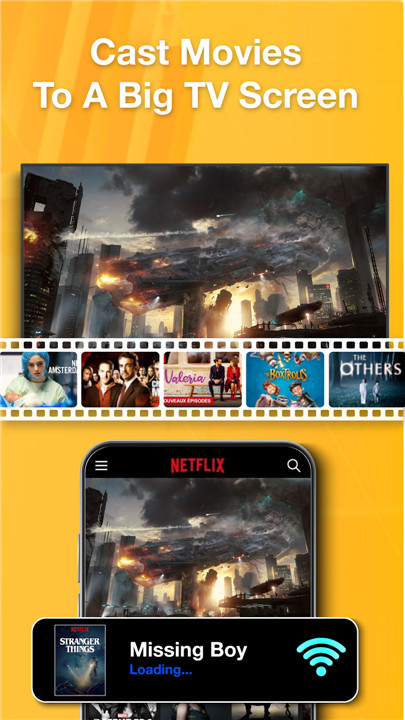
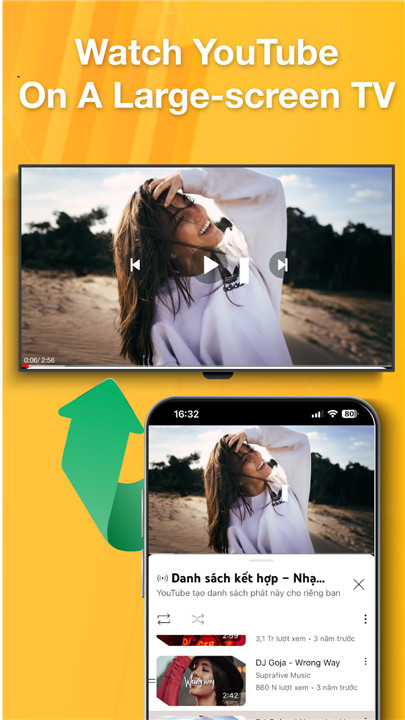

It's time to set aside your mobile device and dive into the excitement of watching a football match, enjoying a livestream gaming session, or catching a movie on a gigantic TV screen.
- Experience films and football games together on a large TV display
- Browse through documents, books, and data files on a big screen to give your eyes a break
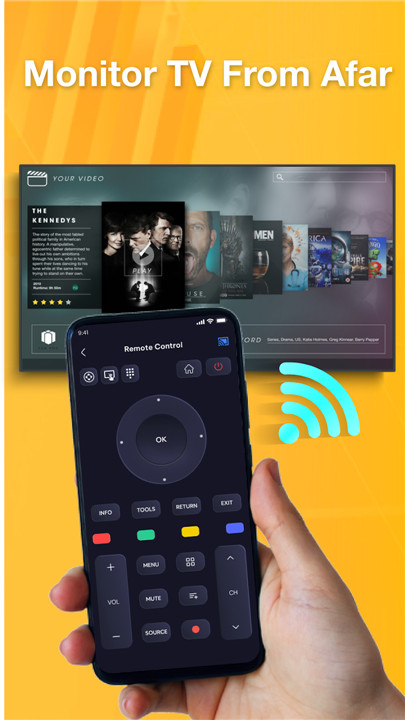
- Control your TV effortlessly from your smartphone without getting up
Look no further than the Smart Screen Mirroring App, your ultimate solution.
Screen Mirroring & Smart TV Cast is a smart and effective tool that allows you to project all your phone's content onto your TV screen. Enjoy the thrill of mirroring images, streaming web videos, and accessing online content by connecting your phone to the TV.
Plus, immerse yourself in document viewing on a larger screen and enjoy the ease of controlling your TV remotely. Our versatile anyview cast TV app is compatible with platforms like Chromecast, IPTV, Sony, Roku, Xbox, Fire TV, LG TV, Samsung TV, and many more.
Discover the Incredible Features of the Screen Mirroring and Sharing App:
- Stream your favorite videos, gameplay, and football matches on a large screen for an unparalleled viewing and audio experience.
- Easily mirror your screen with sound for music and video playback on your TV.
- Showcase images from your photo gallery in breathtaking 4K and HD quality.
- Control the volume, toggle, and forward files effortlessly from your phone to your TV.
- Cast documents, including Excel sheets and other files, directly to any compatible TV screen.
- Use your smartphone as a remote control for your TV.
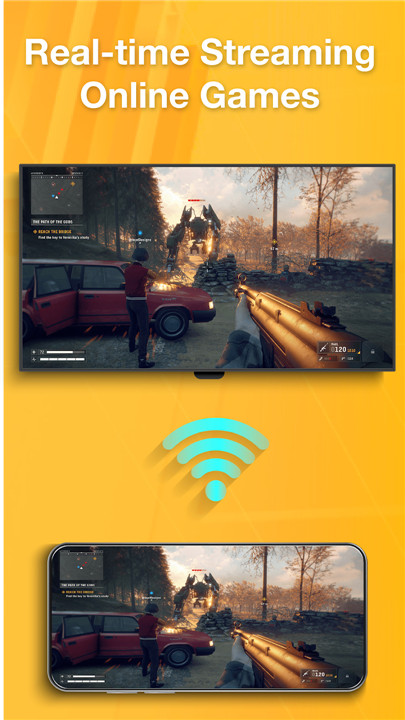
- Enhance your gaming experience by mirroring your game screen on the TV.
- Automatically identify available casting and streaming devices nearby.
- Enjoy smart pause functionality for phone screen sharing during incoming calls.
- Immerse yourself in rich, lifelike sound while casting to your TV and sharing your screen.
Why should you consider installing a TV screen mirroring app?
- Enjoy streaming movies, sports, and shows from your phone to a larger TV for a truly immersive experience.
- Enhance your reading by displaying e-books, research, and documents clearly on the big screen.
- Take your gaming to the next level by mirroring games on your TV for an exhilarating adventure.
- Use the app to showcase photos on the TV during gatherings, allowing everyone to relive cherished memories.
- Present your ideas effectively by casting documents and presentations onto a larger screen for meetings.
- Control your TV settings and content directly from your smartphone for added convenience.
No HDMI? No problem! With our screen mirroring app, you can easily cast your screen to the TV.
Dive into the world of streaming with our app, allowing you to cast live football and other events to your TV. Enjoy live broadcasts, watch online videos, and read books on a grand scale.
Experience the security and high-definition quality of Chromecast and TV mirroring. Keep your data safe while enjoying a large-screen experience, perfect for family gatherings, game nights, karaoke sessions, and virtual meetings.
Supported Devices Include:
• TV Cast, Chromecast
• IPTV, Fire TV, Xbox
• Roku Remote Control and Roku TVs
• Smart TVs: Samsung, LG, TLC, Toshiba, and more
Want to Control Your TV with Your Phone?
1. Turn off the VPN on your phone
2. Ensure your phone and TV are connected to the same Wi-Fi network
3. Open our screen mirroring app – it will automatically find your smart TV
4. Choose your TV and grant permission for screen mirroring
5. Sit back and enjoy your favorite shows on the big screen
Whether you're streaming games, watching live football, or displaying documents, our TV screen mirroring app has you covered. Experience the ease of casting your phone to the TV with Anyview. Say farewell to eye strain and embrace the comfort of large-screen viewing.
If you run into any issues, your feedback helps us improve. Dive into this screen casting app for an amazing experience. Have a wonderful day!
FAQ
Q: How do I connect my phone to the TV using the Screen Mirroring & Sharing app?
A: To connect your phone to the TV, disable any VPN on your phone. Ensure both your phone and TV are connected to the same Wi-Fi network. Launch the Screen Mirroring app, and it will automatically detect your smart TV. Select your TV and allow the connection to start mirroring your phone screen.
Q: What types of content can I share on my TV using this app?
A: You can share a variety of content including movies, live sports events, videos, photos, and documents. The app supports casting gameplay, e-books, presentations, and even music to your TV for a larger viewing experience.
Q: Which devices are compatible with the Screen Mirroring & Sharing app?
A: The app works with various devices including Chromecast, Fire TV, Roku, Xbox, and smart TVs from brands like Samsung, LG, and Toshiba. It can easily connect to any smart TV that supports screen mirroring.
-----------------
What's New in the Latest Version 12.5
Last updated on Nov 9, 2024
Screen Mirroring & Sharing is an application to share the phone screen on the TV Download the latest version of Screen Mirroring & Sharing TV 1.2.5 to enjoy new features and updates immediately!
Screen Mirroring & Sharing TV for Android









Ratings and reviews
There are no reviews yet. Be the first one to write one.