


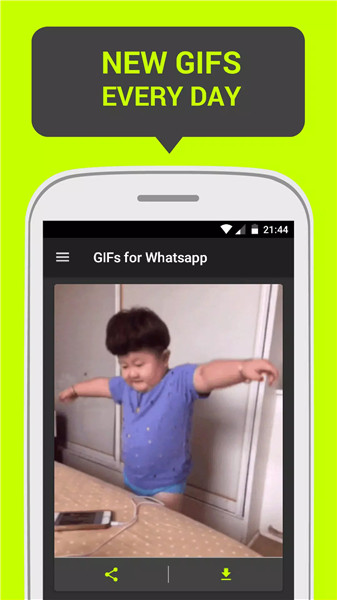
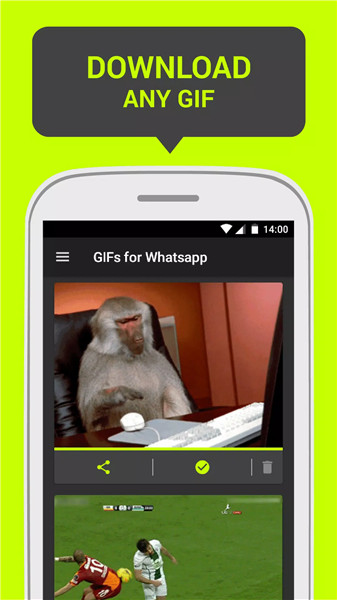
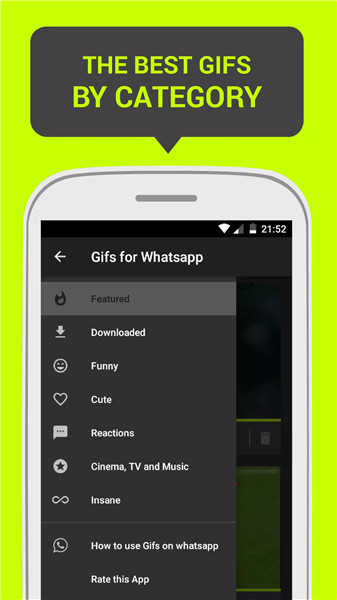
Key Features of GIFs on WhatsApp
Built-in GIF Search:
Open any chat in WhatsApp.
Tap the emoji icon (smiley face) next to the text input field.
Select the GIF option to access trending and categorized GIFs.
Custom GIFs:
You can create your own GIFs using video clips or by converting Live Photos (on iPhones).
Trim the video to the desired segment and convert it into a GIF.
Favorites and Recent GIFs:
WhatsApp remembers your recently used GIFs.
You can also mark specific GIFs as favorites for quick access.
How to Use GIFs on WhatsApp
Access GIFs:
Open a chat in WhatsApp.
Tap the emoji icon to open the emoji and GIF picker.
Switch to the GIF tab to explore trending and popular GIFs.
Search and Share:
Use the search bar to find specific GIFs (e.g., “happy,” “celebrate,” “facepalm”).
Tap on a GIF to send it in the chat.
Create Your Own GIFs:
Record a video or select an existing video clip.
Trim it to the desired length (usually a few seconds).
WhatsApp will automatically convert it into a GIF.
Benefits of Using GIFs for WhatsApp
Enhanced Communication:
GIFs convey emotions, humor, and reactions effectively.
They make conversations more engaging and lively.
Universal Appeal:
GIFs transcend language barriers.
Everyone understands a well-timed GIF.
Personalization:
Create custom GIFs to share unique moments.
Favorite GIFs for quick access.
What's New in the Latest Version 1.0.6
Last updated on Mar 30, 2017
- Performance improvements.
- Unobtrusive interstitial ads.









Ratings and reviews
There are no reviews yet. Be the first one to write one.