

Game Master: Game Mode Manager APK
1.4
Game Master: Game Mode Manager
Game Master: Game Mode Manager APK
Download for Android
Game Master: Game Mode Manager
Overview
• Game Master: Game Mode Manager serves as a comprehensive management utility designed to streamline the mobile gaming experience.
• By consolidating various system controls and application management tools into a single, intuitive interface, this software allows users to transition from standard device usage to a dedicated gaming environment with minimal effort.
Centralized Game Management
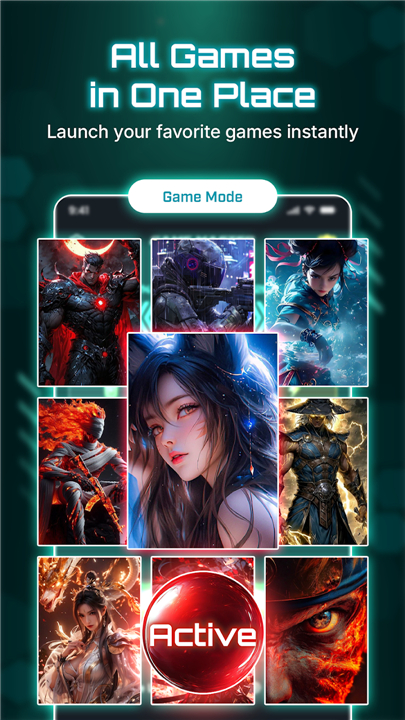
• The primary feature of the application is the integrated Game Launcher.
• This utility automatically identifies and categorizes installed gaming applications, removing the need for users to browse through cluttered app drawers.
• Under this centralized hub, users can:
+ Organize an unlimited number of gaming titles in a single location.
+ Initiate games directly from the dashboard to bypass standard system navigation.
+ Maintain a professional and clean layout dedicated specifically to entertainment.
System Preparation and Optimization
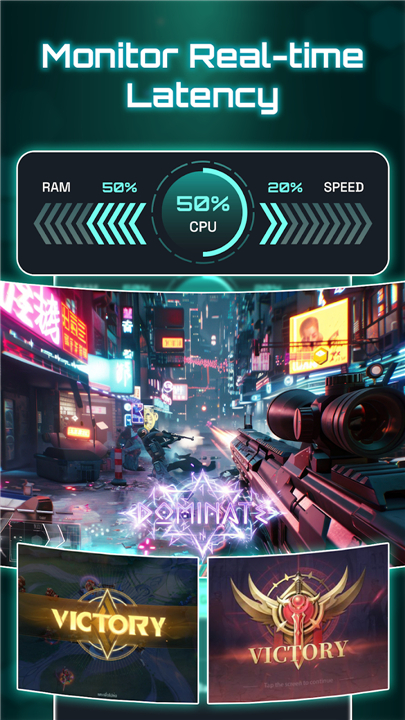
• To ensure the mobile device is properly prepared for intensive sessions, the Background Cleaner identifies non-essential tasks running in the system memory.
• By terminating these unnecessary processes, the application helps prepare the system environment for the active game.
• This feature is designed to reduce the risk of software conflicts and can be toggled based on the specific needs of the user.
Environmental and Display Controls
• Maintaining immersion is critical during competitive play.
• The software provides granular control over environmental factors:
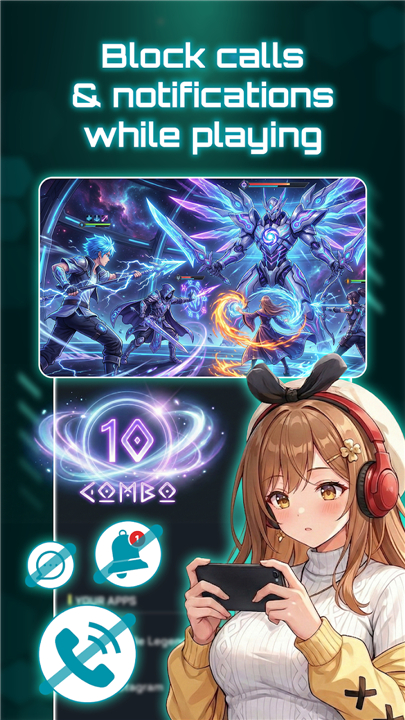
+ Do Not Disturb Integration: Silences incoming calls, messages, and app alerts to prevent interruptions.
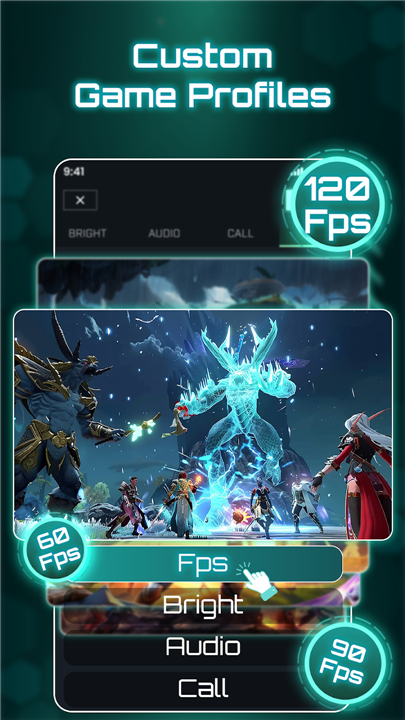
+ Brightness Management: Allows for the manual locking of brightness levels to avoid automated dimming.
+ Screen Timeout Adjustment: Extends the display duration to prevent the screen from turning off during long cutscenes or loading screens.
Technical Permissions and Transparency
• To function as a system manager, the application requires several specific permissions:
• Resource Management: Used to stop non-essential tasks and prioritize the active application.
• Notification Policy: Required to toggle the system Do Not Disturb status.
• Write Settings: Necessary for the modification of screen brightness and rotation values.
• Internet Access: Utilized for providing software updates and displaying relevant advertisements.
Usage Disclaimer
• Game Master: Game Mode Manager is a management tool intended to organize and adjust device settings.
• It does not modify game files, alter hardware specifications, or guarantee specific performance improvements.
• The effectiveness of the background cleaning functions will vary significantly based on the device manufacturer and the version of the operating system being used.
FAQ
Q: How does the Centralized Game Management feature simplify my app library?
A: The integrated Game Launcher automatically scans your device to identify and categorize all your installed games into one convenient dashboard. Instead of hunting through a cluttered app drawer, you can find everything in one professional-looking interface that keeps your entertainment titles separate from your productivity apps.
Q: Is there a limit to how many titles I can store in the Game Launcher?
A: You are not limited by the software when it comes to organizing your collection, as you can add an unlimited number of gaming titles to the dashboard. This allows you to maintain a comprehensive library regardless of how many games you have installed on your local storage, keeping them all just one tap away.
Q: What role does the Background Cleaner play during a gaming session?
A: The Background Cleaner identifies and terminates non-essential tasks that are currently consuming system memory behind the scenes. By clearing out these unnecessary processes, the app prepares a cleaner system environment for your active game, which helps reduce the chance of software conflicts or unexpected stutters while you play.
Version History
v1.4——25 Feb 2026
Elevate your gameplay! Adjust display & focus on winning experience. Download the latest version of Game Master: Game Mode Manager to enjoy new features and updates immediately!
*1.4
Minor bug fixes and improvements. Install or update to the newest version to check it out!
*1.2
Minor bug fixes and improvements. Install or update to the newest version to check it out!









Ratings and reviews
There are no reviews yet. Be the first one to write one.