

Aria for Misskey
Overview
• Aria is a dedicated client application designed specifically for interacting with Misskey, a federated and decentralized social media platform.
• It provides a smooth and feature-rich way to browse, post, and manage your Misskey experience directly from your device, while maintaining compatibility with multiple servers across the network.
Extensive Feature Support
Aria offers comprehensive coverage of Misskey’s core functionalities, ensuring that most actions available on the official web client can also be performed within the app.
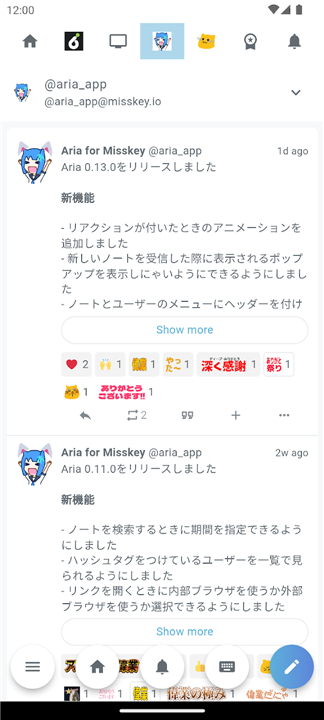
• View and interact with different types of timelines, such as home, local, and social timelines.
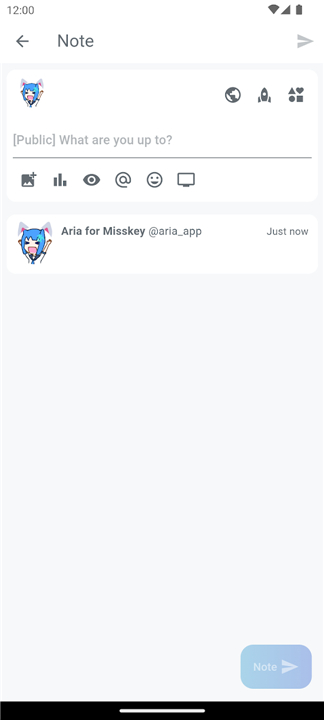
• Create and publish notes with full formatting support, including Misskey’s unique MFM (Misskey Flavored Markdown).
• Edit and manage clips, lists, and antennas to organize and filter your content.
• Engage with reactions, replies, and boosts seamlessly.
Multi-Account and Multi-Server Convenience
For users active on more than one Misskey instance, Aria offers account flexibility:
• Swipe between accounts quickly, even if they are hosted on different servers.
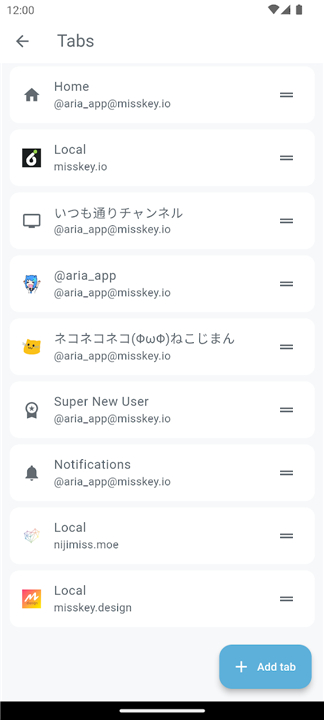
• Save desired timelines as tabs for easy access.
• Add timelines from any account to a tab, making it possible to follow discussions and topics across servers without extra navigation steps.
Familiar and Functional Interface
Aria’s design draws inspiration from the official Misskey web client, creating a familiar environment for existing users.
• Retains layout and navigation style for reduced learning curve.
• Supports decorative elements and rich text formatting using MFM.
• Offers responsive interaction for mobile and tablet usage.
Customization and Personalization
Aria provides multiple settings to tailor the experience to individual preferences:
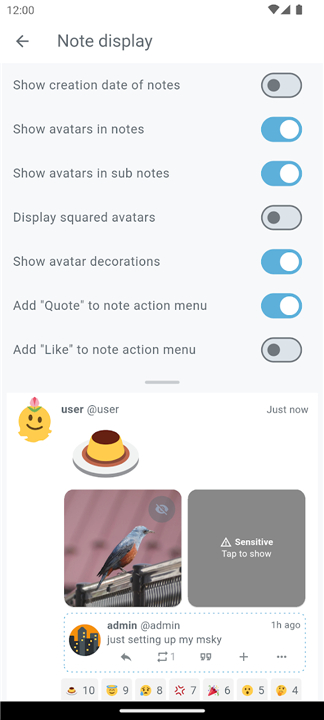
• Adjust reaction display size and visibility of user icons.
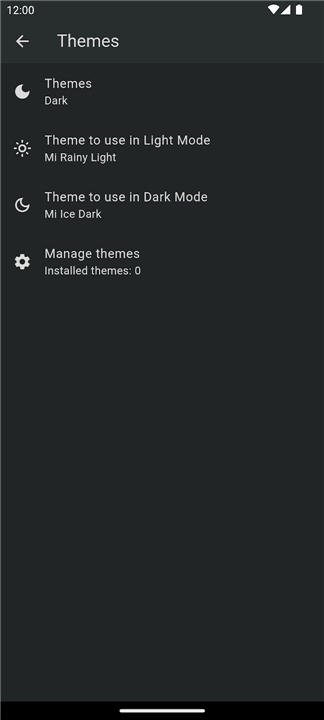
• Choose from different themes and color schemes to suit your style.
• Configure interface elements to match your workflow and viewing habits.
Aria delivers a powerful, customizable, and user-friendly way to enjoy Misskey, whether you are browsing timelines, posting creative notes, or managing multiple accounts across the fediverse.
FAQ
Q: Which core Misskey features can I use in Aria?
A: Aria supports virtually all of Misskey’s core functions. You can read home, local, and social timelines, publish fully formatted notes using MFM (Misskey Flavored Markdown), react with a variety of emojis, reply to conversations, boost interesting posts, and even edit or delete your existing notes. Any action you’d normally perform on the official web client is available here as well.
Q: How do I connect Aria to my Misskey server?
A: When you launch Aria for the first time, you simply enter the URL of the Misskey instance you want to join, then follow the on-screen prompts to authorize the app. Once your credentials are stored, Aria maintains a secure connection so you won’t need to re-authorize unless you log out or switch to a different server.
Q: Can I manage multiple accounts on different Misskey servers in Aria?
A: Yes, Aria is built with multi-account support at its core. You can add as many accounts as you like, even if they’re on different servers, and switch between them without having to sign in and out repeatedly. This lets you stay active across the fediverse and engage with diverse communities seamlessly.
Version History
v1.4.1——20 Jan 2026
Dive into the interplanetary microblogging platform Download the latest version of Aria for Misskey to enjoy new features and updates immediately!
*1.4.1
• fix: handle ALREADY_CLIPPED error properly
• fix: restore media saving
• build: add localizations for photo library usage description
*1.4.0
Bug fixes
*1.3.10
Bug fixes









Ratings and reviews
There are no reviews yet. Be the first one to write one.