

ADB Shell - Debug Toolbox APK
V3.7.1
ADB Shell - Debug Toolbox
ADB Shell - Debug Toolbox APK
Download for Android
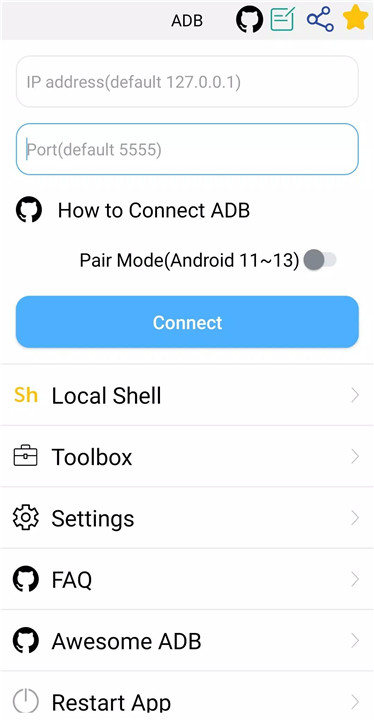
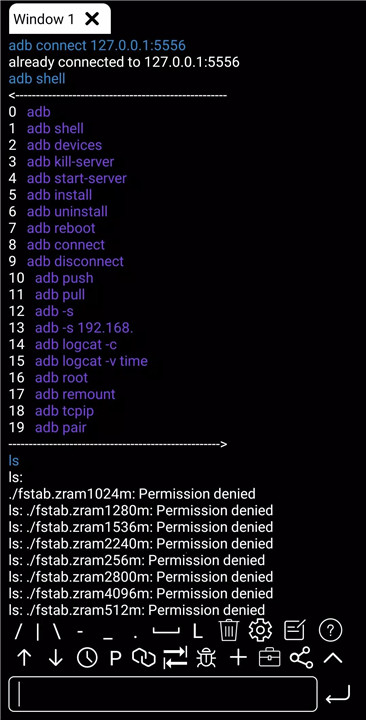
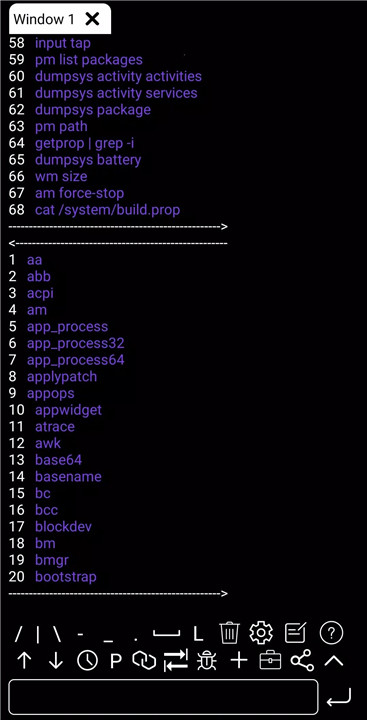
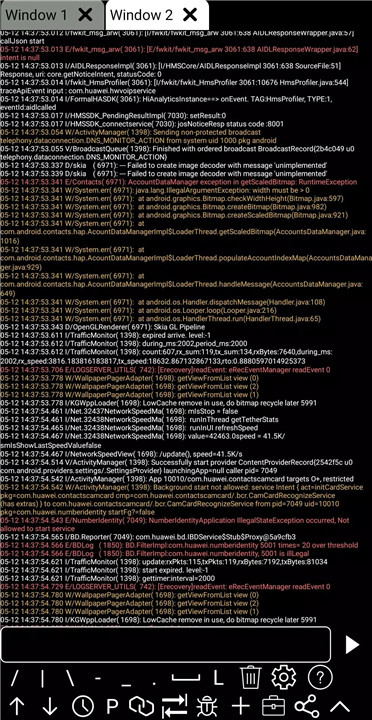
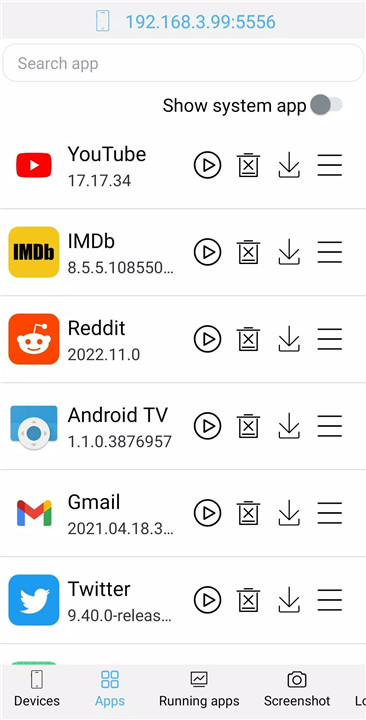
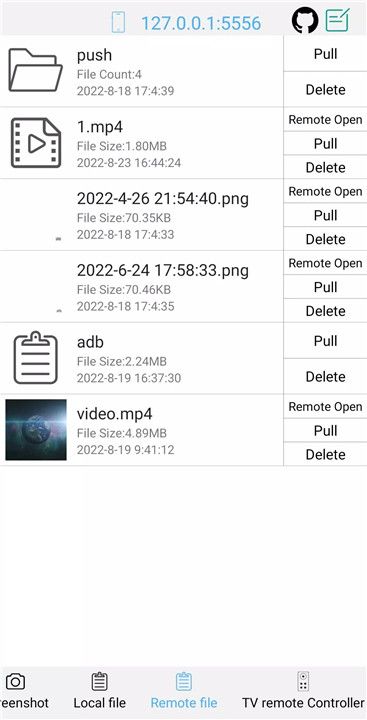
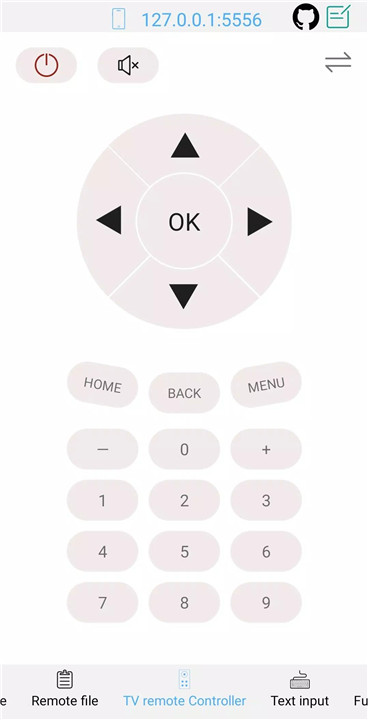
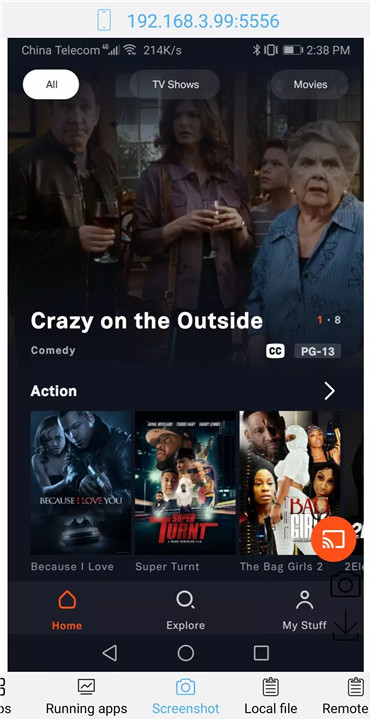
ADB Shell - Debug Toolbox is an essential tool for anyone who needs to manage, monitor, and optimize Android devices with precision and ease. This powerful app offers a comprehensive set of features that cater to developers, tech enthusiasts, and anyone needing advanced control over their Android devices.
Comprehensive App Management
This toolbox provides extensive tools for managing applications on your Android device. You can launch, uninstall, download, force stop, clear data, and even enable/disable applications with a few clicks.
Device Management and Monitoring
Effortlessly monitor and manage your Android device with the toolbox’s built-in system monitor. It allows you to view system information, including detailed prop data, ensuring you have full control and visibility over your device’s status and health.
File Management
Managing files on your Android device has never been easier. With support for pushing and pulling files, as well as installing APKs, you can transfer files and apps efficiently. You can also delete remote files directly from your device, ensuring that file management is streamlined and effective.
Take Screenshots and View Media
Capture what’s on your screen with the screenshot functionality. The toolbox also supports the opening of remote image, audio, and video files directly, allowing you to view media content without needing to manually download or transfer files.
Wireless and Local ADB Support
The toolbox supports both local and wireless ADB, including wireless pairing for Android versions 11-13, making it easier to connect and manage your device remotely.
Advanced Shell Features
For advanced users, the toolbox includes various shell features like associative input, autosave output, command history, and logcat support. These tools enhance productivity and ease of use, making it simpler to execute and save commands while managing your Android device.
Multi-Window and Custom Commands
With multi-window support and the ability to run the toolbox in the background, you can optimize your workflow. The inclusion of recommended commands and prefab commands ensures that you have access to commonly used functions at your fingertips.
FAQs
1. What functionalities are included in ADB Shell - Debug Toolbox for app management?
The toolbox allows you to launch, uninstall, download, force stop, clear data, enable, and disable applications on your Android device, all from an easy-to-use interface.
2. Can I manage files on my Android device with this toolbox?
Yes, you can push, pull, and delete files directly from your device, as well as install APKs, making file management seamless and efficient.
3. Does the toolbox support both local and wireless ADB?
Yes, ADB Shell - Debug Toolbox supports both local shell ADB and wireless ADB, including wireless pairing for Android versions 11-13.
4. What system information can I view with this toolbox?
The toolbox allows you to monitor system performance, view detailed system information, and check prop data for complete insight into your device's status.
5. Can I capture screenshots and view media files remotely?
Yes, you can take screenshots of your Android device’s screen and open remote image, audio, and video files directly, without needing to download them first.
Version History
V3.7.1—28 Aug, 2023
2023.07.12
0. Fix some bugs.
1. Add window tools.
V3.6.6—14 Jul, 2023
2023.07.12
0. Fix some bugs.
1. Add window tools.
V3.6.0—28 Jun, 2023
2023.06.26
0. Remove android.permission.INSTALL_PACKAGES permission.
1. Fix 'Device and Network Abuse' policy issues.
2. Optimize device management.









Ratings and reviews
There are no reviews yet. Be the first one to write one.