

Photo Resizer HD
The Complete Mobile Solution for Image Optimization
• Photo Resizer HD is a powerful yet remarkably simple application designed to manage the dimensions and file sizes of your digital imagery.
• In an era where high-resolution cameras produce massive files, this app serves as an essential bridge, allowing users to efficiently shrink single or multiple images for streamlined communication and storage.
• Whether you are preparing an attachment for an email or formatting a gallery for social media, this tool ensures your photos are perfectly sized every time.
Essential Editing and Enhancement Tools
Beyond simple scaling, the application provides a suite of integrated editing features to ensure your photos look professional before they are shared.
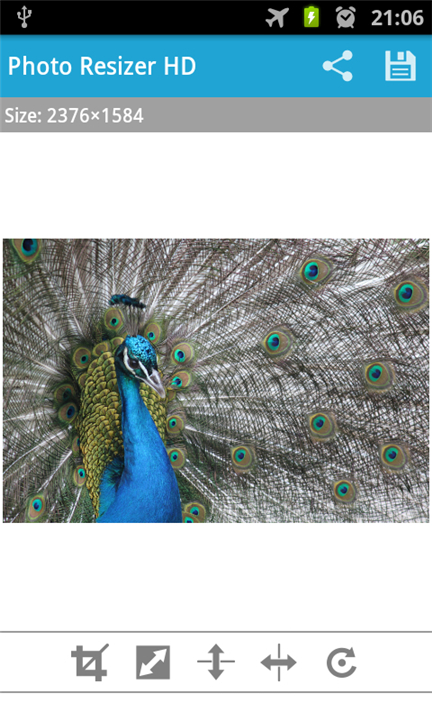
• Precise Rotation: Quickly correct the orientation of any image with a single tap.
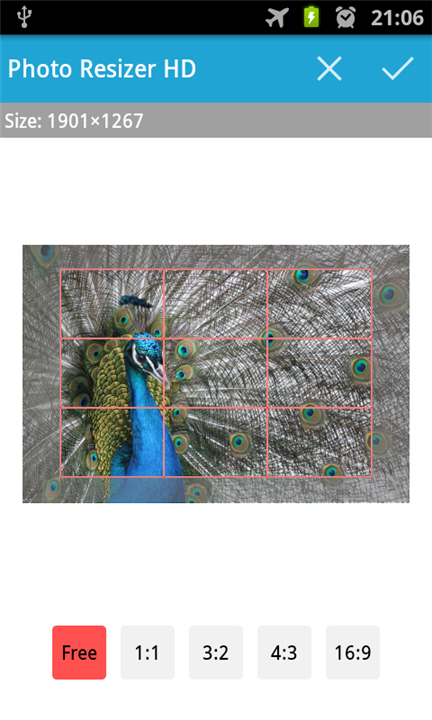
• Advanced Cropping: Remove distracting background elements to focus specifically on your subject.
• Mirroring Capabilities: Utilize both horizontal and vertical flip tools to change the perspective of your composition.
• Post-Resize Sharpening: A specialized algorithm that restores clarity and edge definition that is often lost during the downscaling process.
Customizable Output and Data Preservation
Photo Resizer HD grants users complete control over the technical specifications of their exported files.
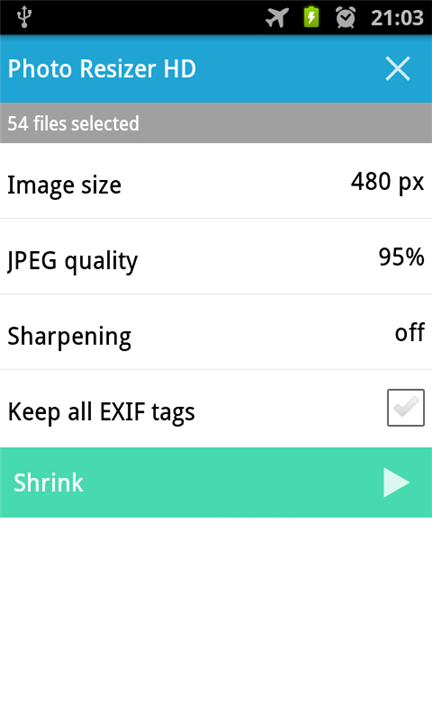
• Tailored Configuration: Manually define the resolution and quality levels to meet strict file size limits without unnecessary degradation.
• EXIF Tag Retention: Unlike many basic resizers, this app preserves vital metadata, including camera settings, timestamps, and location data.
• SD Card Integration: Save your processed images directly to external storage to keep your primary device memory clutter-free.
Efficient Batch Processing Workflow
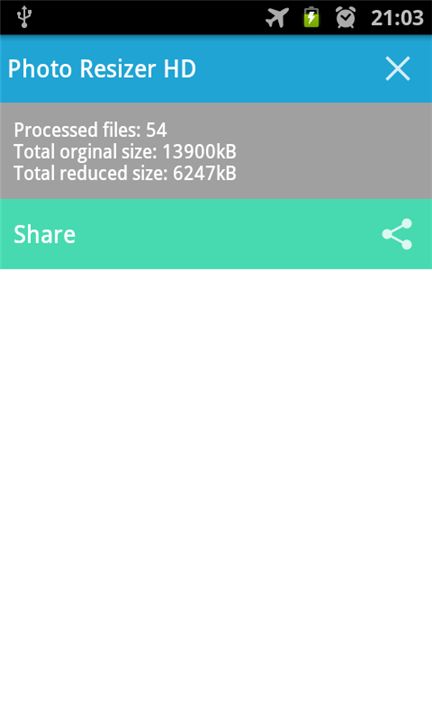
The application is optimized for high-volume tasks through its seamless integration with your device's native gallery. To process multiple photos simultaneously, follow these steps:
• Open your standalone gallery app or preferred image browser.
• Select the group of images you wish to modify and use the "Share" or "Send to" function.
• Select Photo Resizer HD from the list of available applications.
• Once the images are imported, set your preferred parameters and press the "Shrink" button to execute the batch resize.
By combining these robust features into a user-friendly interface, Photo Resizer HD remains a top-tier choice for those needing fast, reliable, and high-quality image optimization on the go.
FAQ
Q: Can I resize more than one photo at a time to save effort?
A: Absolutely, the application is specifically optimized for high-volume tasks through a seamless batch processing workflow. Instead of editing photos one by one, you can select an entire group from your gallery and process them all in a single action to save a significant amount of time and effort.
Q: How do I initiate the batch resizing process using my phone's native gallery?
A: To start a batch resize, simply open your device’s native gallery or preferred image browser and select the group of photos you want to modify. Use the share or send to function, choose Photo Resizer HD from the list of available applications, set your desired parameters, and then tap the shrink button to execute the changes across all selected files.
Q: Will resizing my photos make them look blurry or lose their edge definition?
A: While downscaling can sometimes reduce clarity, this app includes a specialized post-resize sharpening algorithm. This feature is designed to restore clarity and maintain sharp edges, ensuring that your reduced images look just as crisp as the originals even after the file size has been significantly decreased.
Version History
v1.4.0——23 Feb 2026
Resize your photos easily on your phone or tablet. Download the latest version of Photo Resizer HD to enjoy new features and updates immediately!
*1.4.0
Minor bug fixes and improvements. Install or update to the newest version to check it out!
*1.3.9
Bug fixes and small improvements.
*1.3.8
Bug fixes and small improvements.









Ratings and reviews
There are no reviews yet. Be the first one to write one.