



✦ Introduction ✦
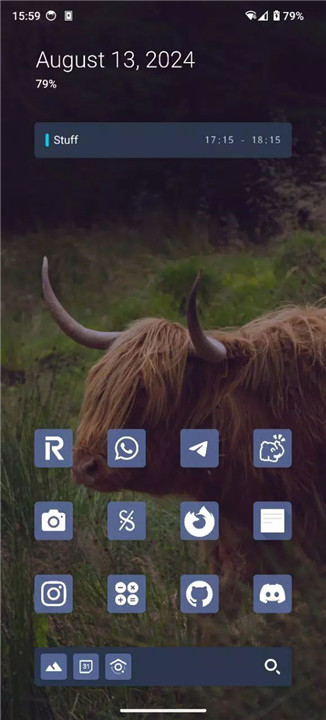
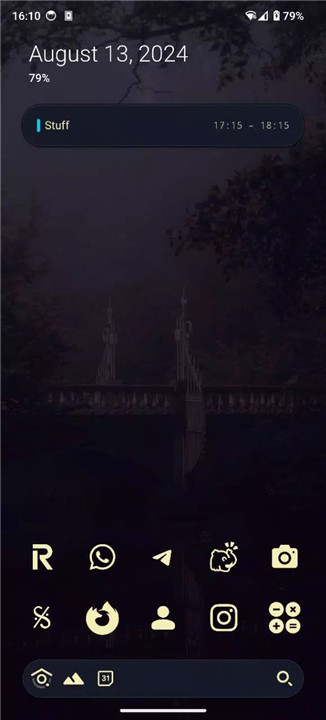
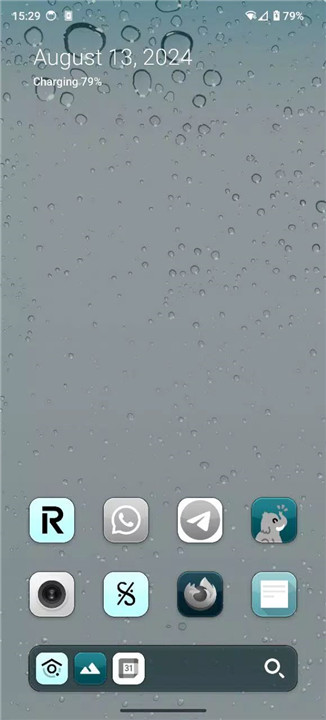
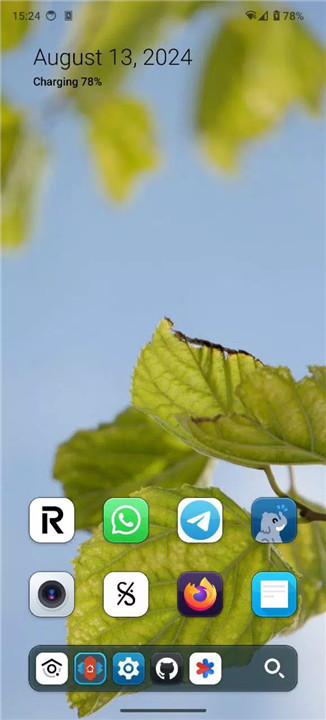
Ion Launcher is a beautiful, highly functional, and customizable launcher that brings elegance and efficiency to your device's home screen. Crafted with attention to both aesthetics and practicality, Ion Launcher aims to enhance your productivity while offering a refined user experience.
✦ App Features ✦
Productive:
Ion Launcher excels in delivering relevant information precisely when you need it. Its intelligent design ensures that your home screen remains a hub of efficiency, helping you stay on top of tasks and notifications without clutter.
Easy Customization:
You can easily modify foreground and background colors with just a few adjustments. This streamlined customization process allows you to achieve your desired look quickly and effortlessly.
Ergonomic:
The layout of Ion Launcher is meticulously designed for optimal muscle memory and reachability. By arranging elements in an intuitive manner, it ensures that you can navigate and interact with your apps and features comfortably and efficiently.
Elegant:
Ion Launcher doesn't compromise on design. The default setup offers a visually pleasing experience right out of the box. For those who want to further enhance the look, a few additional tweaks can transform the launcher into a stunning visual showcase.
Open Source:
Transparency is key, and Ion Launcher embraces this by being open source. You can explore its code and contribute to its development at [Ion Launcher on GitLab](https://gitlab.com/_zagura/ion-launcher).
Lightweight & Fast:
Designed to be resource-efficient, Ion Launcher occupies minimal storage space while maintaining high performance. It's perfect for those who value speed and efficiency without sacrificing functionality or style.
--------------------------------------------------------
What's New in the Latest Version y24-v10
Last updated on Aug 13, 2024
- Implemented smooth app closing animations & notification shade expansion
- Separated the date out of the top summary card into an At a Glance type of thing, it displays battery information, the top notification, or currently playing media
- Reorganized and changed settings UI
New settings:
- Enable/disable labels in suggestions row
- Make grayscale icons tint the background with the icon background color sometimes
- Dynamically tint media player
- Add skeuomorphic effects for icons and cards









Ratings and reviews
There are no reviews yet. Be the first one to write one.