

Managing stock and inventory in a warehouse can often be a time-consuming and complex task. But with the FullStack Inventory, the process becomes easier and more efficient. Designed specifically for warehouse and godown management, this app allows you to streamline stock management, improve productivity, and stay updated with real-time inventory changes.
Inward and Outward Entries
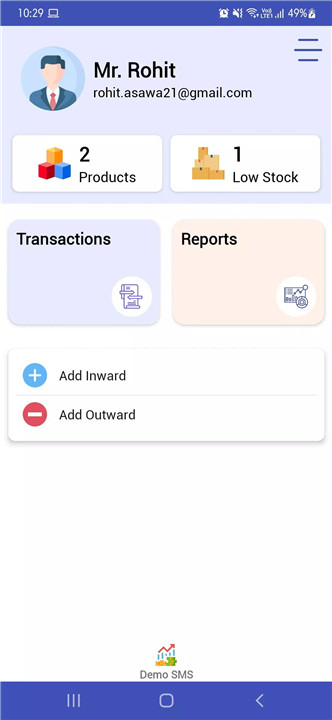
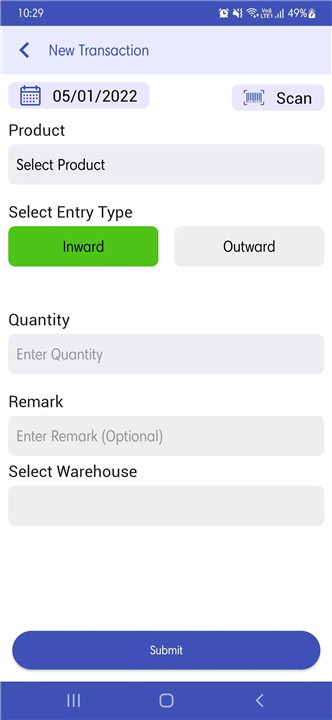
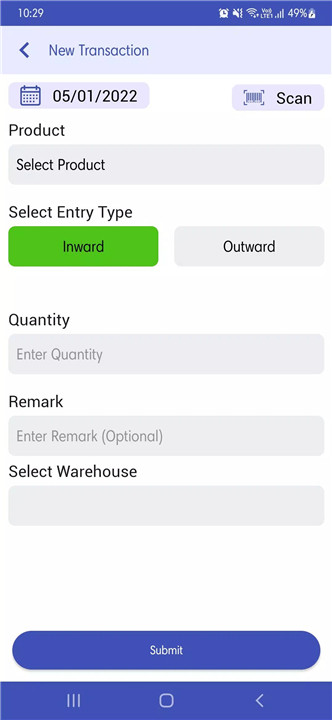
The app allows users to make inward and outward entries with ease. With real-time notifications sent to the admin upon each entry, the system ensures that everything is well-documented and accessible.
Stock Register & Reports Management
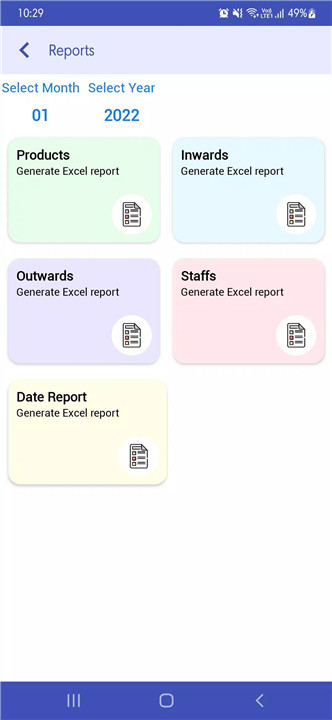
Keep track of all your inventory with a comprehensive stock register. This feature makes it easy to access your entire stock history and view transactions. Additionally, the app generates detailed reports, including inward and outward entries and staff-wise transactions, all in Excel format.
Warehouse Management
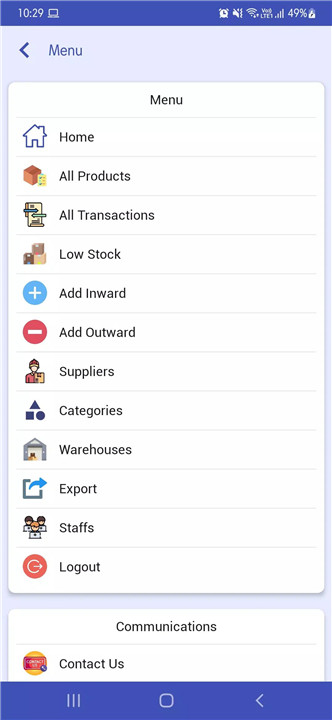
This app allows you to manage multiple warehouses, including adding, updating, or deleting warehouse information. You can also track stock levels in different locations, which ensures that you always know where your products are.
Low Stock Management
Set low stock thresholds for each product, and the app will notify you whenever stock levels fall below the defined limit. This proactive feature helps prevent stockouts and ensures that you can restock items before running out.
Customizable Access Levels
Admins can assign different access levels to staff members. This feature ensures that only authorized personnel can handle sensitive tasks.
Product Management & Barcode Scanning
Effortlessly manage products by categories and search for specific items quickly using the app's intuitive product search functionality. Additionally, the app supports QR code and barcode scanning, making inventory management even more convenient. Simply scan a product to instantly get information on stock levels and other details.
Easy-to-Use Interface
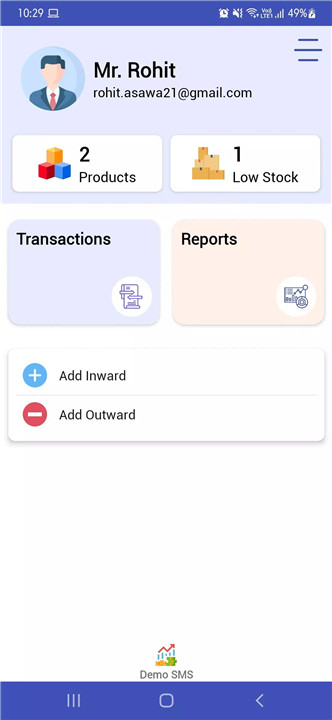
The app's simple and user-friendly interface makes it easy to manage stock and inventory even for users with no prior experience. The app also offers a web panel for desktop access, allowing you to manage your warehouse from both mobile and desktop platforms.
FAQs
1. What is the FullStack Inventory used for?
This app helps businesses and warehouses manage stock, inventory, and transactions efficiently by allowing users to track inward/outward entries, generate reports, and more.
2. Can I assign different access levels to staff?
Yes, the app allows admins to assign individual access rights to staff, including restricting them to inward or outward entries only, ensuring secure and controlled stock management.
3. Does the app support barcode scanning?
Yes, the app supports QR and barcode scanning, which makes inventory management easier and faster by providing instant information on product stock levels.
4. Can I generate reports from this app?
Absolutely! The app can generate detailed reports in Excel format, including inward and outward entries, staff transactions, and overall stock levels, all accessible from your device.
5. Is this app customizable for different warehouse needs?
Yes, the app is fully customizable and can be tailored to your specific stock management requirements. We also offer a web panel for desktop access if needed.
Version History
v3.6—1 Feb, 2025
- new updates and bug fixes
- category selection no longer needed after login
- new plans released
v3.5—27 Jul, 2023
Error is been handled at purchase code verification
v3.2—16 Apr, 2023
- buy price option in staff









Ratings and reviews
There are no reviews yet. Be the first one to write one.