

Music Volume EQ - Equalizer APK
8.4
Music Volume EQ - Equalizer
Music Volume EQ - Equalizer APK
Download for Android
Music Volume EQ - Equalizer
Elevate Your Audio Experience
• Unlock the full potential of your media with Music Volume EQ.
• This powerful tool empowers you to sculpt your sound in real time, ensuring that every note and every word is delivered with perfect clarity.
• Whether you are switching between apps or locking your screen, your customized settings remain active, providing a seamless and immersive listening journey.
Precision Tuning
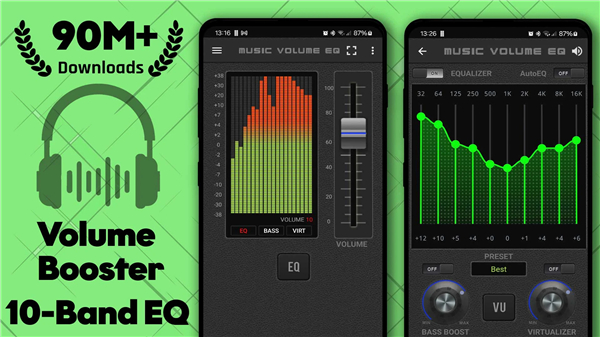
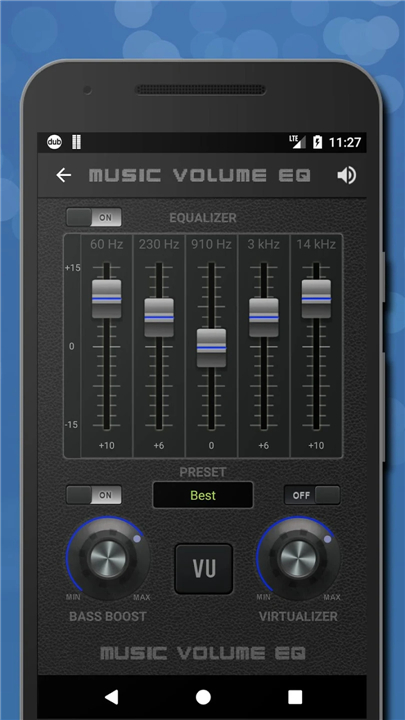
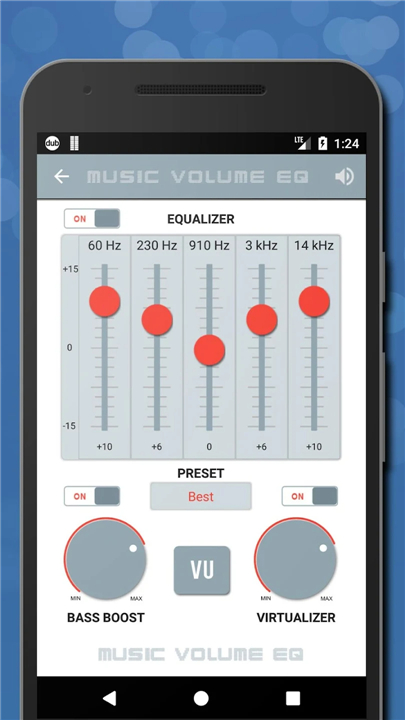
• Sculpt your sound using a versatile 5-band or 10-band equalizer to find the perfect balance.
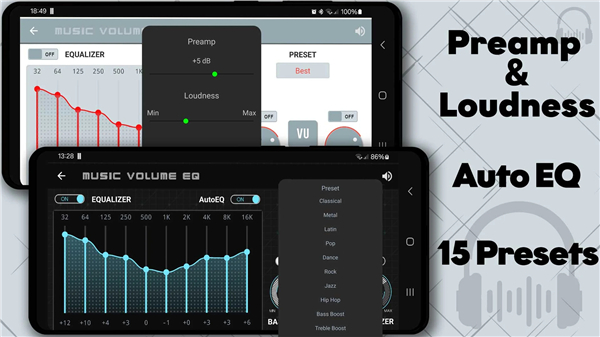
• Enhance clarity and loudness for quiet tracks or spoken-word audiobooks.
• Adjust left and right channel balance to compensate for hearing preferences or hardware variations.
Deep Immersion
• Feel the rhythm with a bass boost that adds profound depth without muddying the mix.
• Expand your soundstage with a 3D virtualizer, creating a cinematic experience through your headphones.
• Use Auto EQ to instantly apply optimized profiles specifically designed for your hardware.
Personalized Control
• Protect your audio quality at high volumes with built-in distortion reduction.
• Save and toggle between custom presets for different genres, videos, or headphones.
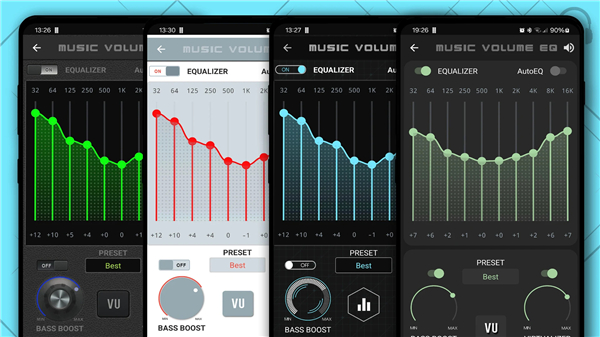
• Match the app to your personal style with a variety of visual themes.
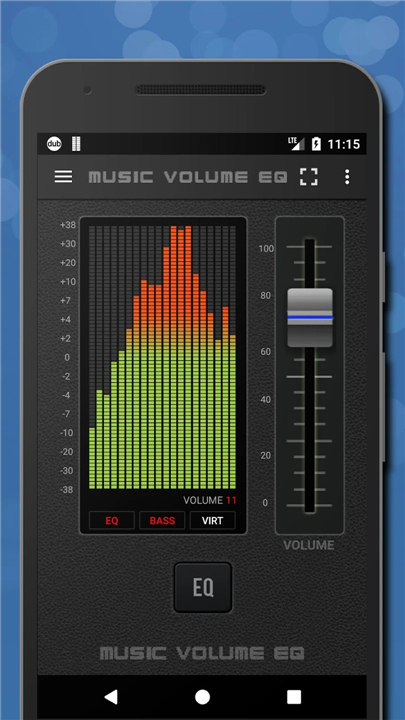
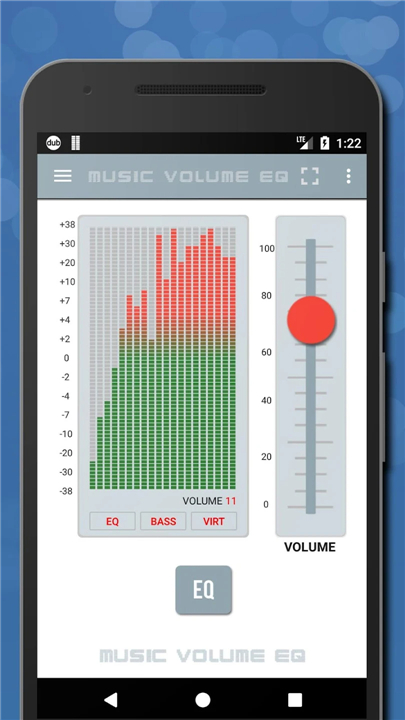
• Monitor your sound with live visualizers, home screen widgets, and quick-access notifications.
A Simplified Path to Better Sound
• Connect your preferred headphones or speakers.
• Begin playing your favorite music or video.
• Open the app to shape your audio in real time.
• Save your unique presets for future sessions.
• Select a visualizer or theme to complete the experience.
Download Music Volume EQ today
• Stop settling for standard audio and start experiencing your media the way it was meant to be heard.
• Take command of your soundscape.
FAQ
Q: Can I use Music Volume EQ with any headphones or speakers, or does it work only with specific models?
A: The app is designed to be hardware‑agnostic. Whether you are listening through inexpensive earbuds, high‑end over‑ear headphones, or desktop speakers, Music Volume EQ will apply its processing to the audio signal. For an even richer experience you can enable Auto EQ, which automatically selects a preset optimized for the model you have connected, but the app works perfectly well with any audio output device.
Q: How does the 5‑band versus the 10‑band equalizer affect my sound?
A: A 5‑band EQ provides the most straightforward way to adjust the major frequency ranges—bass, low‑mid, mid, high‑mid, and treble—ideal for quick tweaks. The 10‑band version splits those ranges into finer slices, giving you precise control over specific frequencies such as the presence of vocals or the punch of a drum kit. Choose the layout that matches how detail‑oriented you want to be.
Q: I often listen to audiobooks. Will Music Volume EQ help make the spoken words clearer?
A: Absolutely. By raising the mid‑range frequencies where human speech resides and gently reducing excessive low or high frequencies, you can dramatically improve intelligibility. The app even includes a preset called “Speech Boost” that applies these adjustments automatically, so you can start enjoying crystal‑clear narration with a single tap.
Version History
v8.4——6 May 2026
Elevate your audio with Music Volume EQ. Customize sound with 5/10-band equalization, bass boost, and 3D virtualizer. Download the latest version of Music Volume EQ - Equalizer to enjoy new features and updates immediately!
*8.4
Performance and battery improvements
*7.42
Important bug fixes and stability improvements
*7.4
Important bug fixes and stability improvements











Ratings and reviews
There are no reviews yet. Be the first one to write one.