

Email - Fast and Smart Mail APK
4.3.8_143_02112024
Email - Fast and Smart Mail
Email - Fast and Smart Mail APK
Download for Android
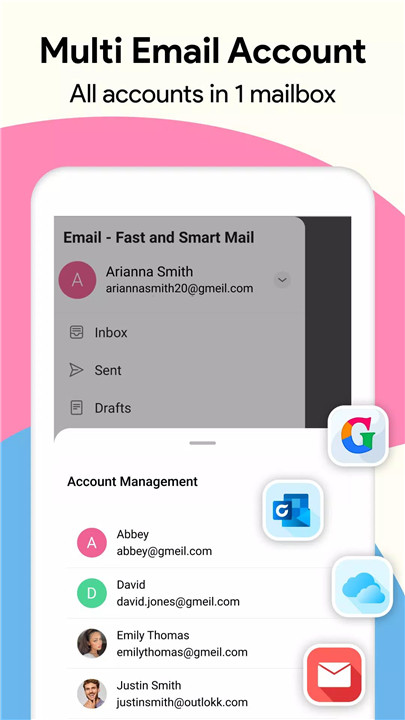
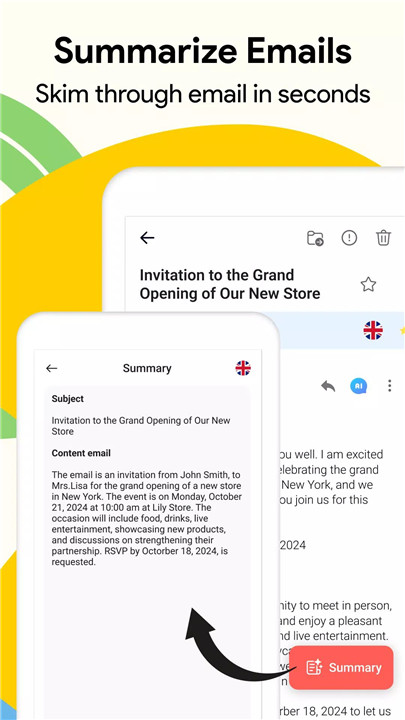
In today's fast-paced world, managing multiple email accounts can be overwhelming. This Email app offers a smart and streamlined solution for efficient email management. Whether you have Gmail, Outlook, or any other provider, this app lets you access and manage all your accounts in one place. Say goodbye to juggling different apps and interfaces – with this app, you can stay on top of your emails effortlessly.
Multiple Email Accounts
This app allows you to sign in with multiple email providers like Gmail, Outlook, Hotmail, and others. With just one app, you can manage all your accounts seamlessly, checking and managing emails from various sources in one central location. This feature saves you time and streamlines the process of handling multiple inboxes.
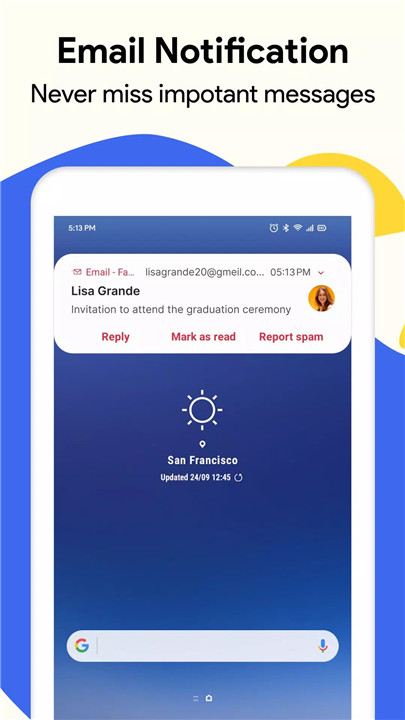
Instant Notifications
Never miss an important email again. The app ensures you receive immediate notifications, so you're always up to date with your inbox. Whether it's a work-related email or a personal message, get notified instantly and stay connected with your contacts in real-time.
Simple and Efficient Operation
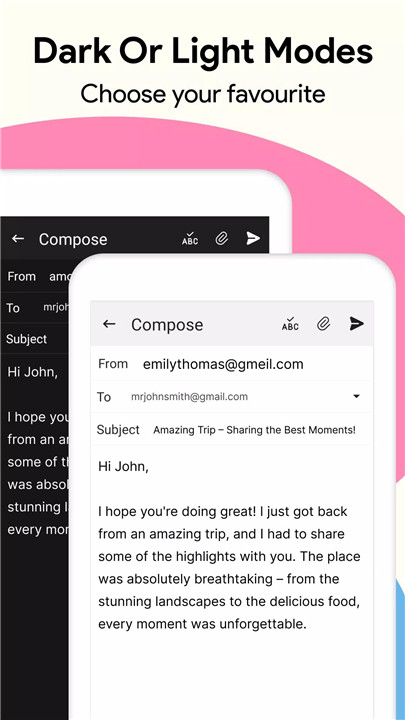
Logging into your email, sending, reading, writing, and deleting emails is made simple and intuitive with this app. The user-friendly interface allows you to quickly get to the emails you need to manage, so you can be more productive and organized.
Easy Email Management
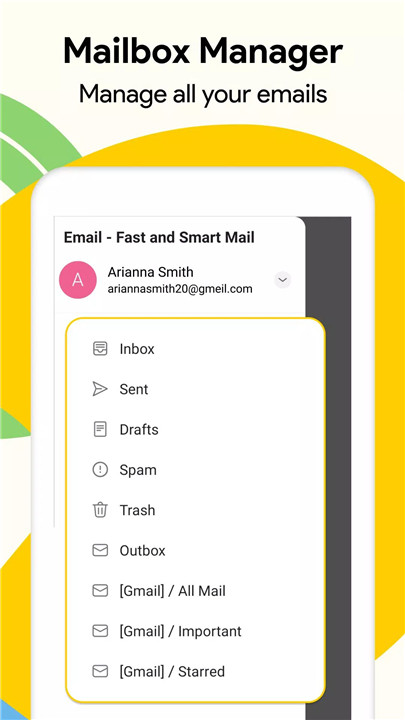
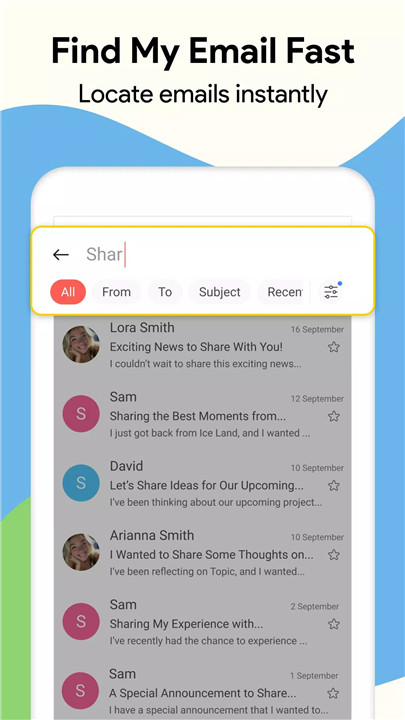
This app offers a smooth and straightforward email management experience. You can easily manage drafts, organize inboxes, and categorize emails. With everything under one roof, it’s never been easier to stay on top of your inbox.
Create Professional Signatures
If you frequently send emails for work or business, creating a smart and professional email signature has never been easier. The app provides an easy way to create and use custom signatures, adding a polished touch to your communications.
Special Features
The app also includes special features like inserting messages into your inbox and the ability to view and modify emails without the risk of accidentally deleting them. The interface is designed to be easy to use, even for shared emails, making it suitable for both personal and professional use.
FAQs
1. How do I add multiple email accounts?
You can easily add multiple email accounts such as Gmail, Outlook, and Hotmail by signing in with your credentials. The app supports a wide range of email providers, all in one place.
2. Is this app free to use?
Yes, the app is completely free to download and use. You can enjoy all its features without any cost.
3. How do I create a professional email signature?
The app allows you to create and save smart signatures that you can easily insert into your emails. It’s simple to use and ensures your emails always have a polished, professional touch.
--------------------------
What's New in the Latest Version 4.3.8_143_02112024
Last updated on Dec 11, 2024
Minor bug fixes and improvements. Install or update to the newest version to check it out!









Ratings and reviews
There are no reviews yet. Be the first one to write one.