

mLite - GPS Location Tracker APK
3.2.31
mLite - GPS Location Tracker
mLite - GPS Location Tracker APK
Download for Android
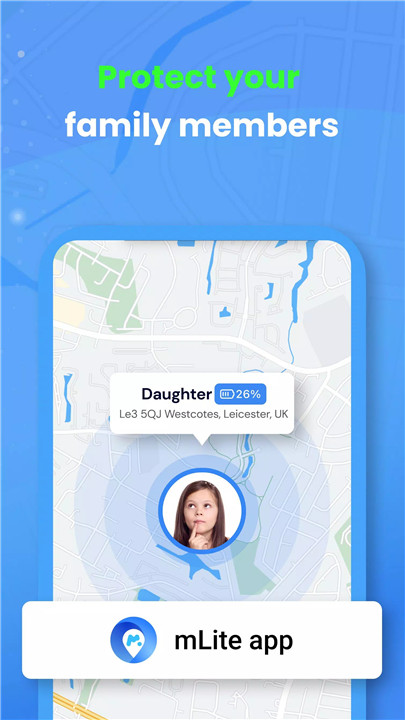
In today's digital age, ensuring the safety of your children while respecting their privacy can be a challenge. That's where mLite comes in—a comprehensive and trusted parental control app designed to empower parents to protect their children, a seamless way to stay connected with your child's safety while maintaining open communication and transparency.
Real-Time GPS Location Sharing
With mLite, you can stay connected to your child at all times by tracking their real-time GPS location. Whenever needed, simply open the app to see exactly where they are. This feature allows for seamless and transparent location sharing between family members, providing parents peace of mind about their child's whereabouts.
Geofencing Alerts
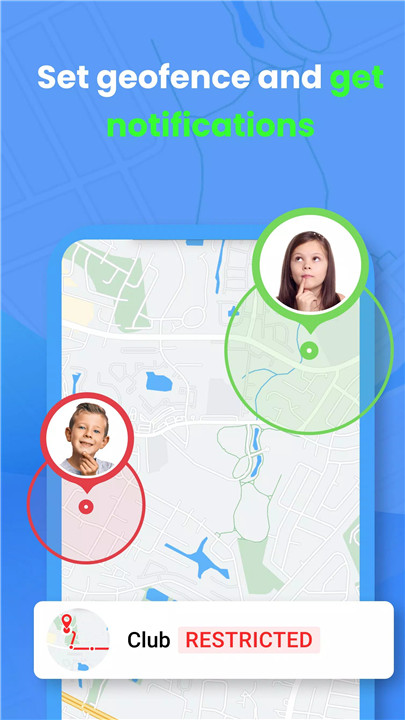
mLite makes it easy to create virtual safety zones (geofences) around areas you want your child to stay within, such as home, school, or a friend's house. You’ll receive instant alerts whenever your child enters or leaves these predefined zones. This helps you keep track of their movements while respecting their privacy and independence.
Location History Access
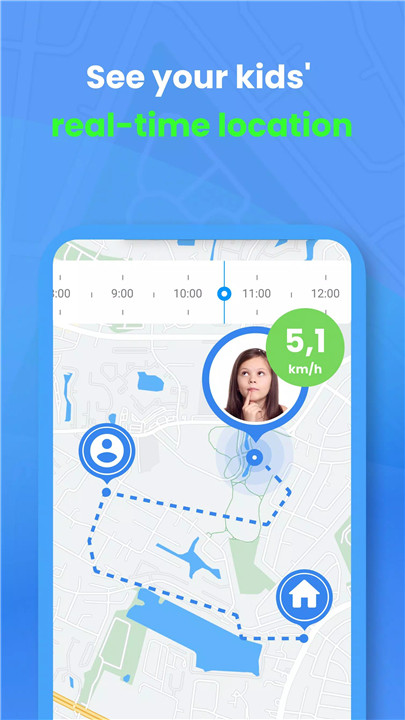
Gain deeper insights into your child’s daily activities with mLite’s location history feature. By reviewing their movements throughout the day, you can ensure that they are in safe environments and better understand their routines. This feature provides peace of mind, knowing that you can check past locations if needed.
Emergency Alarm Button
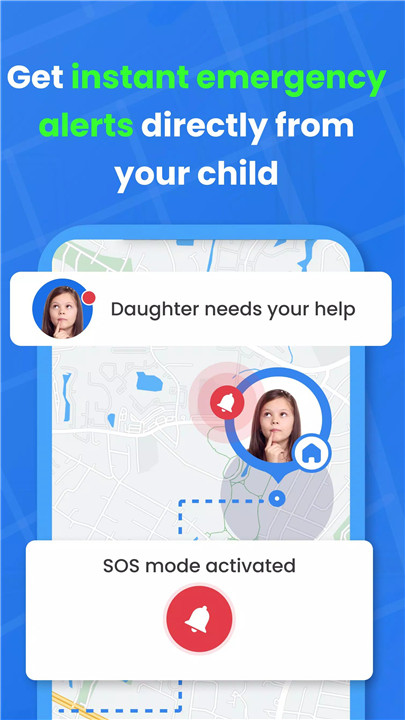
Safety is the top priority, which is why mLite includes an emergency alarm button that your child can activate if they’re in danger. With just one tap, an alert will be sent directly to your device, notifying you immediately so you can respond quickly in emergency situations.
Contact List Viewing
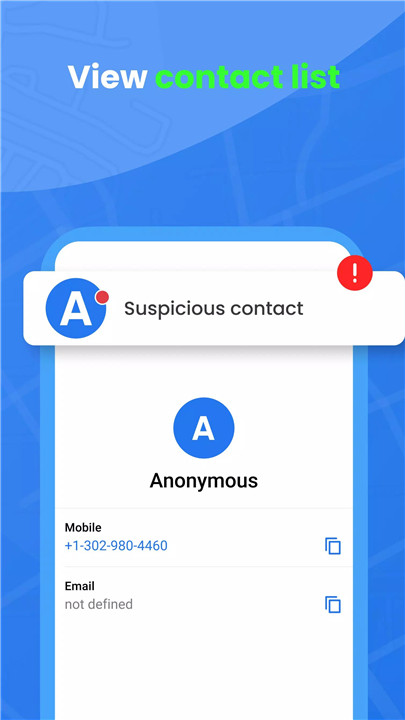
mLite helps parents ensure their child’s communication is safe by allowing you to review their contact list. This feature promotes responsible supervision and gives you confidence that your child is only interacting with trusted individuals.
Safe Communication Monitoring
With full parental consent, mLite allows you to monitor specific messaging apps to ensure your child’s online interactions remain safe. By reviewing their communication, you can promote responsible behavior and address any potential concerns.
FAQs
1. How does mLite work?
To use mLite, install the app on both your (parent) device and your child's device. After setting up your account and following the instructions, you can link the two devices and start using features like GPS tracking, geofencing, and communication monitoring.
2. How do I link my child’s phone?
You can link your child’s phone by sending an invitation link, scanning a QR code, or entering a text code. Once the child’s device is connected, you can start monitoring and setting safety features.
3. What can I monitor on my child’s phone?
On Android devices, mLite allows parents to monitor real-time GPS location, contact lists, installed apps, set up panic buttons, create geofences, and even record surroundings and use the camera (if both devices are Android).
4. Is mLite available on iPhones?
Some features, like communication monitoring and surroundings recording, are not available on iPhones. However, mLite still offers key features like GPS tracking, emergency alerts, and contact list monitoring on all devices.
5. Is mLite safe to use?
Yes, mLite prioritizes your family’s privacy and security. All data is handled with strict adherence to privacy regulations, and the app can only be used with the knowledge and consent of both parent and child.
Version History
v3.2.31—2 Jul, 2024
Minor bug fixes and improvements. Install or update to the newest version to check it out!
v3.2.30—8 Jun, 2024
v3.2.29—3 Jun, 2024









Ratings and reviews
There are no reviews yet. Be the first one to write one.