

Text Photo - Photo Text Editor APK
8.8.3_130_24122025
Text Photo - Photo Text Editor
Text Photo - Photo Text Editor APK
Download for Android
Text Photo - Photo Text Editor
Overview
• In today’s fast-paced digital world, where visual content floods every corner of social media and online platforms, capturing the attention of an audience has become more challenging than ever.
• Viewers are accustomed to seeing countless images daily, making it difficult for any single photo to stand out.
• However, combining impactful words with compelling imagery can create a powerful impression.
• Whether it’s a witty remark, a motivational quote, or a heartfelt message, text placed strategically on a photo can transform a simple image into a captivating piece of content.
• The "Add Text On Photo - Photo Text Editor" application makes this process simple and effective, giving users the tools to merge the art of language with the art of photography.
Key Features
1. Quick Text Addition
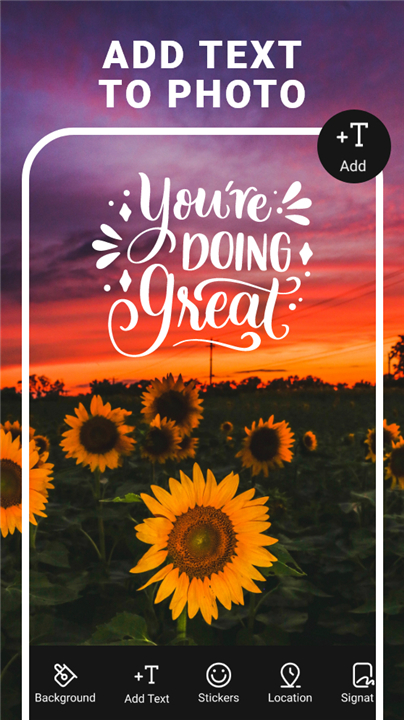
• Easily insert text onto photos to create quotes, memes, captions, or unique typography designs.
• Suitable for both casual use and creative projects.
2. Comprehensive Font Options
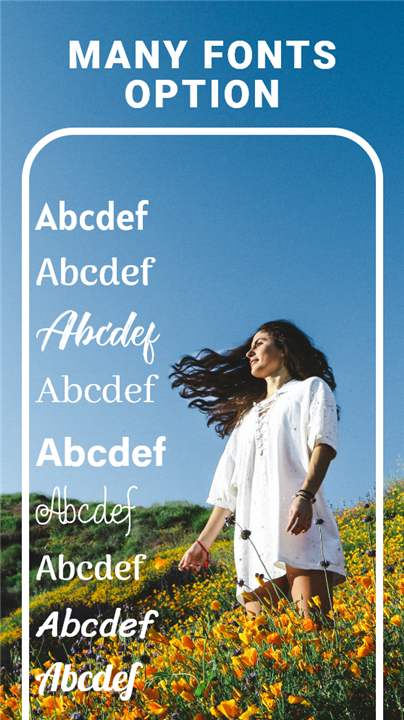
• Over 100 fonts and designs available.
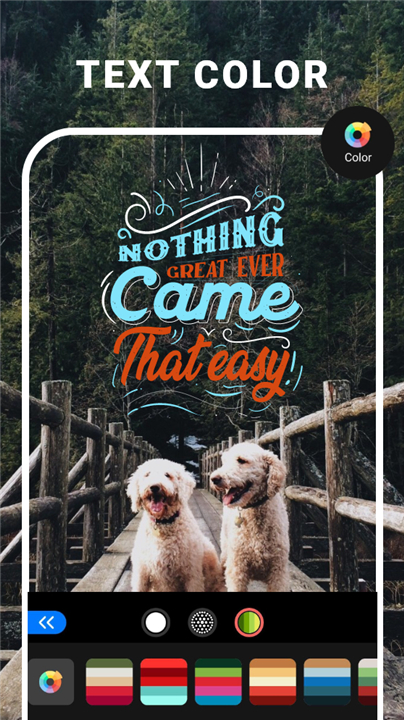
• Adjust text size, opacity, color, positioning, angle, rotation, bold, italic, capitalization, alignment, line spacing, letter spacing, text wrapping, shadow, outline, glow, flipping, and mirroring.
• Create thousands of typography variations with ease.
3. Professional Editing Tools
• Includes photo editing options such as filters, cropping, effects, brightness, contrast, saturation, color adjustments, blur, sharpen, and transparency.
4. Customizable Text Effects
• Modify text with shadows, decorative elements, strokes, borders, and other enhancements.
5. Additional Creative Resources
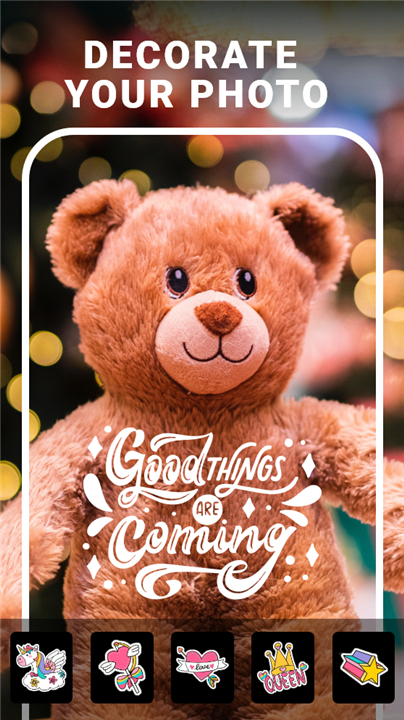
• Access a wide range of stickers for unique photo customization.
• Choose from various themed backgrounds, including cool designs, romantic imagery, floral scenes, and more.
Output and Sharing
• Save your creations in high resolution and share them instantly with friends or on social media platforms.
Ongoing Development
• As the application continues to evolve, user feedback is highly valued.
• Suggestions and comments help improve features and enhance the overall photo text editing experience.
• For feedback or ideas, contact: vancanhgarim@gmail.com.
FAQ
Q: How do I place and customize text on my image?
A: After selecting or importing your photo, simply tap the text tool, type your message, and watch it appear on the canvas. From there, you can drag it to your desired spot, pinch to resize, and rotate with two fingers. Tapping the text again brings up a menu where you can change font style, color, opacity, alignment, line spacing, letter spacing, and even add decorative elements like shadows, outlines, or glows—all in real time so you can see exactly how your design evolves.
Q: Can I use multiple text boxes in one project?
A: Absolutely. You’re free to add as many text boxes as you like, each with its own unique styling. This flexibility makes it easy to mix quotes, captions, or labels on the same photo. Simply repeat the text-adding process for each new line or block of text, then individually adjust positioning and effects until you have the perfect layered design.
Q: What photo editing features are included?
A: Beyond text, the app offers a suite of professional editing tools. You can apply filters, crop and straighten images, tweak brightness, contrast, saturation, hue, and color temperature, or add blur and sharpen effects. These enhancements help ensure your background image is as captivating as the words you place on top.
Version History
v8.8.3_130_24122025——5 Jan 2026
Text On Photo - easy to make quote photos, typography. Download the latest version of Text Photo - Photo Text Editor to enjoy new features and updates immediately!
*8.8.3_130_24122025
Minor bug fixes and improvements. Install or update to the newest version to check it out!
*8.8.2_129_04112025
Minor bug fixes and improvements. Install or update to the newest version to check it out!
*8.7.9_126_30102025
Minor bug fixes and improvements. Install or update to the newest version to check it out!









Ratings and reviews
There are no reviews yet. Be the first one to write one.