

WaveUp
Rethink How You Interact with Your Device
• WaveUp transforms a simple daily routine into a seamless experience.
• Built from a desire to eliminate repetitive button presses and powered by the spirit of open-source software, WaveUp lets you wake and lock your phone with effortless gestures.
Key Features
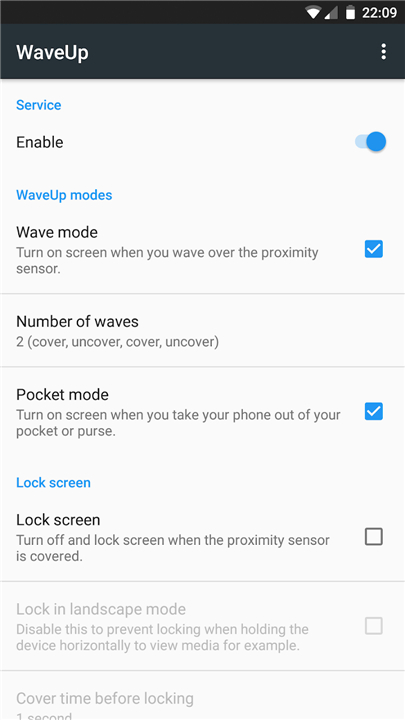
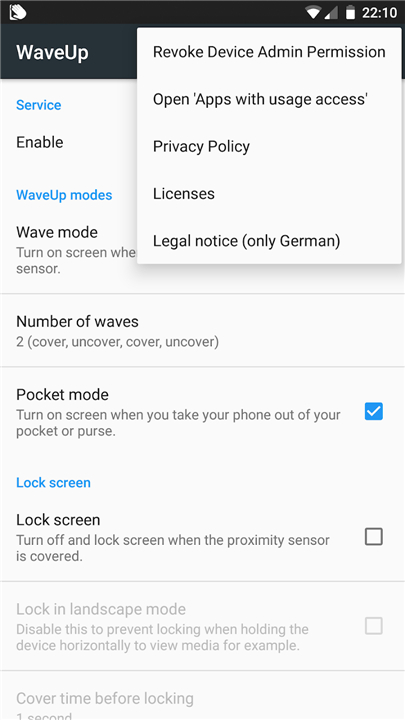
• Wave Mode: Wake your screen instantly by floating your hand over the proximity sensor.
• Pocket Mode: Display your screen automatically the moment you draw your phone from a pocket or bag.
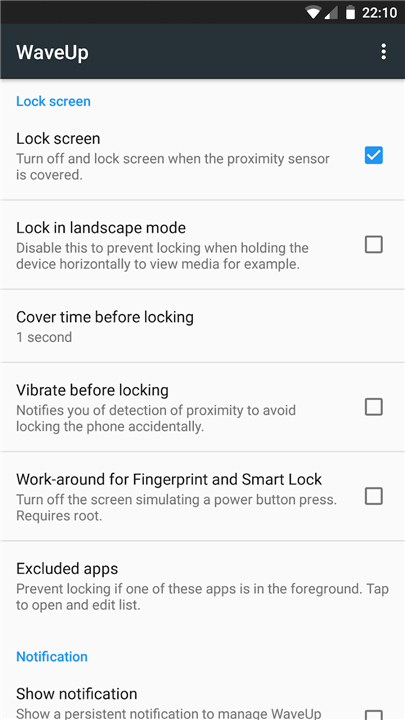
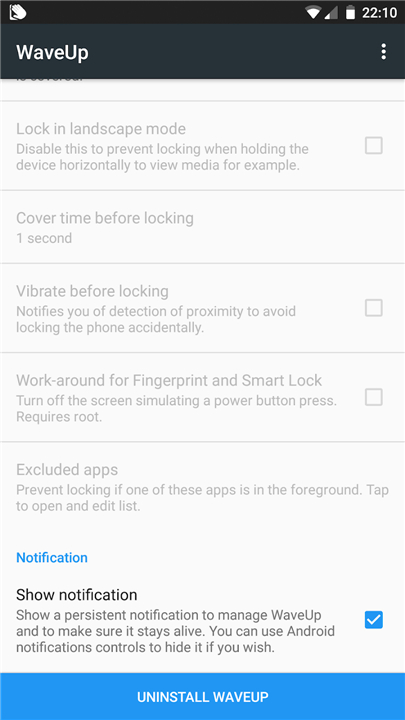
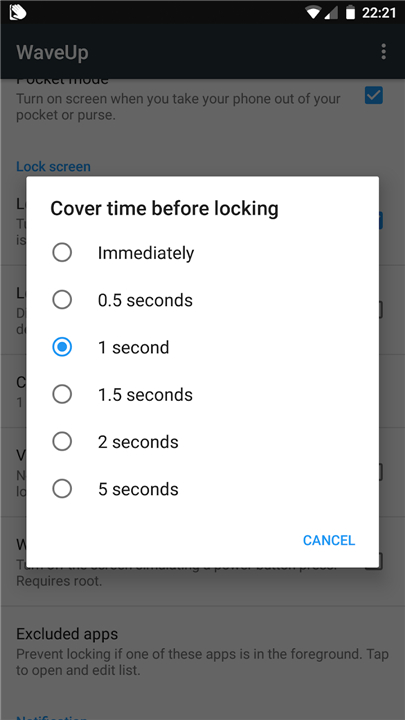
• Touchless Lock: Cover the sensor briefly to secure your phone without touching a physical button.
How It Works
• Proximity Detection: Uses the tiny, invisible sensor near your phone's top earpiece to detect motion.
• Smart Pauses: Automatically pauses sensor activity during calls or Bluetooth connections to avoid interruptions.
Privacy and Performance
• Zero Data Collection: Features like Accessibility Services (Android 9+) and Device Admin (Android 8 and below) are used exclusively to lock your screen. Your personal data remains entirely private.
• Efficient Operation: Optimized for minimal battery usage, though performance depends on how your specific hardware handles sensor processing.
Important Usage Notes
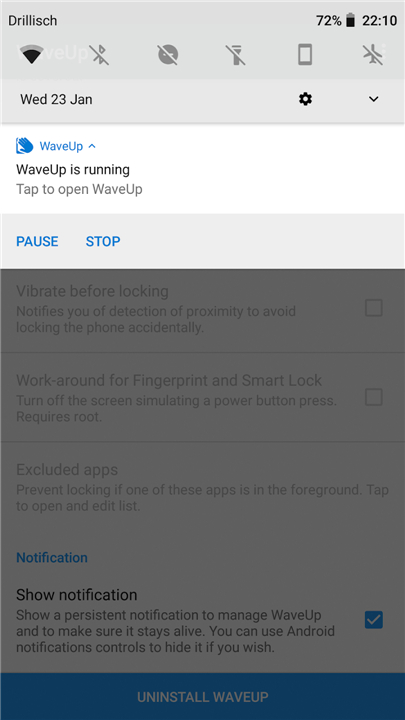
• Required Permissions: Uses system permissions (such as Boot Complete and Wake Lock) solely to run smoothly in the background.
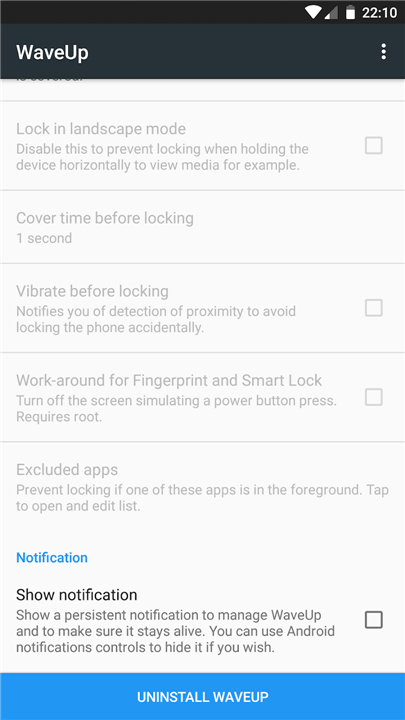
• Uninstallation (Android 8 and older): Due to Device Admin settings, please use the dedicated "Uninstall" button within the app menu to remove it cleanly.
Join an Open-Source Journey
• WaveUp began as a personal passion project and my very first open-source contribution.
• It stands as a testament to what open collaboration can achieve.
• You are invited to explore, tinker, and help shape its future.
+ Source Code: https://gitlab.com/juanitobananas/wave-up
+ Translations: Help make WaveUp accessible in your language at https://explore.transifex.com/juanitobananas/waveup/
+ Community: View full documentation and acknowledgments at https://gitlab.com/juanitobananas/wave-up/#acknowledgments
FAQ
Q: How does the app detect my hand movements without using the camera?
A: The app relies on the proximity sensor, which is a small and usually invisible component located near the top earpiece of your smartphone. This sensor is designed to detect when objects are close to the screen, allowing WaveUp to interpret your waves or covers as specific commands to toggle the display.
Q: Can you explain how Wave Mode works for waking the screen?
A: Wave Mode is one of the primary features that allows you to wake your screen instantly by simply hovering or floating your hand over the top part of your device. This is particularly convenient when your phone is lying on a desk and you want to check notifications quickly without picking it up or searching for the side button.
Q: What is the benefit of using Pocket Mode?
A: Pocket Mode is designed for users who want their phones to be ready the moment they are needed. By monitoring the proximity sensor, the app detects when you draw your phone out of a pocket or bag and automatically turns the screen on for you, saving you the extra step of manual activation.
Version History
v3.2.33——17 Aug 2026
Turn on the display by waving Download the latest version of WaveUp to enjoy new features and updates immediately!
*3.2.33
• Update Arabic and Russian translations.
*3.2.31
• Fixed screen not turning on when a wave is detected in some cases.
• App list now shows a loading spinner on startup instead of appearing empty.
• App list loads faster.
*3.2.17
• Remove 'Excluded apps' option (Google Play only). F-Droid ones remain fully functional. Google doesn't allow WaveUp to read installed apps, which is necessary for this.











Ratings and reviews
There are no reviews yet. Be the first one to write one.