

My Tasks: Lists and Schedules APK
8.1.0
My Tasks: Lists and Schedules
My Tasks: Lists and Schedules APK
Download for Android
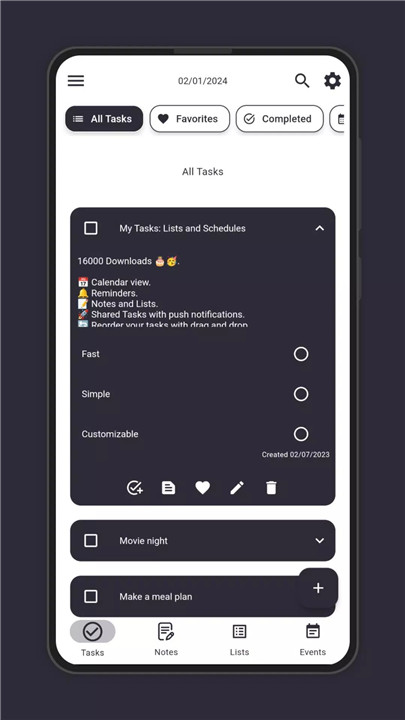
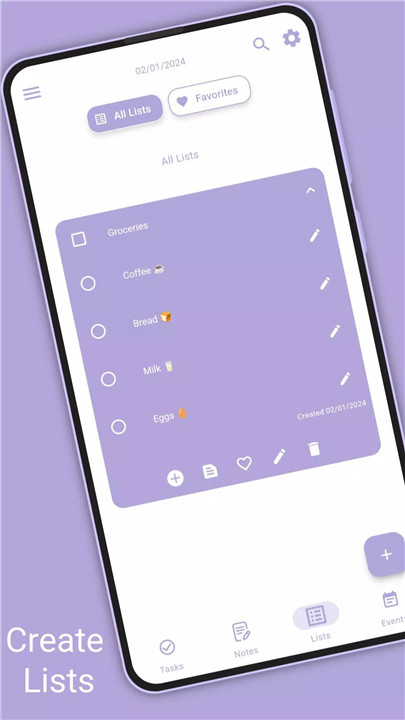
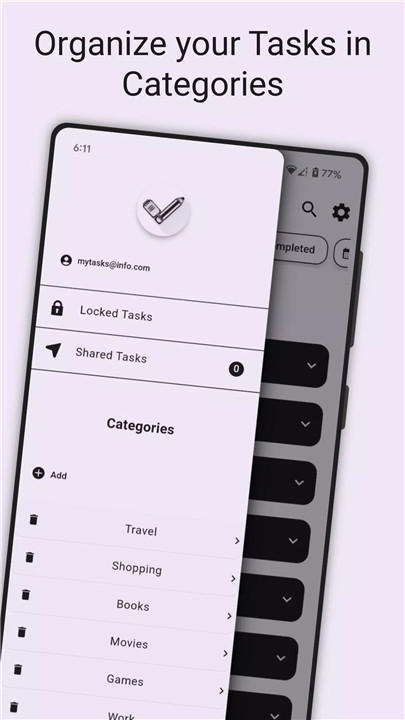
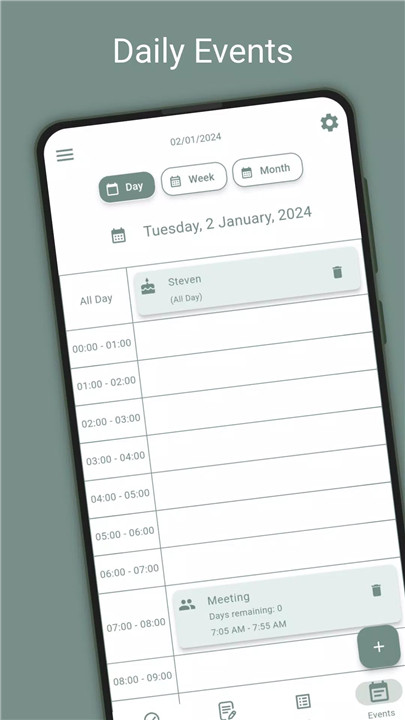
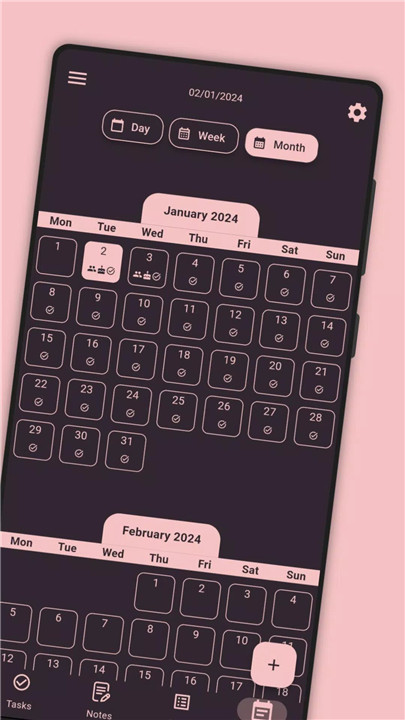
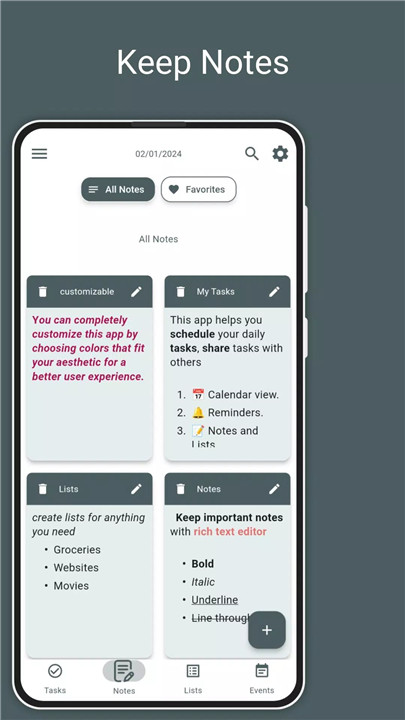
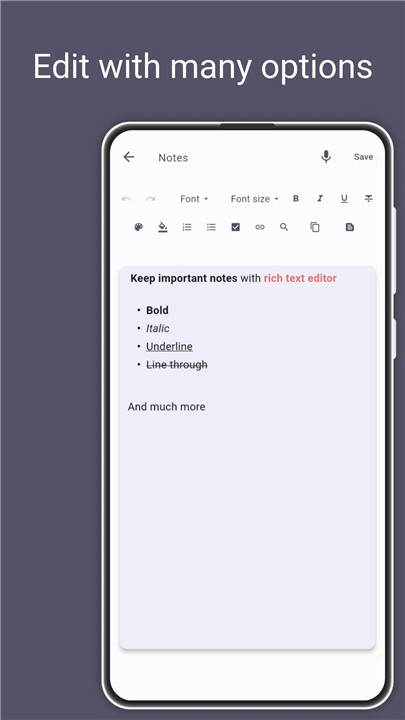
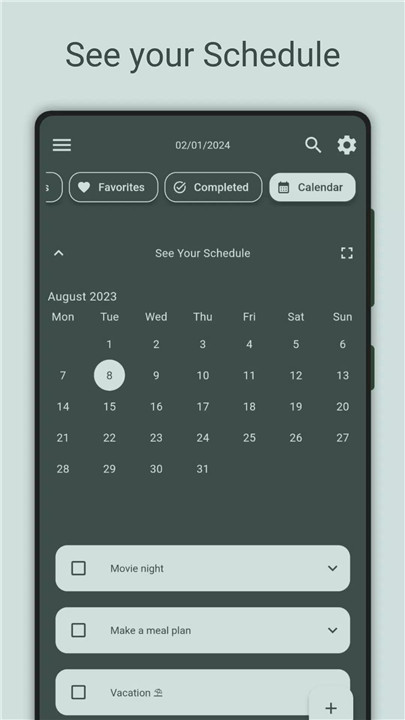
This ultimate to-do and task management app revolutionizes the way daily activities are organized. Designed to boost productivity and keep users on track, it combines intuitive features with customization options to meet individual needs. The app caters to both casual users and those requiring advanced tools with its free and premium versions.
Calendar View
Stay on top of daily, weekly, or monthly plans with a clear, visual calendar interface. This feature enables efficient tracking of all tasks and events in one place, helping users visualize their schedules at a glance.
Schedule Planner
Plan the day or weeks ahead effortlessly with scheduling tools that make task management smooth and efficient. This planner helps prioritize important activities and optimize time usage.
Events and Reminders
Never miss birthdays, deadlines, or special occasions thanks to the built-in event management system. Users can also set reminders for both tasks and events to receive timely notifications, ensuring nothing falls through the cracks.
Tasks, Notes, and Lists
All essential productivity needs are met with robust tools to create, edit, and organize tasks, notes, and various personalized lists. This consolidates multiple organizational needs into one app.
Premium Features
For enhanced productivity, premium users can share tasks with friends and family with real-time push notifications, collaborate seamlessly, and boost teamwork. Additional premium capabilities include drawing notes for creative expression, extracting editable text from PDFs and photos, and securing data with online backup.
Drag and Drop Reordering
Easily reorder tasks by dragging and dropping, allowing users to prioritize quickly and efficiently without hassle.
Customization Options
Personalize the app with customizable colors and themes, creating a user experience that reflects individual preferences and styles.
Security and Privacy
Confidential notes and tasks are protected in a locked folder, providing peace of mind that sensitive information remains private and secure.
FAQs
1. Is the app free to use?
Yes, the app offers a powerful free version with essential features for everyday task management.
2. What premium features are available?
Premium features include shared tasks with push notifications, drawing notes, text extraction from PDFs and photos, and online backup.
3. Can tasks be rearranged easily?
Yes, tasks can be reordered effortlessly using drag and drop functionality.
4. How does the app ensure privacy?
Private notes and tasks can be stored in a locked folder to keep data secure and confidential.
5. Does the app support reminders and event management?
Absolutely, users can set reminders for tasks and manage important events to stay on schedule.
Version History
v8.1.0—23 May, 2024
Fix event hours format bug.
Reorder Notes with drag and drop.
Reorder list items in lists full screen bug fixed and general fixes.
General and Performance Improvements.
v7.9.1—18 Apr, 2024
Device time format.
New Premium Feature Added:
-Image to text recognition in Tasks, Lists and Notes.
Bug Fixes.
General and Performance Improvements.
v7.8.3—23 Mar, 2024
Repetition of Tasks on Specific Days of the Week.
New Premium Features Added:
1) Drawing Note.
2) Extract text from PDF in Tasks and Notes.
Fixed Reorder Problem on Some Devices.
More Stable Notification System.
Notification Actions to Quickly Delete or Complete a Task.
Fixed Subtasks Reorder Bug.
General and Performance Improvements.











Ratings and reviews
There are no reviews yet. Be the first one to write one.