

The Rogers Xfinity app is your ultimate tool for managing your home WiFi, connected devices, and smart home features. Exclusively available with Rogers Xfinity plans and TV bundles that include the Rogers Xfinity Gateway in Ontario, New Brunswick, and Newfoundland, this updated app offers more convenience, security, and control.
Manage Your WiFi
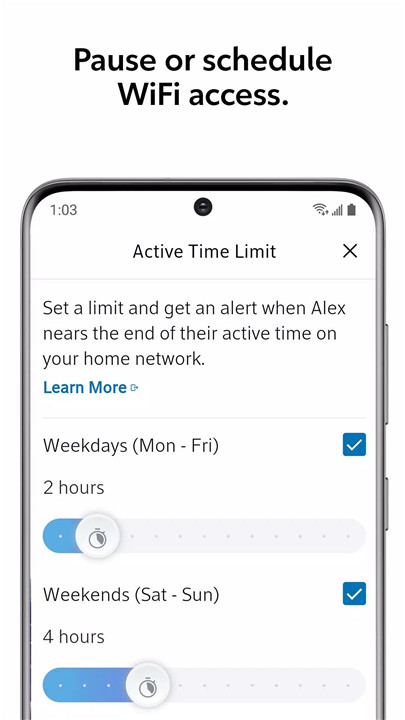
The Rogers Xfinity app puts you in full control of your home WiFi. You can easily see who's connected, pause or schedule WiFi access, and even set active time limits to ensure everyone is online at appropriate times.
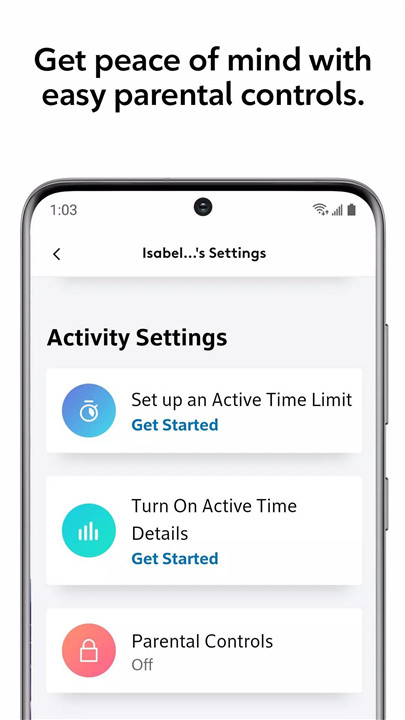
Parental Controls for Peace of Mind
With the app’s intuitive parental controls, you can protect your loved ones by managing internet usage. Set specific time limits or even block internet access to certain devices during certain hours, providing you with peace of mind as you manage online activity from anywhere.
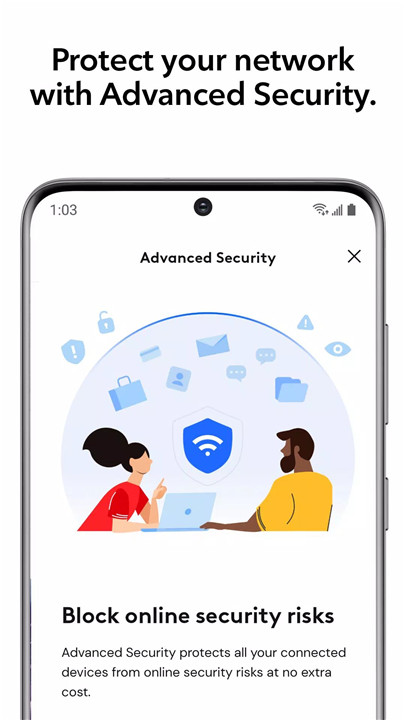
Advanced Security
Your home network security is a top priority. Rogers Xfinity provides advanced security to protect all your connected devices. With automatic threat blocking and 24/7 monitoring, you’ll receive alerts on suspicious activity, ensuring your network stays safe without any effort on your part.
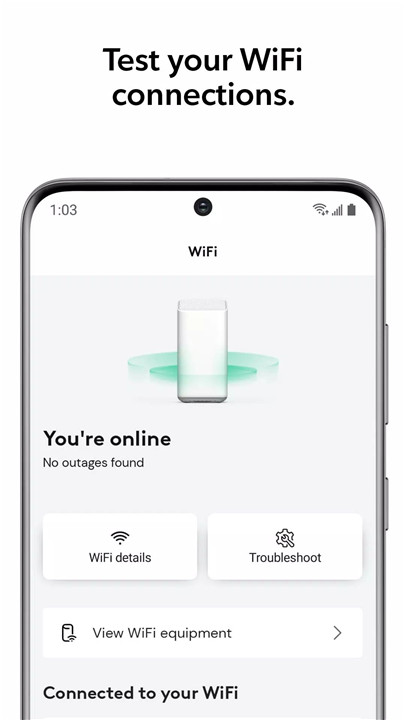
WiFi Testing & Optimization
The app lets you test your WiFi connections, ensuring that all your devices are getting the best possible signal. You can easily troubleshoot issues without the need to call technical support, making it simple to keep your network running smoothly.
WiFi Password Management
Never forget your WiFi password again! The app allows you to quickly check, update, or share your WiFi password with ease, saving you time and hassle.
Control Smart Devices
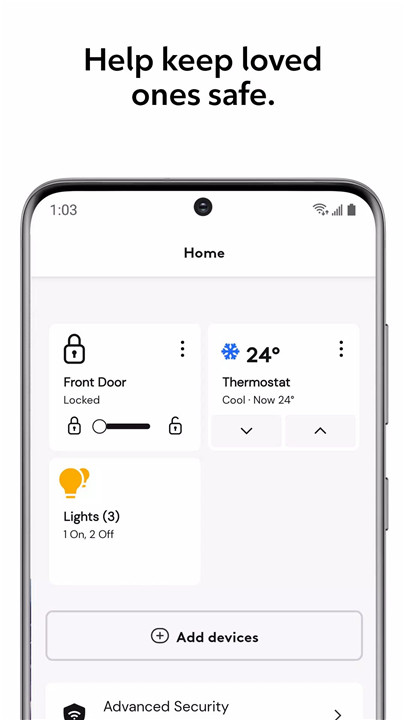
Rogers Xfinity integrates with your smart home, allowing you to link and control devices like smart lighting, thermostats, and door locks from popular brands—all through a single app. Stay connected and maintain control over your home’s technology at all times.
Rogers Xfinity Self Protection
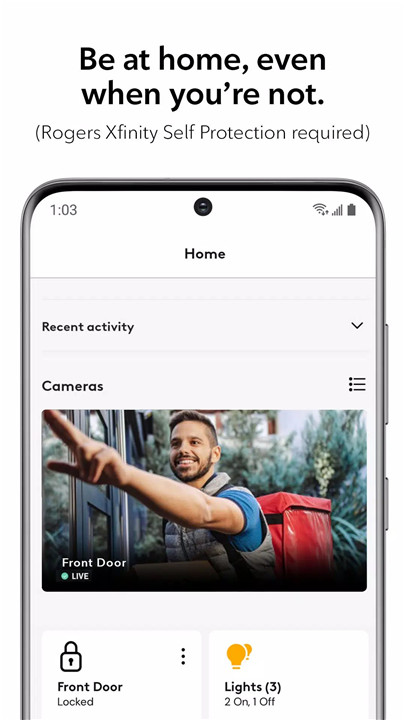
For added protection, you can add Rogers Xfinity Self Protection to any Xfinity internet plan. With 24/7 home monitoring, you can keep an eye on your home, providing ultimate security and convenience right at your fingertips.
Getting Started
Getting started with the Rogers Xfinity app is simple. If you're unsure whether you have the Rogers Xfinity Gateway, you can easily check on rogers.com/myrogers. After downloading and installing the app, sign in using your MyRogers username and password to begin managing your home network and connected devices.
FAQs
1. Is Xfinity owned by Rogers?
No, Rogers Xfinity is part of the Rogers Ignite suite of products. It's a partnership between Rogers and Comcast, offering Canadians faster speeds, better entertainment, and enhanced home security services.
2. Is the Rogers Xfinity Stream App free?
The Rogers Xfinity Stream app is available at no extra cost for TV subscribers with On Demand. Availability and channel access depend on your TV plan and the mobile distribution rights for Shaw/Rogers.
3. Where can I use the Rogers Xfinity app?
The app is available for customers in Ontario, New Brunswick, and Newfoundland, who have the Rogers Xfinity Gateway as part of their bundle or internet plan.
4. What devices are compatible with the Rogers Xfinity app?
The app is designed for smartphones and is available to download on your Android or iOS device. It is not compatible with other devices.
5. Can I manage smart home devices with the Rogers Xfinity app?
Yes, the app allows you to link and control various smart devices such as lights, thermostats, and locks from popular brands, all from one centralized location.
Version History
v5.19.0-0—3 Apr, 2024
Minor bug fixes and improvements. Install or update to the newest version to check it out!
v5.18.0-6—13 Mar, 2024
v5.17.0-8—24 Feb, 2024









Ratings and reviews
There are no reviews yet. Be the first one to write one.