

Remote Mouse is a powerful and user-friendly app that transforms your Android device into a wireless remote control for your computer. With over 20 million users worldwide and featured on popular tech platforms like CNET, Mashable, and Product Hunt, Remote Mouse is a go-to app for anyone seeking a seamless remote desktop experience.
Fully Simulated Mouse Functionality
Remote Mouse allows you to control your computer with a fully simulated mouse. You can use your Android device’s touchscreen to move the cursor, simulate clicks, and scroll. For even greater convenience, you can activate the gyro mouse feature, which lets you move the cursor by tilting your phone.
Keyboard & Voice Input Support
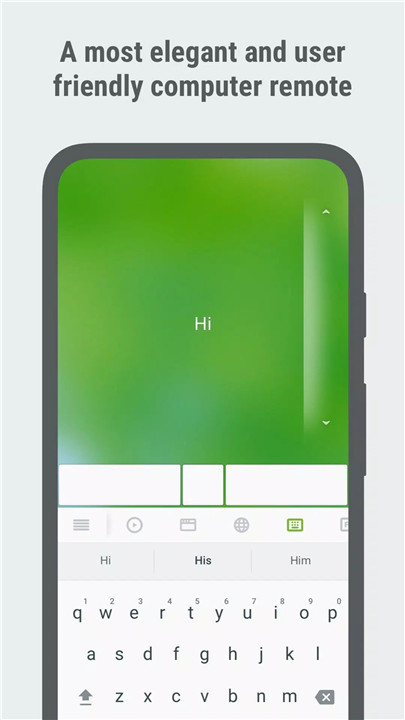
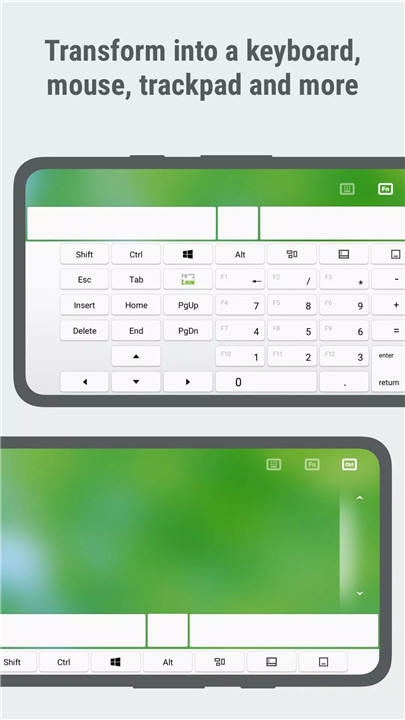
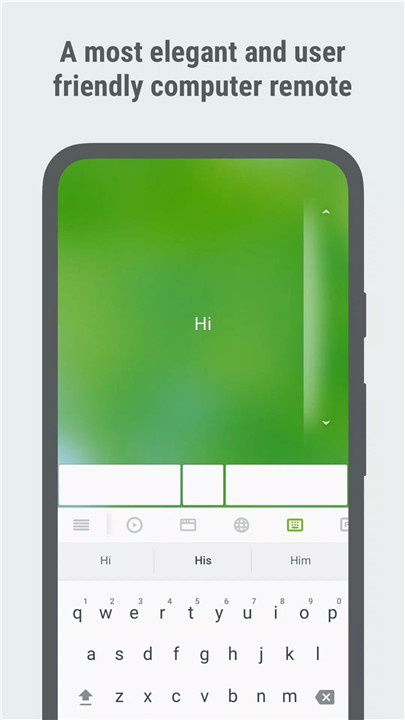
The app offers a fully integrated keyboard that supports system and third-party applications, and it even works in multiple languages. You can also use voice typing if the soft keyboard supports voice recognition, making typing even easier. Additionally, you can send various keyboard shortcuts to your computer.
Touchpad and Multi-Touch Gestures
Remote Mouse simulates the Apple Magic Trackpad, allowing you to control your computer with multi-touch gestures. Whether it’s pinch-to-zoom or swipe actions, the touchpad feature provides a smooth, intuitive experience for navigating your computer remotely.
Specialty Control Panels
Remote Mouse includes various specialized control panels for different tasks:
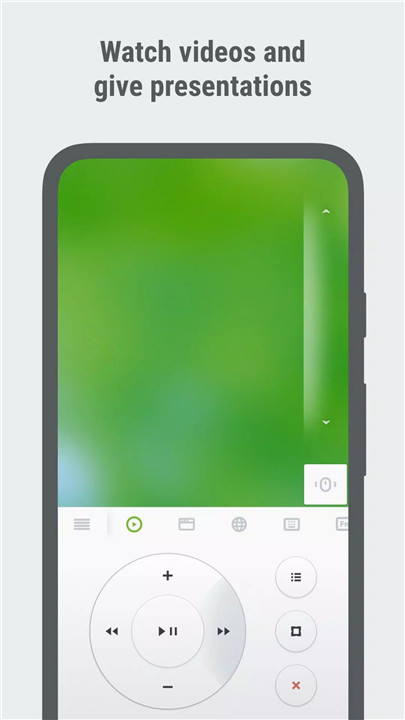
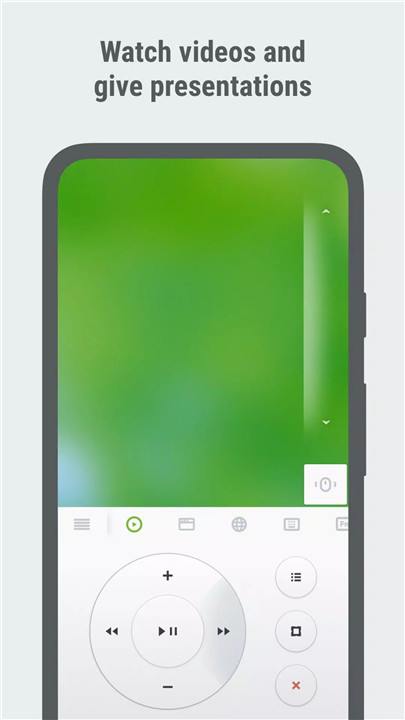
- Media Remote: Control media players like iTunes, VLC, and Windows Media Player.
- Web Remote: Browse the internet remotely on Chrome, Firefox, or Opera.
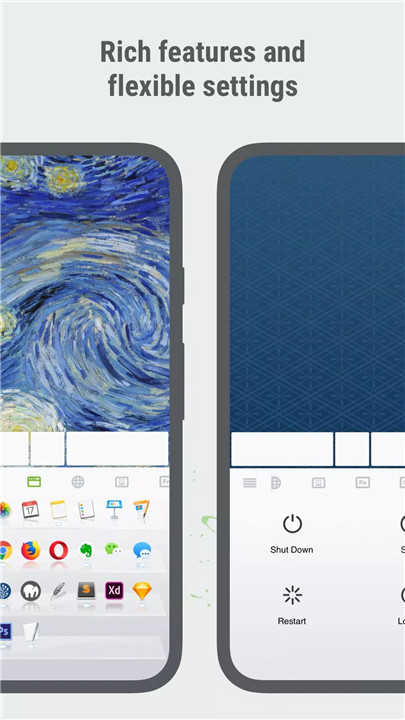
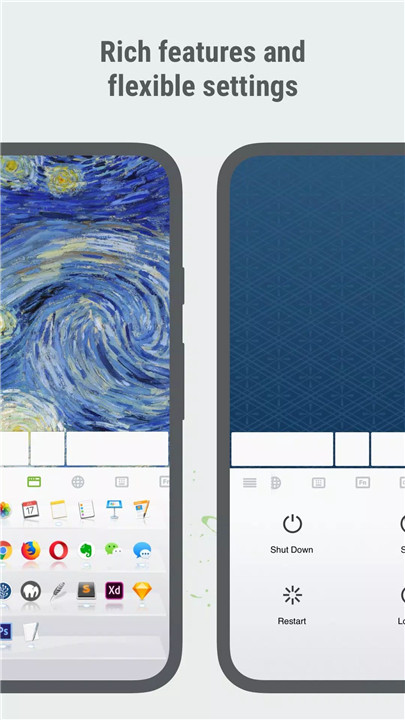
- Application Switcher: Easily switch between applications without lifting a finger.
- Power Options: Remotely shut down, restart, or put your computer to sleep.
Cross-Device Clipboard & Additional Features
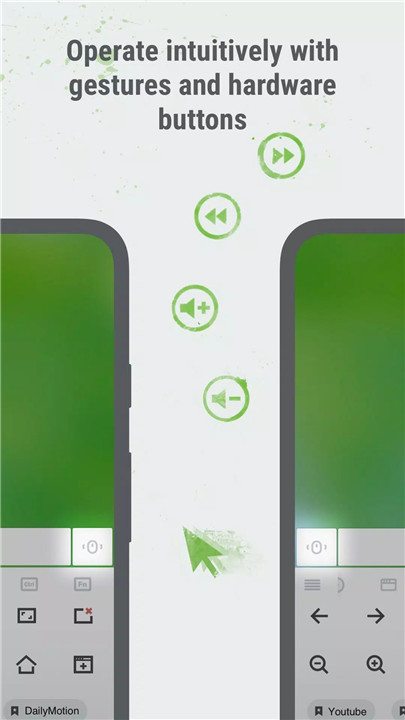
The app includes a cross-device clipboard that lets you copy and paste text between your mobile device and computer. You can also use the physical volume buttons on your mobile device to control the volume on your computer, set passwords for secure connections, and even customize the app's wallpaper.
Seamless Connection Options
Connecting Remote Mouse is simple and flexible. You can connect via Wi-Fi, Bluetooth, or IP address. The app even offers auto-connect options and a QR code system for quicker setup. It’s compatible with Windows, Mac OSX, and Linux, offering excellent cross-platform support.
FAQs
1. What does Remote Mouse do?
Remote Mouse lets you control your computer from your mobile device, functioning as a mouse, keyboard, and more.
2. Why is my Remote Mouse not working?
Ensure the Remote Mouse desktop application is running on your computer, and check your Wi-Fi or Bluetooth connection. Both devices must be on the same network.
3. Can I use Remote Mouse without Wi-Fi?
Yes, you can use Bluetooth to connect. Simply enable Bluetooth on both your computer and mobile device to establish a connection.
4. Why is it laggy?
For Wi-Fi connections, keep your mobile device close to the router and use the 5 GHz band. For Bluetooth, keep your mobile device near your computer and avoid interference.
5. How do I disconnect Remote Mouse?
On Android, tap the Back button to disconnect. On iPhone, exit the app or lock the screen to disconnect automatically.
Version History
v5.102—24 Oct, 2023
* Cross-Device Clipboard Syncing: Effortlessly copy and paste text and images between devices. No more manual typing or transferring of files. Just copy to one device and paste on another.
* Linux and Steam Deck support: Beyond our existing Windows and macOS compatibility, we're thrilled to announce support for Linux and Steam Deck. Seamlessly use our app to control any of these devices.
v5.101—20 Feb, 2023
* Added cross-device clipboard syncing: You can now copy and paste text, and images across devices without having to manually type or transfer files. Simply copy the content to your clipboard and paste it on your other device.
* Linux and Steam deck support: In addition to Windows and macOS, our app now supports Linux and Steam Deck. This means you can easily use our app to control any device.
v5.010—2 Jan, 2023
Fixed a bug on some Android devices where the computer could not be found.









Ratings and reviews
There are no reviews yet. Be the first one to write one.