

Histor MY Color
Your World, Your Palette
• Turn your home into a reflection of who you are with Histor MY Color.
• Every shade tells a story, and your personal palette brings that story to life.
Find Inspiration Everywhere
• Notice the colors that make you feel at ease, excited, or inspired.
• Draw from nature, travel, art, or your favorite spaces.
• Choose tones that match your mood, personality, and style.
Discover Your Perfect Shade
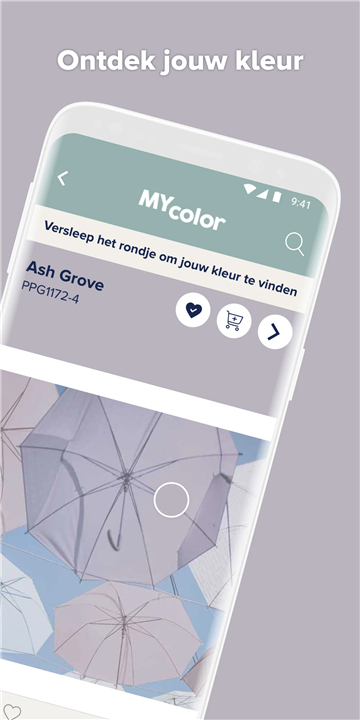
• Use the Match a Photo feature in the Histor MY Color app to capture colors from your surroundings.
• Instantly find the closest Histor paint color to your chosen inspiration.
Create Your Ideal Palette
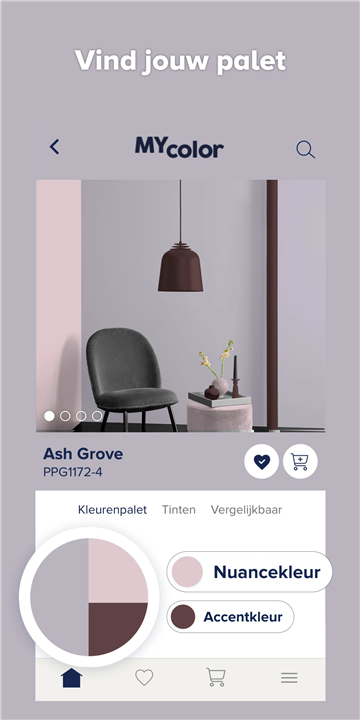
• Explore harmonious color combinations recommended by the app.
• Visualize how these shades will transform your interior before you start painting.
Work on Multiple Projects
• Manage several rooms at once within the app.
• Switch easily between projects with all your ideas automatically saved.
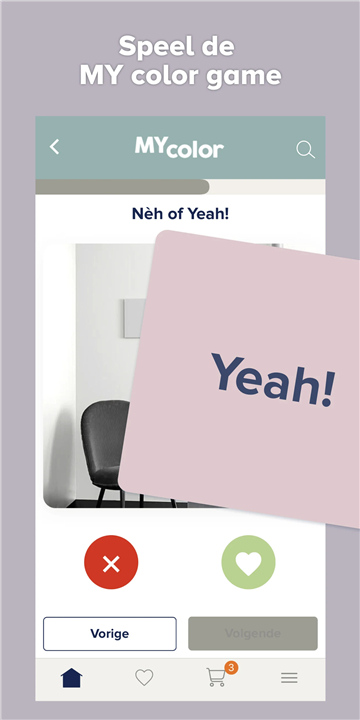
Need Guidance? Play the Color Game
• Go through a simple, fun process to uncover colors you love.
• Discover matching palettes and fresh possibilities for your space.
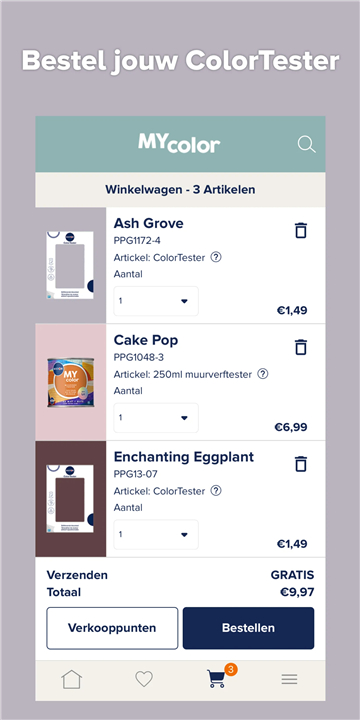
Test Before You Commit
• Confident in your choice? Order a color tester directly through the app.
Additional Features
• Browse the full Histor color collection
• Explore curated inspiration palettes
• Locate your nearest Histor retailer
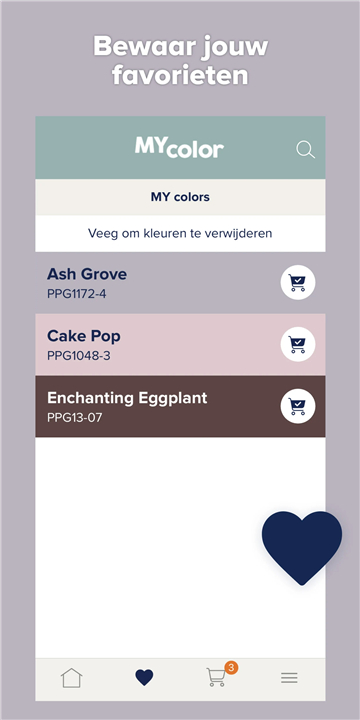
• Save and organize your favorite colors
FAQ
Q: Can I use my own photos to match colors?
A: Absolutely. With the Match a Photo feature, you simply snap or upload any image, and the app analyzes the dominant and accent tones. It then presents you with the nearest Histor paint options, so your walls can capture the exact vibe you found in your snapshot.
Q: How accurate is the Match a Photo feature?
A: Match a Photo employs advanced color-analysis algorithms to identify hues down to subtle differences in tint and saturation. While lighting and camera quality can slightly influence results, the app offers a precise starting point. For added confidence, you can order a physical tester of the suggested shade before committing.
Q: How do I create an ideal palette in the app?
A: Once you select a base color—either through inspiration or photo matching—the app automatically generates harmonious color combinations inspired by color theory. You can then experiment with light, mid, and accent tones directly on room mock-ups, refining your palette until it perfectly complements your space.
Version History
v3.2.24——17 Dec 2025
Discover Histor MY Color – capture inspiration, match shades, create palettes & transform your home. Download the latest version of Histor MY color to enjoy new features and updates immediately!
*3.2.24
Minor bug fixes and improvements. Install or update to the newest version to check it out!
*3.2.16
Minor bug fixes and improvements. Install or update to the newest version to check it out!
*5.0.1
Minor bug fixes and improvements. Install or update to the newest version to check it out!









Ratings and reviews
There are no reviews yet. Be the first one to write one.