

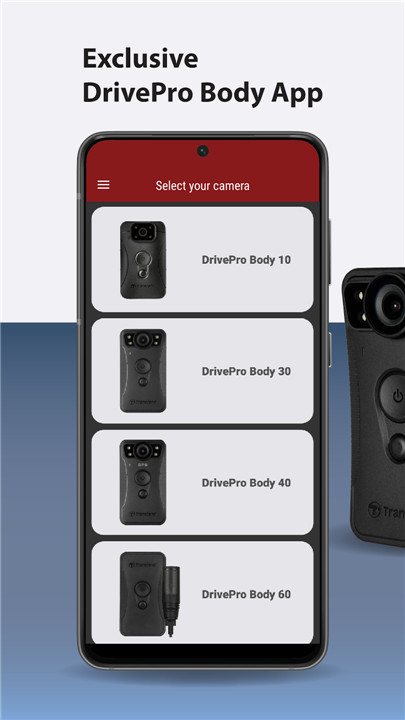
The DrivePro Body App is specifically tailored for Transcend DrivePro Body Devices, allowing users to effortlessly access files stored on their devices.
• Seamlessly browse and edit files between the DrivePro Body's storage and your Android device using USB-C or WiFi.
• Easily search and sort files on both the DrivePro Body storage and your Android device.
• Share photos, videos, and other files directly from the DrivePro Body's storage.
• Wirelessly share photos, videos, and files in an instant.
• Enjoy sharing and playing back recorded files with ease.
Home
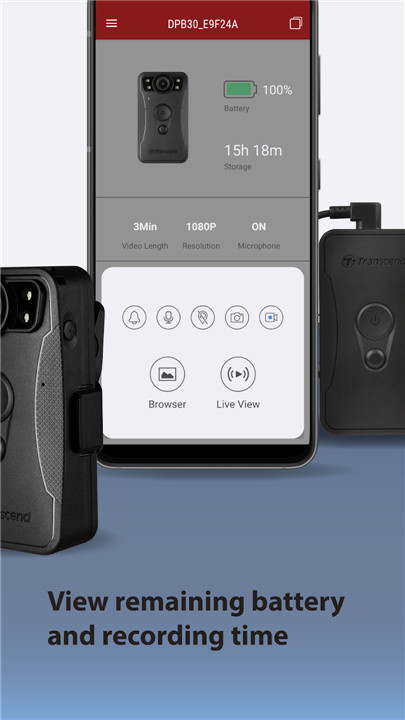
Choose your DrivePro Body device from the menu, where you'll find a clear display of remaining battery life and recording time.
Live View
Get real-time access to footage captured by the DrivePro Body camera right on your mobile device.
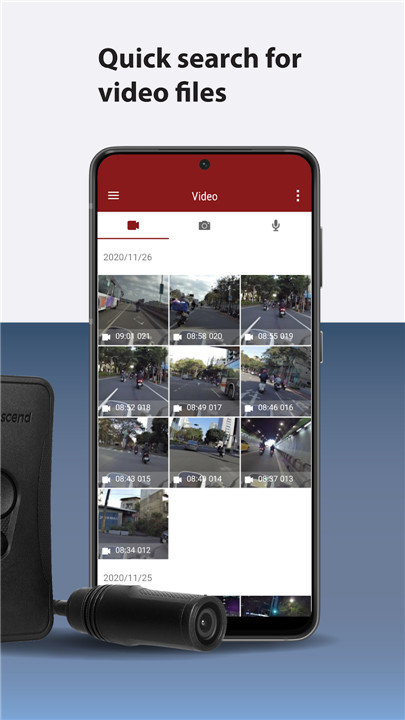
Browser
Videos are organized by the date they were recorded, making it quick and easy to locate and play the desired video file on your mobile device.
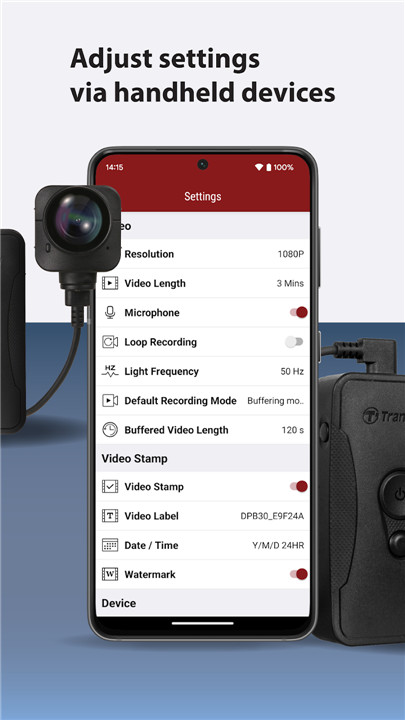
Device and Video Settings
Adjust device and video settings directly from your mobile device, including options for video resolution, length, timestamp, volume, and date/time.
Trim Video
While watching a video, you can trim and download specific segments (10s, 20s, 30s) without needing to download the entire video to your phone for editing.
Supported models:
- DrivePro Body 10C
- DrivePro Body 20
- DrivePro Body 30
- DrivePro Body 52
- DrivePro Body 60
- DrivePro Body 70
FAQ
Q: What can I do with the DrivePro Body App?
A: The DrivePro Body App allows you to access and manage files on your DrivePro Body device. You can browse and edit files, share photos and videos, view live footage, and adjust device settings directly from your mobile device.
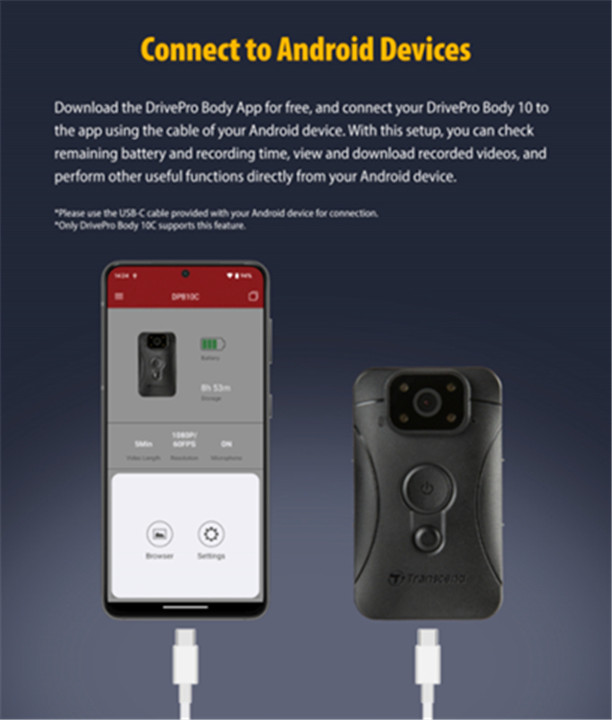
Q: How can I connect my DrivePro Body device to my Android device?
A: You can connect your DrivePro Body device to your Android device using a USB-C cable or via WiFi. Once connected, you can access files stored on the DrivePro Body camera.
Q: Can I share files from my DrivePro Body device?
A: Yes, you can instantly share photos, videos, and other files wirelessly from your DrivePro Body device using the app. This makes it easy to send your recordings to others.
-----------------
What's New in the Latest Version 5.13
Last updated on Oct 25, 2024
Streaming and downloading of recorded files to mobile devices quickly Download the latest version of DrivePro Body 5.13 to enjoy new features and updates immediately!
* Enhance App stability
* Fixed connection issues









Ratings and reviews
There are no reviews yet. Be the first one to write one.