

SLR Booth Pro is the ultimate photo booth app designed to turn your DSLR and Android device into a high-quality, fully customizable photo booth experience. Compatible with a variety of cameras, this app offers advanced features like chroma-key background replacement, custom templates, live preview screens, and easy sharing options.
Professional Image Quality
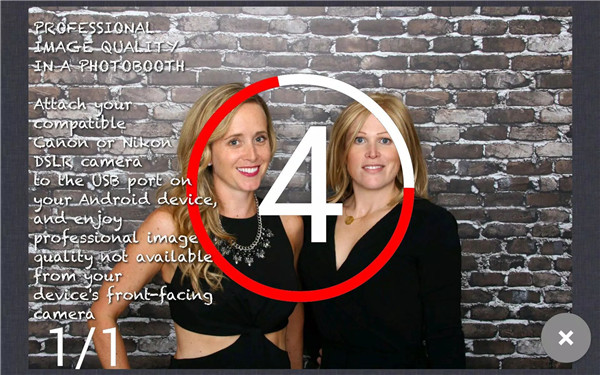
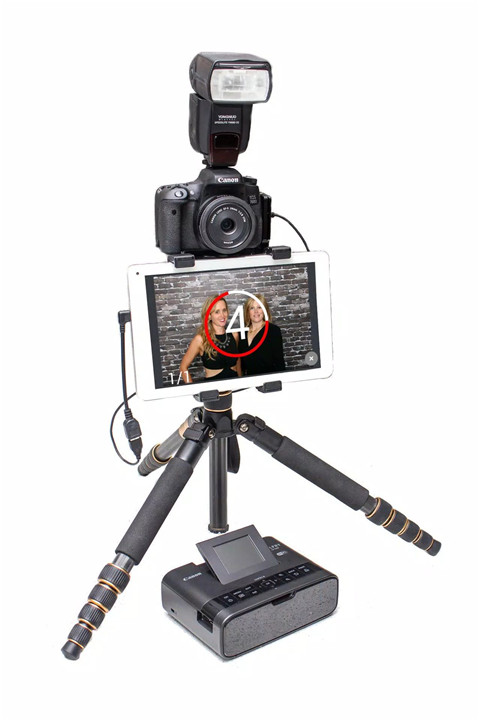
With SLR Booth Pro, you can connect your compatible Canon or Nikon DSLR camera to your Android device via the USB-OTG port. This allows you to enjoy professional-grade image quality that is simply not available from the device’s front-facing camera. Perfect for creating sharp, high-resolution photos with vivid colors and clarity.
Chroma-Key Background Replacement
Want to change the background for a more creative or themed touch? SLR Booth Pro includes an advanced chroma-key feature that lets you replace backgrounds in real-time, making your photo booth experience even more fun and customizable.
Custom Templates
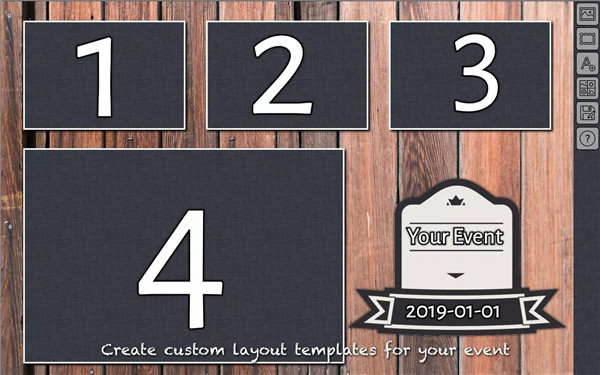
Create a personalized experience for your event with custom templates. SLR Booth Pro makes it easy to upload and use your own templates. With the auto-detection of placeholders, you won’t need to worry about complex configuration files.
Live Preview Screen
The app features a live preview screen, so your guests can see themselves before they take the shot. This helps ensure that everyone is ready and looking their best—or most amusing—before the camera clicks!
Photo Sharing & Online Galleries
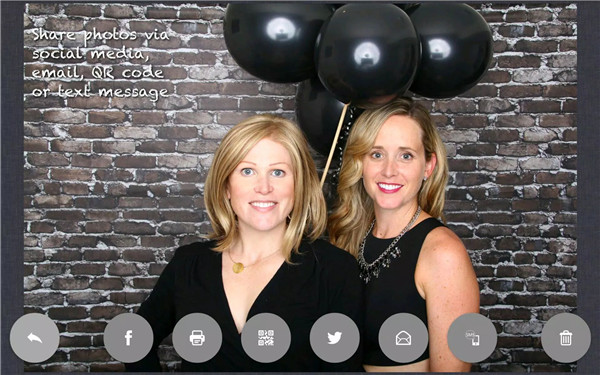
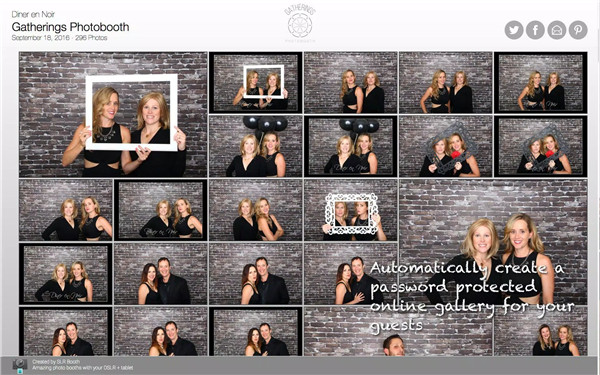
SLR Booth Pro makes it simple to share photos with guests instantly. Send individual photos via SMS, email, or social media platforms like Facebook and Twitter directly from the app. Plus, you can automatically upload photos to password-protected online galleries for easy access later.
Easy Printing
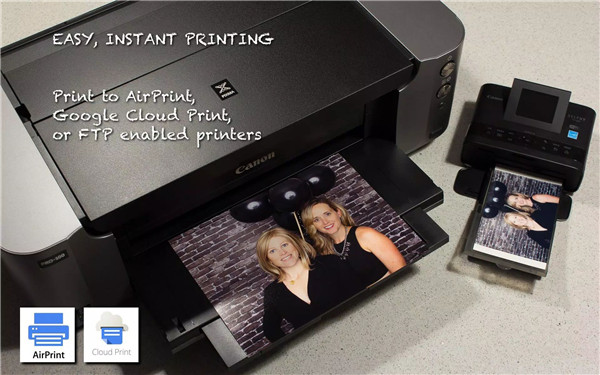
For those who love a physical souvenir, SLR Booth Pro offers easy printing options. Print directly to AirPrint, Google Cloud Print, or FTP-enabled printers.
Device Compatibility
The app is compatible with phones, tablets, all-in-ones, and TV boxes. For a list of supported cameras, you can easily check the official website to ensure your setup will work flawlessly.
Responsive Customer Support
SLR Booth Pro is committed to providing excellent customer service. If you encounter any issues with the app, their support team is ready to assist you promptly. Just reach out via email: info@slrbooth.com
FAQs
1. What cameras are compatible with SLR Booth Pro?
SLR Booth Pro supports a variety of Canon and Nikon DSLR cameras. For a full list of supported cameras, check out this link.
2. How can I share photos from the app?
Photos can be shared via text, email, or social media platforms such as Facebook and Twitter. You can also send photos directly to guest phones via QR code or SMS.
3. Can I print photos from the app?
Yes! You can print photos using AirPrint, Google Cloud Print, or FTP-enabled printers, making it easy for guests to take home physical copies of their photos.
-----------------------------
What's New in the Latest Version 2.9.8
Last updated on Jan 8, 2025
UI preference bug fixes









Ratings and reviews
There are no reviews yet. Be the first one to write one.