

Powerful Network Analyzer – Optimize and Troubleshoot with Ease
Discover and resolve network issues like a pro with Network Analyzer—your all-in-one solution for diagnosing Wi-Fi problems, testing internet connectivity, and scanning remote servers.
Packed with advanced tools, this app helps you optimize performance and enhance security effortlessly.
Key Features
1. Comprehensive Wi-Fi Analysis
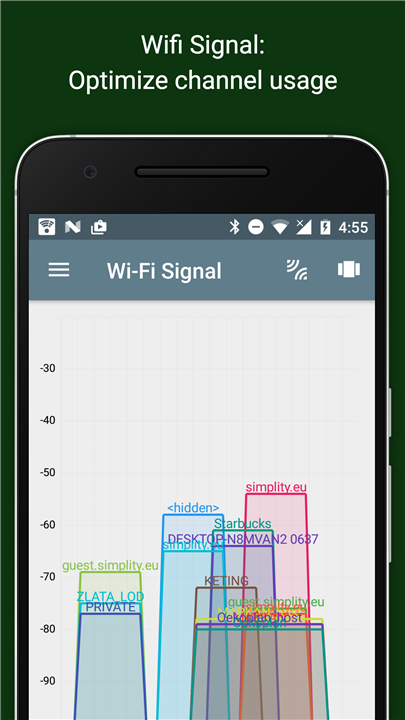
• Signal Meter: View real-time graphical and textual data on signal strength and network channels.
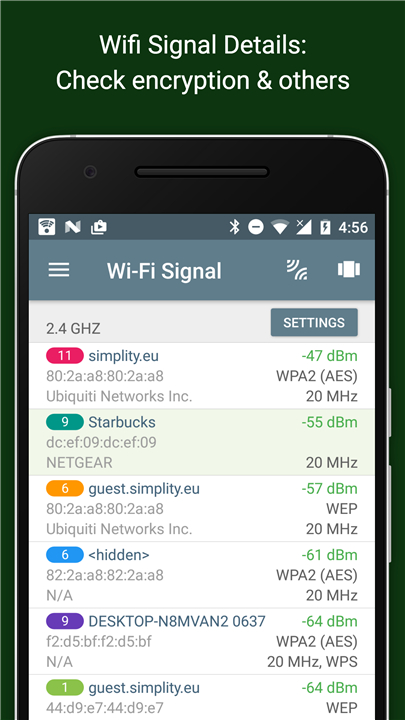
• Security Insights: Detect Wi-Fi encryption type (WEP, WPA, WPA2) and encryption method (AES, TKIP).
• Router Details: Access BSSID (MAC address), manufacturer, WPS support, and bandwidth (Android 6+).
• Neighbor Networks: Scan nearby Wi-Fi networks to find the best channel for your router.
2. Advanced LAN Scanner
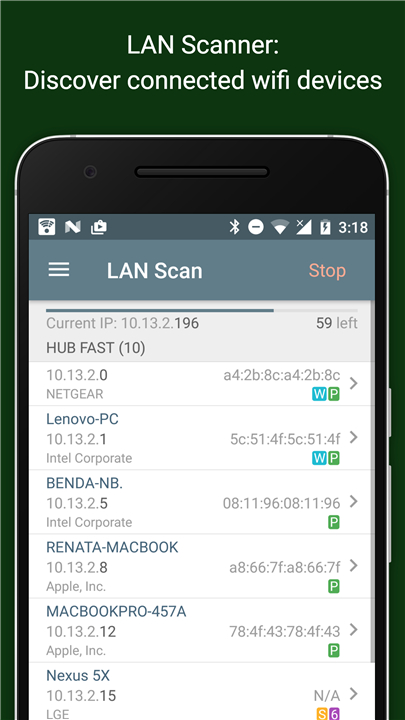
• Instant Detection: Quickly identify all devices connected to your local network.
• Detailed Info: View IP addresses, hostnames (NetBIOS, mDNS, LLMNR), and test device reachability via ping.
• IPv6 Support: Verify IPv6 availability for future-proof networking.
3. Essential Network Diagnostics
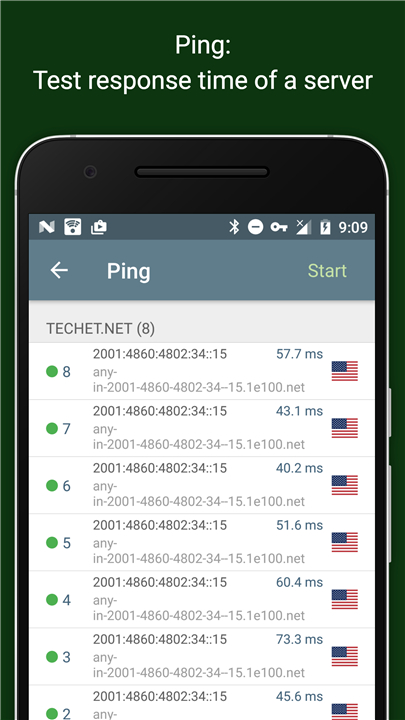
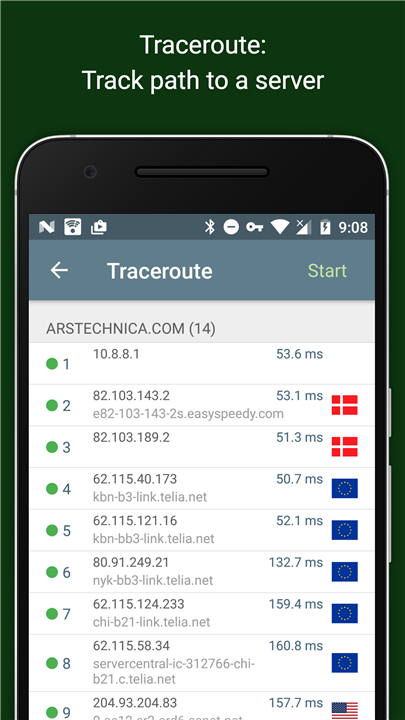
• Ping & Traceroute: Measure round-trip delays and trace network paths (IPv4 & IPv6).
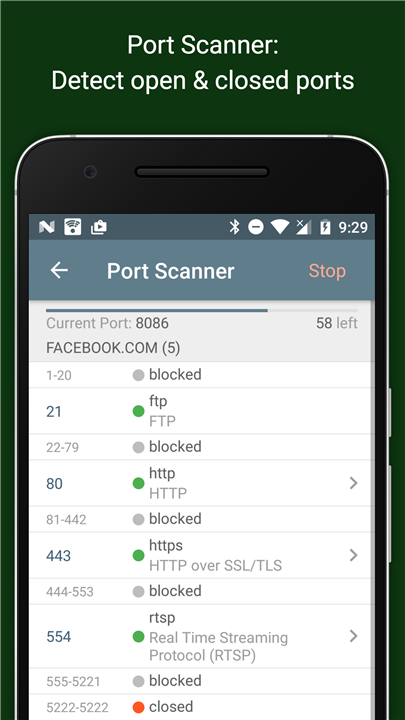
• Port Scanner: Identify open, closed, or firewalled ports with detailed service descriptions.
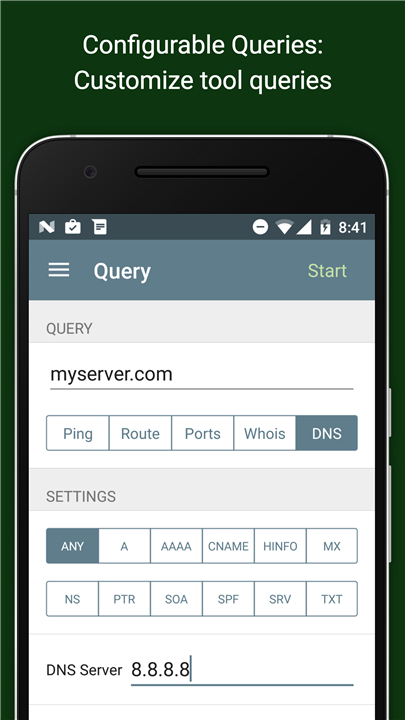
• DNS Lookup: Resolve A, AAAA, MX, CNAME, and other DNS records like a pro.
• Whois Lookup: Retrieve domain, IP, and AS number ownership details.
4. Complete Network Insights
• Connection Summary: Check default gateway, external IP (IPv4/IPv6), and DNS server.
• Wi-Fi & Mobile Data: Monitor SSID, BSSID, subnet mask, signal strength, and cellular network details (3G/LTE).
5. Reliable & Always Improving
• Full IPv6 compatibility for modern networks.
• Clear help documentation and regular updates for ongoing enhancements.
• Dedicated support page to assist with troubleshooting.
With Network Analyzer, take full control of your network—whether at home, in the office, or on the go.
Get started today and optimize your connectivity like never before!
FAQ
Q: Is Network Analyzer suitable for both home and professional use?
A: Absolutely! Whether you're a home user troubleshooting slow Wi-Fi, a network administrator managing office networks, or an IT professional diagnosing connectivity issues, Network Analyzer offers the tools you need to analyze and optimize networks efficiently.
Q: Does Network Analyzer support both IPv4 and IPv6 networks?
A: Yes, Network Analyzer fully supports both IPv4 and IPv6 protocols, ensuring compatibility with modern network setups. Features like ping, traceroute, DNS lookup, and LAN scanning work seamlessly across both standards.
Q: How can Network Analyzer help improve my Wi-Fi signal?
A: The app provides a real-time signal meter showing Wi-Fi strength and channel congestion. By scanning nearby networks, it helps you identify the least crowded channel for your router, reducing interference and boosting signal quality.
Version History
v103.12.2——26 Aug 2025
Wifi scanner, signal meter, ping, traceroute, whois, DNS query & other net tools Download the latest version of Network Analyzer to enjoy new features and updates immediately!
*103.12.2
Minor bug fixes and improvements. Install or update to the newest version to check it out!
*103.12.1
Minor bug fixes and improvements. Install or update to the newest version to check it out!
*4.2
Minor bug fixes and improvements. Install or update to the newest version to check it out!









Ratings and reviews
There are no reviews yet. Be the first one to write one.