

AR Drawing: Sketch & Trace APK
1.1.4
AR Drawing: Sketch & Trace
AR Drawing: Sketch & Trace APK
Download for Android
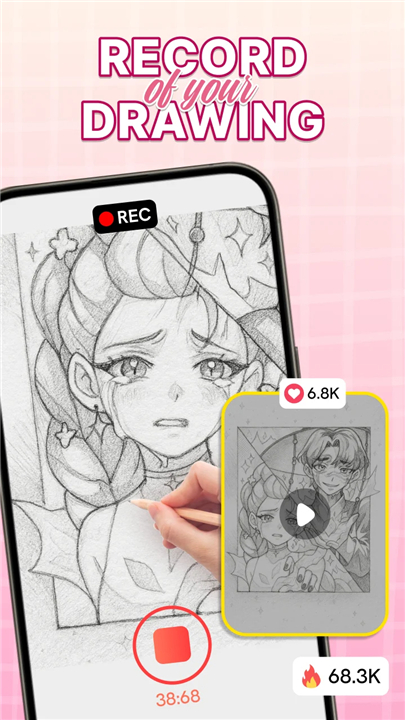
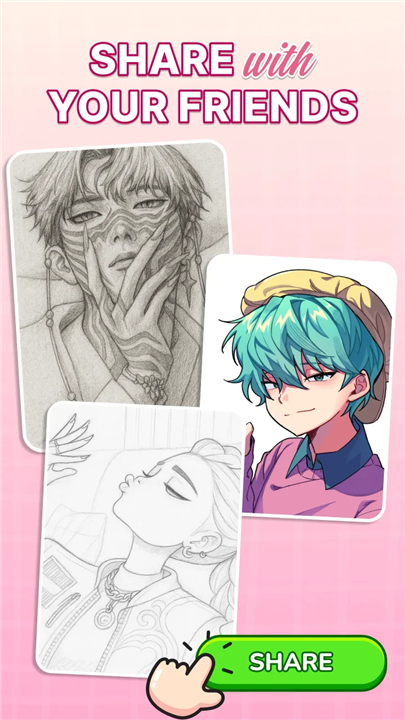
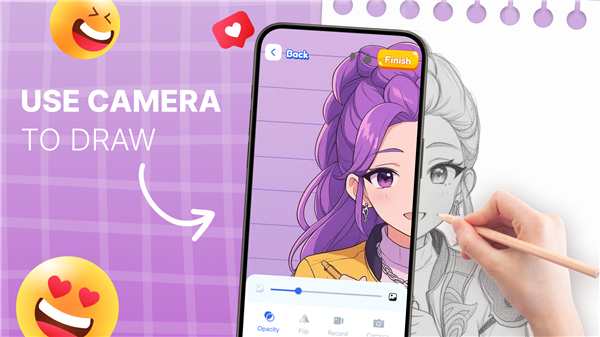
AR Drawing: Sketch & Trace
Discover Your Creative Potential
• Step into a new era of art with AR Drawing: Sketch & Trace.
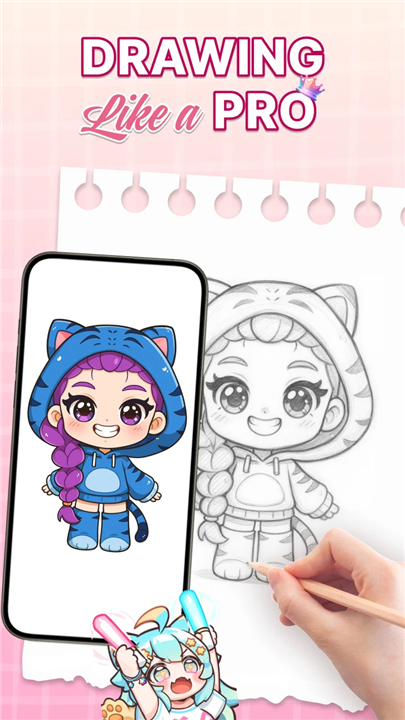
• Whether you dream of illustrating anime characters, whimsical cartoons, or realistic scenes, this app transforms any image into an easy-to-follow tracing guide.
• By blending traditional sketching with Augmented Reality technology, it makes drawing more intuitive, precise, and enjoyable for artists of all skill levels.
How It Works
• Place your phone on a stable surface so the camera stays parallel to your paper.
• Choose any image from your gallery or the app’s library.
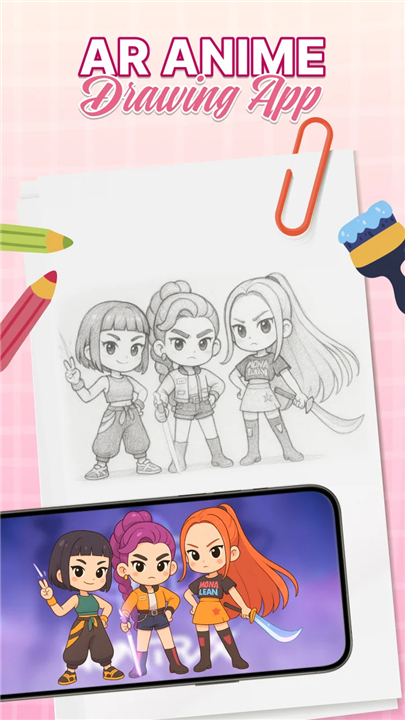
• The app projects an inverted version of your image onto your screen, guiding your hand as you trace, sketch, and refine your art with accuracy.
Key Features
• AR Tracing Technology: Overlay images directly onto your drawing surface for flawless tracing.
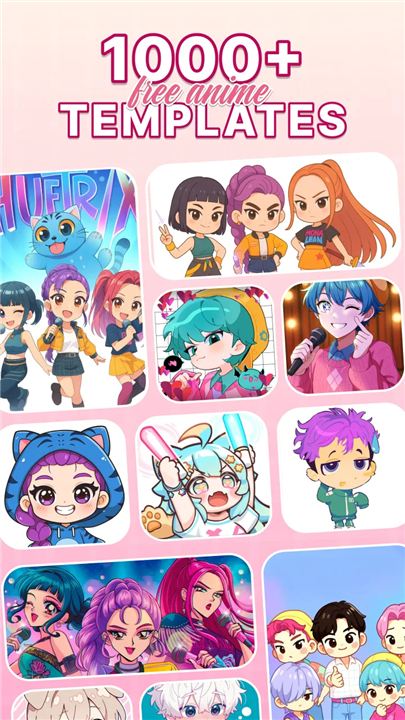
• Extensive Template Library: Explore anime, animals, landscapes, food, and more for endless inspiration.
• Sketch & Paint Tools: Add fine details, bold lines, and vibrant colors to bring your vision to life.
• Camera & Flash Support: Improve visibility and precision, even in low-light conditions.
• Custom Color Options: Access a wide palette to personalize every piece.
Why Choose AR Drawing: Sketch & Trace
• Innovative AR Experience: Merge creativity with cutting-edge technology.
• Beginner-Friendly: Simple controls make it easy for anyone to start drawing right away.
• Family & Educational Value: Share artistic moments with children and encourage skill development.
• Continuous Improvement: Enjoy regular updates with new templates and features.
Your Creative Journey Starts Here
• Whether you’re honing your anime drawing skills, exploring new art styles, or simply looking for a fun and inspiring way to create, AR Drawing: Sketch & Trace is your gateway to limitless artistic possibilities.
FAQ
Q: How does AR Drawing: Sketch & Trace project an image onto my paper so accurately?
A: The app uses your device’s camera combined with its built-in AR engine to detect the plane of the paper. Once you position your phone parallel to the drawing surface, the software fixes the image in three-dimensional space, aligns it with your sheet, and then displays an inverted overlay. As you trace, the overlay remains locked to the paper, ensuring precision that feels like magic.
Q: Which image formats and resolutions can I import into the app?
A: AR Drawing: Sketch & Trace supports all common image formats including JPEG, PNG, and HEIC. The app will automatically downscale excessively large images to optimize performance, but it still preserves enough detail for crisp, clean tracing. For the best results, we recommend images with at least 1,200 pixels on their longer side.
Q: Can I adjust the brightness, contrast, or opacity of the AR overlay?
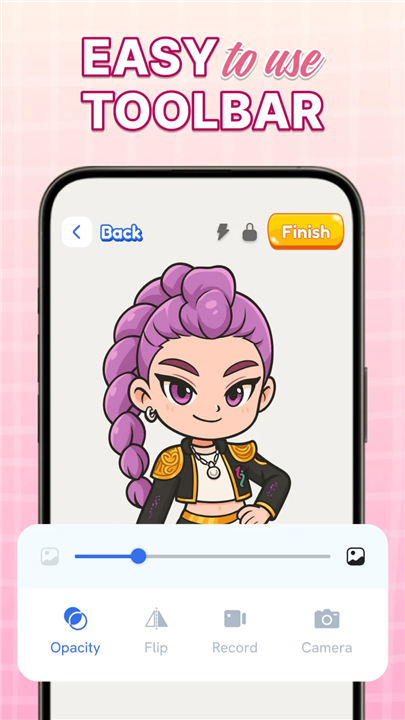
A: Absolutely. Within the app’s settings you’ll find sliders for opacity, contrast, and brightness. Adjust these parameters in real time until your tracing guide is easy to see without obscuring your pencil lines. You can also save your preferred overlay settings as a custom preset for future sessions.
Version History
v1.1.4——19 Jan 2026
Sketch, trace and master AR drawing with awesome anime art! Download the latest version of AR Drawing: Sketch & Trace 1.1.6 to enjoy new features and updates immediately!
*1.1.4
- Fix Bug
*1.1.3
- Fix bugs
*1.1.2
- Fix bugs









Ratings and reviews
There are no reviews yet. Be the first one to write one.