

Berry Browser is a highly customizable web browser designed to give you full control over your browsing experience. Adjust the interface, enhance privacy, or block unwanted content, Berry Browser offers powerful features to tailor your web experience exactly to your needs. With easy navigation, sleek design, and advanced privacy tools, it's the ideal browser for anyone looking to maximize convenience, speed, and security.
Customizable User Interface
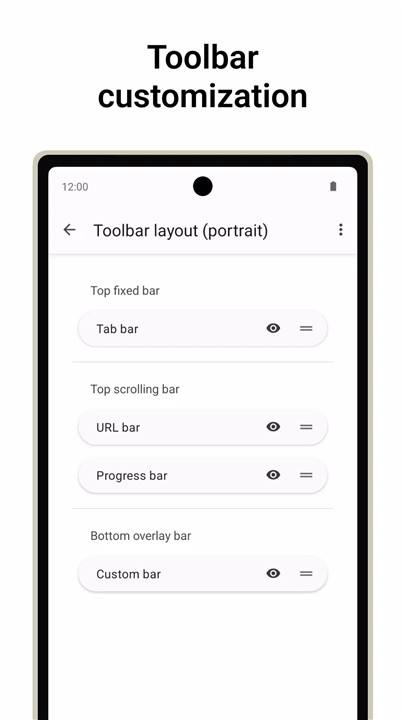
Berry Browser gives you complete freedom to personalize the look and feel of your browser. You can easily adjust the position, display, and appearance of every element on your toolbar, making the interface as clean or as functional as you want. Additionally, you can tweak the navigation and status bars to optimize screen space and enhance your browsing comfort.
Actions and Gestures
Take your browsing efficiency to the next level with Berry Browser’s customizable actions. You can assign common browser operations like "back," "forward," "open tabs," or "open menu" to specific buttons or gestures. This allows for faster, more intuitive navigation without having to fumble through menus. Customize these actions to optimize your browsing and create shortcuts for your most frequent tasks.
Content Blocker
Berry Browser includes a high-performance content blocker that helps eliminate ads, trackers, and other intrusive elements. This feature improves your browsing speed and privacy by blocking unwanted content from loading. You can also fine-tune your content blocking with custom filters and domain rules, ensuring that only the content you want is shown.
Privacy Protection
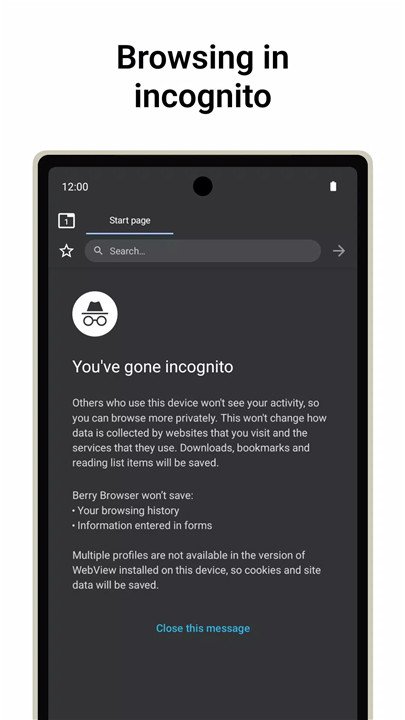
Privacy is a priority with Berry Browser. The app allows you to manage site-specific settings, such as location permissions and JavaScript preferences, so you can control what data websites can access. This granular control over your privacy ensures that you only share what you want, when you want.
Start Page Shortcuts
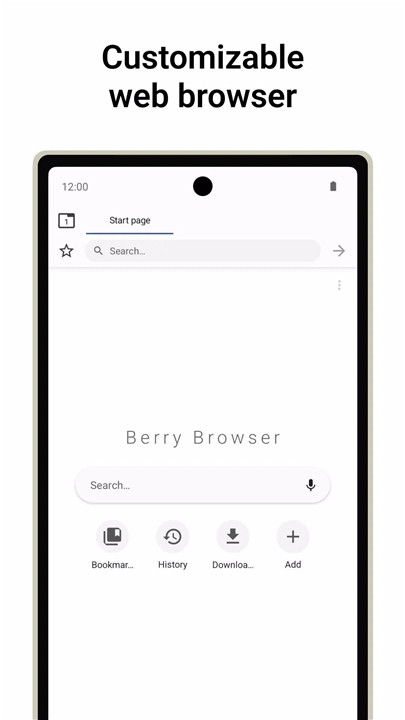
Berry Browser’s start page allows you to quickly access your favorite sites and apps with just a tap. This feature makes it easy to jump straight into the content you care about without wasting time navigating through menus.
Dark Mode
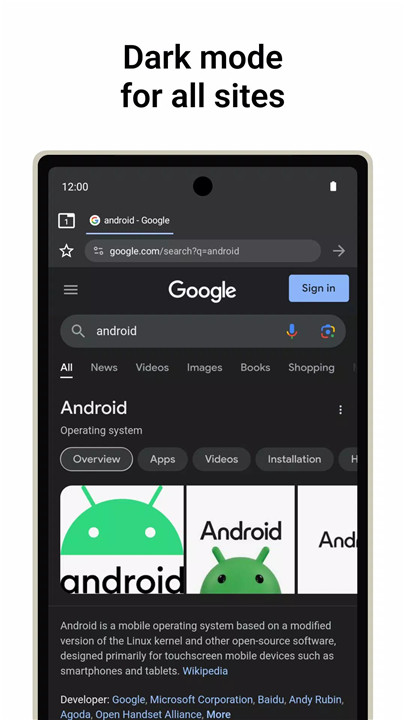
For those who prefer a darker, more comfortable browsing experience, Berry Browser automatically adjusts websites to dark mode based on your app or device theme. This reduces eye strain and enhances usability in low-light environments.
Backup and Restore
With Berry Browser’s backup and restore feature, you can easily back up your settings, bookmarks, and preferences. You can share this backup file across devices, ensuring a seamless browsing experience no matter where you are.
FAQs
1. Why should I use Berry Browser?
Berry Browser offers unparalleled customization, allowing you to tailor your browsing experience to fit your needs. From customizable toolbars to advanced privacy settings, it gives you complete control over your web usage.
2. How does Berry Browser safeguard my privacy?
Berry Browser allows you to manage site-specific permissions like location and JavaScript settings. It also includes a high-performance content blocker to prevent ads and trackers from compromising your privacy.
3. Can I sync my settings across devices with Berry Browser?
Yes, Berry Browser allows you to back up your settings, bookmarks, and preferences, and easily restore them across different devices.
-------------------------
What's New in the Latest Version 3.75.57.1
Last updated on Oct 24, 2024
Bug fixes and minor improvements









Ratings and reviews
There are no reviews yet. Be the first one to write one.