

My Brain Anatomy
Introduction
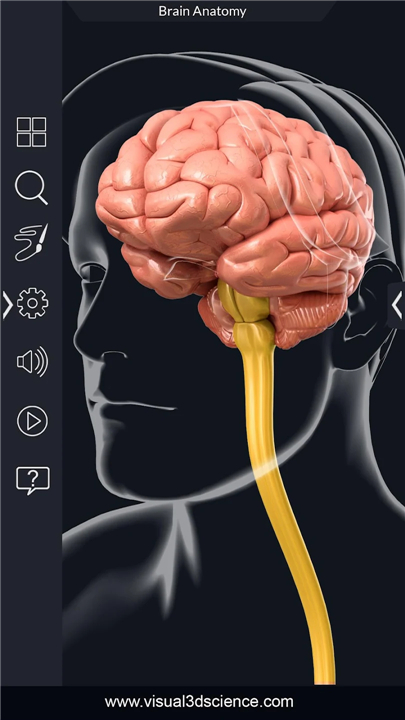
• My Brain Anatomy is a powerful and intuitive educational application designed to provide an immersive experience in studying human brain anatomy.
• Featuring a highly realistic 3D model, the app enables users to explore the brain from every angle with precision and clarity.
• It serves as an essential tool for medical students, educators, healthcare professionals, and anyone interested in neuroscience or neuroanatomy.
Interactive 3D Exploration
• The app offers full 360-degree rotation, seamless zooming, and smooth panning capabilities, allowing users to navigate the brain model with ease.
• This dynamic interaction makes it simple to examine structures from multiple perspectives, enhancing spatial understanding and anatomical recognition.
Key Features
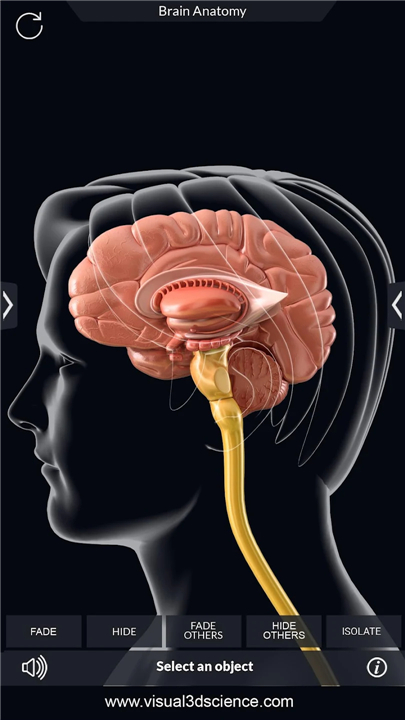
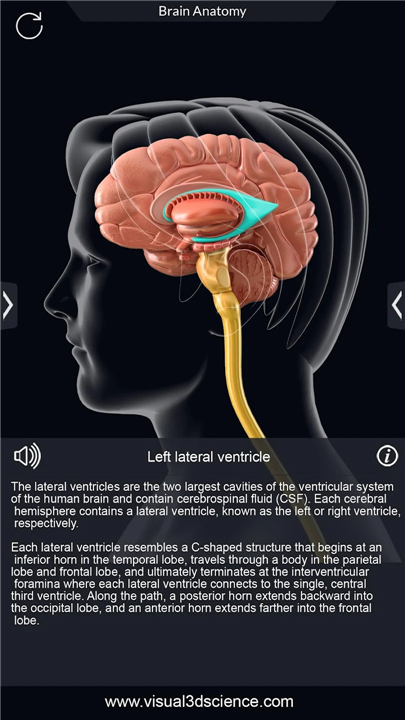
• Selection Mode: Tap on any brain structure to instantly view its name and access detailed anatomical information.
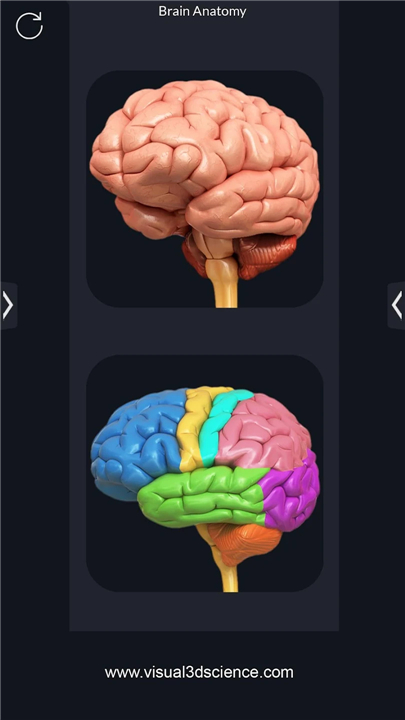
• X-ray Mode: See through layers of the brain to observe deeper structures without losing context.
• Hide/Show Mode: Isolate specific regions by hiding or revealing layers, ideal for focused study.
• Animation Mode: Watch real-time functional animations that illustrate processes such as neural signaling or blood flow.
• Draw on Screen: Annotate directly on the model for personal notes or teaching purposes.
• Screenshot Sharing: Capture and share annotated images via email or social platforms.
Educational Support Tools
• Audio Pronunciation: Each anatomical term includes clear audio pronunciation to aid learning and retention.
• Search Function: Quickly locate specific brain parts using the integrated search feature.
• Info Panel: Access concise, well-organized descriptions of selected structures, including function, location, and clinical relevance.
User Experience
• The app features a clean, user-friendly interface with simple navigation, making it accessible for users of all levels.
• Whether used for exam preparation, classroom instruction, or personal interest, My Brain Anatomy delivers high-quality graphics and robust functionality for an engaging and effective learning experience.
FAQ
Q: Do I need an internet connection to use the app?
A: No, you don’t! Once you have downloaded the app, all of its features, including the 3D model, information panels, and audio pronunciations, are available offline. This makes it a great study companion anywhere you go.
Q: How does the 3D model enhance my learning compared to a textbook?
A: Our highly detailed 3D model allows you to interact with the brain in a way a static image never could. You can rotate it 360 degrees, zoom in for a close-up view of tiny structures, and pan around to see relationships between parts. This builds a much stronger spatial understanding of anatomy, which is key to truly grasping the subject.
Q: What exactly can I do in Selection Mode?
A: Selection Mode is your primary tool for exploration. Simply tap on any part of the brain that catches your eye, and its name will instantly appear. Tapping again will bring up a detailed information panel with a description of its function, location, and why it’s important.
Version History
v2.3——9 Feb 2026
My Brain Anatomy app for studying brain anatomy Download the latest version of My Brain Anatomy to enjoy new features and updates immediately!
*2.3
My Brain Anatomy 2.3 Update Notes
- Updated User Interface
- improve App Performance
*2.2
My Brain Anatomy 2.2 Update Notes
- Updated User Interface
- improve App Performance
*2.1
My Brain Anatomy 2.1 Update Notes
- Updated User Interface
- improve App Performance









Ratings and reviews
There are no reviews yet. Be the first one to write one.