

Multi Launcher ‧ Home Screen APK
Nightly-2026.08.19
Multi Launcher ‧ Home Screen
Multi Launcher ‧ Home Screen APK
Download for Android
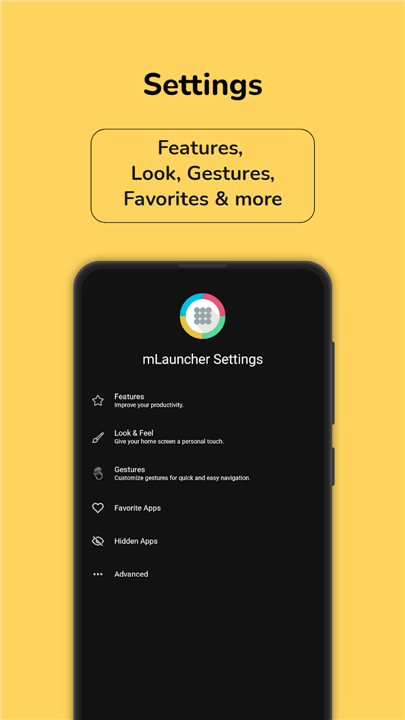
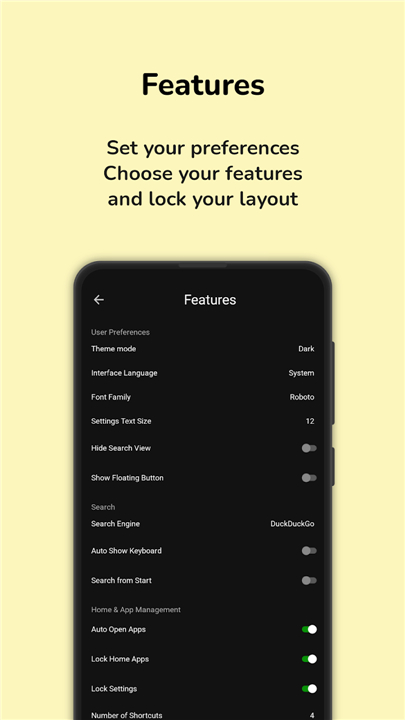
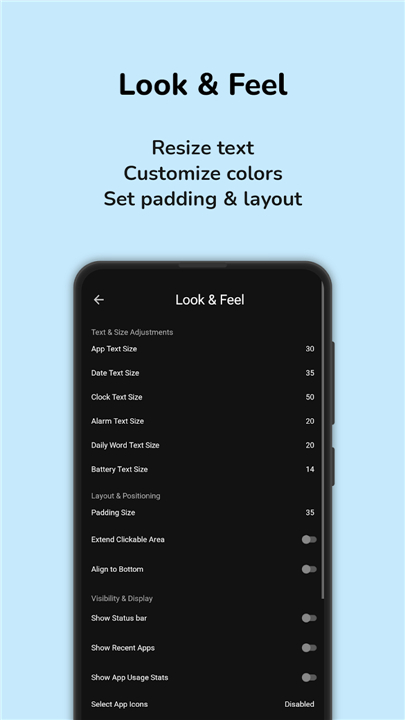
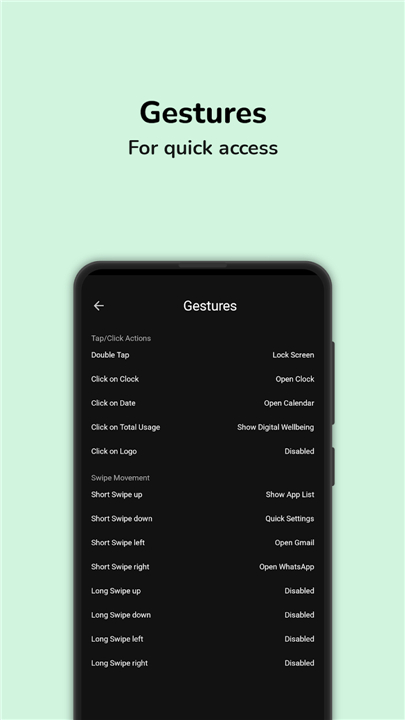
Multi Launcher ‧ Home Screen
Rediscover Clarity
• Your phone should be a tool that serves you, not a source of digital distraction.
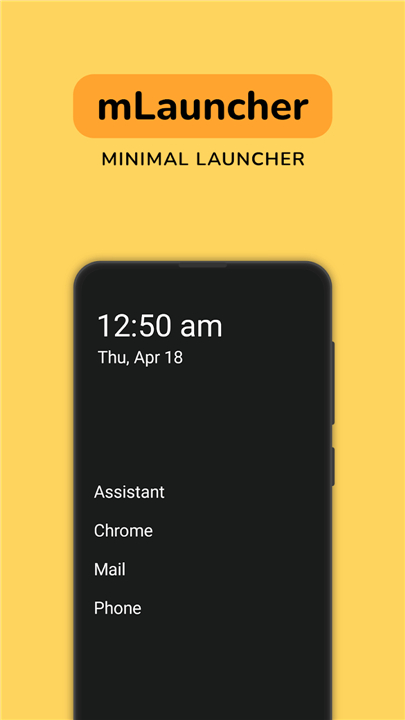
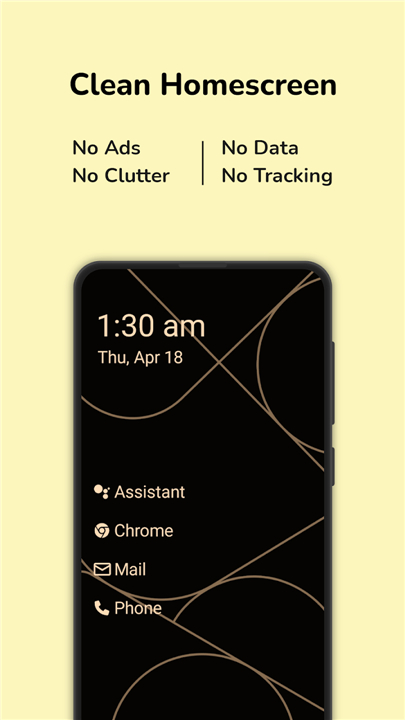
• Multi Launcher reimagines your Android experience by replacing cluttered icons with elegant, clean text.
• Designed for those who seek mindfulness and ease, this minimalist home screen brings focus, readability, and effortless control back to your daily life.
Why Choose a Text-Based Experience
• Intuitive Readability: Swap confusing icons for clear, labeled text, making navigation instant and accessible for everyone.
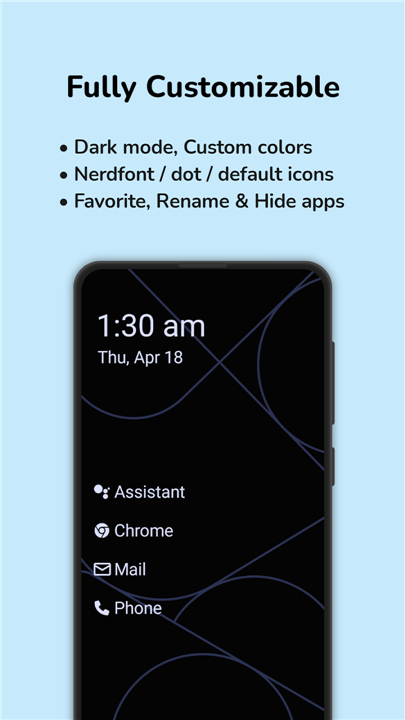
• Personalized Layouts: Tailor your font sizes, clock positions, and home screen structures to fit your unique style.
• Fluid Gestures: Navigate your device naturally with customizable swipes and taps that respond to your touch.
• Peace of Mind: Protect your private settings with integrated biometric security.
Features Built for Simplified Living
• Custom App Names: Rename applications to match how you actually think and live.
• Screen Time Insights: Monitor your app usage to build healthier digital habits.
• Flexible Customization: Place widgets and arrange apps in a way that feels organic and organized.
• Fast Shortcuts: Assign quick-trigger actions to your favorite gestures for seamless multitasking.
Accessibility and Privacy Committed to You
• To deliver an effortless experience, Multi Launcher utilizes the AccessibilityService API.
• This allows you to perform essential tasks smoothly while fully respecting your personal data:
+ Lock your screen instantly with a gesture.
+ Access the power menu without physical buttons.
+ Open your notification drawer with a quick swipe.
+ Privacy Guarantee: Your personal information is never collected, stored, or shared.
Elevate your Android experience today
• Step away from the noise and take control of your digital space.
FAQ
Q: How does the text‑based interface improve usability?
A: By presenting each app as a labeled line of text, the launcher removes the guesswork that can come with unfamiliar icons. This makes it instantly clear what each entry does, which speeds up navigation and reduces the cognitive load, especially for users who prefer straightforward, readable cues.
Q: Can I customize the appearance of the text and layout?
A: Yes, Multi Launcher lets you adjust font size, typeface, line spacing, and the overall arrangement of the home screen. You can also relocate the clock, choose where the date appears, and create sections that suit the way you think about your apps.
Q: Is it possible to rename apps within the launcher?
A: Absolutely. The built‑in renaming feature allows you to give any application a name that reflects your personal terminology or workflow, making the home screen feel truly yours and easier to scan at a glance.
Version History
vNightly-2026.08.19——18 Aug 2026
Multi Launcher ‧ Home Screen, Weather & Minimal UI Launcher Download the latest version of Multi Launcher ‧ Home Screen to enjoy new features and updates immediately!
*Nightly-2026.08.19
Minor bug fixes and improvements. Install or update to the newest version to check it out!
*1.12.0.0
Minor bug fixes and improvements. Install or update to the newest version to check it out!
*1.11.4.3
Minor bug fixes and improvements. Install or update to the newest version to check it out!











Ratings and reviews
There are no reviews yet. Be the first one to write one.