

ArduinoDroid - Arduino/ESP IDE APK
8.2.2
ArduinoDroid - Arduino/ESP IDE
ArduinoDroid - Arduino/ESP IDE APK
Download for Android
ArduinoDroid - Arduino/ESP IDE
Empower Your Creativity Anywhere
• Transform your Android device into a powerful, portable workstation for electronics and programming.
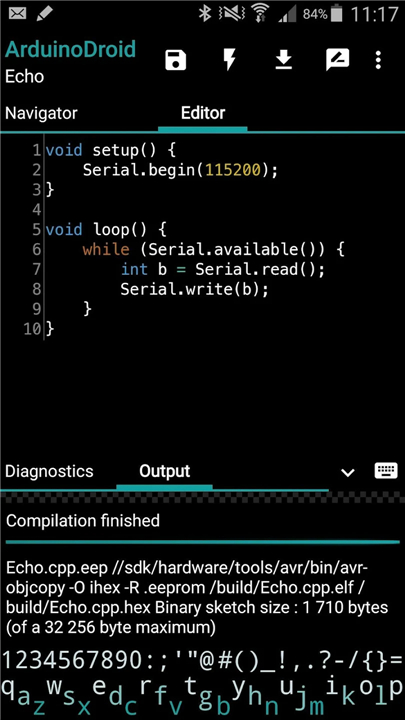
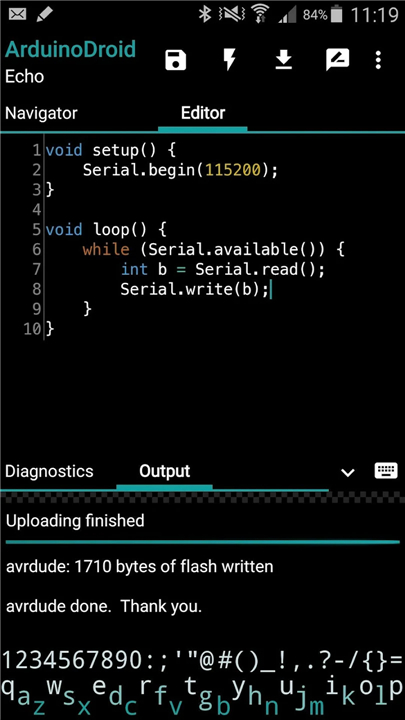
• ArduinoDroid provides a complete integrated development environment (IDE) that allows you to build, compile, and upload sketches to Arduino and ESP boards without needing a computer or a cloud account.
• Whether you are in a lab or in the field, your innovation no longer has to be tethered to a desk.
Professional Coding Tools
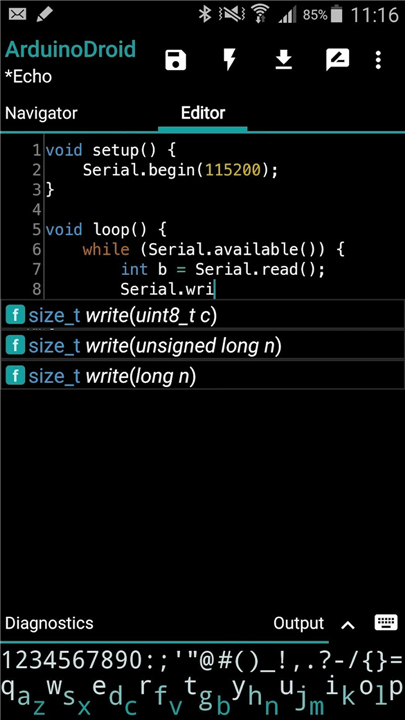
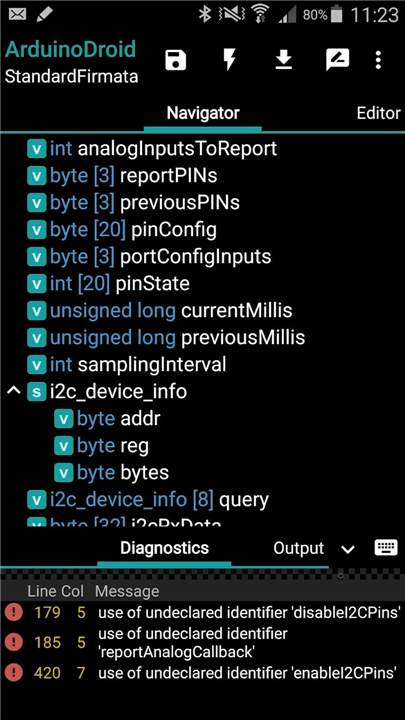
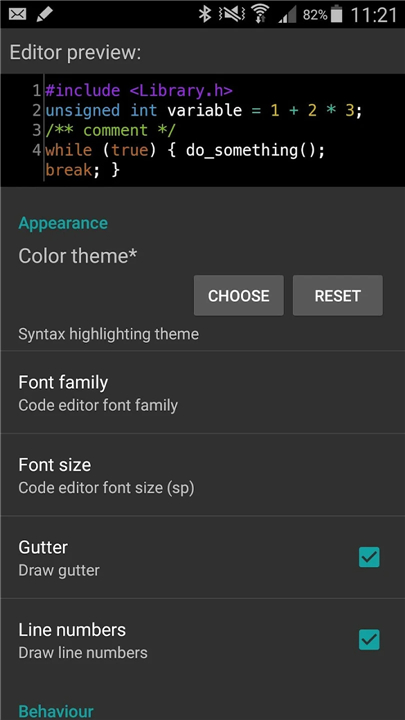
• Advanced editor featuring syntax highlighting, custom themes, and a file navigator.
• Smart code completion and real-time diagnostics to catch errors as you type.
• Comprehensive library of example sketches to jumpstart your projects.
• Integrated software keyboard designed specifically for coding efficiency.
Versatile Hardware Support
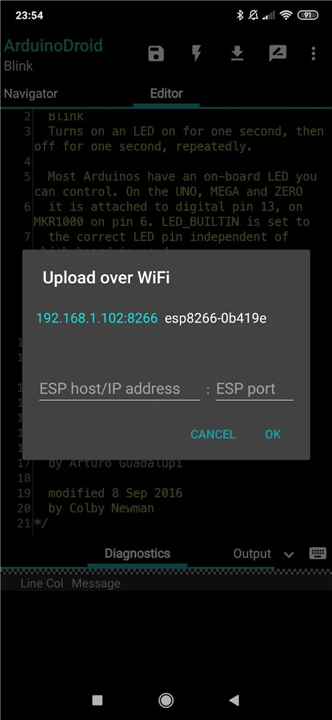
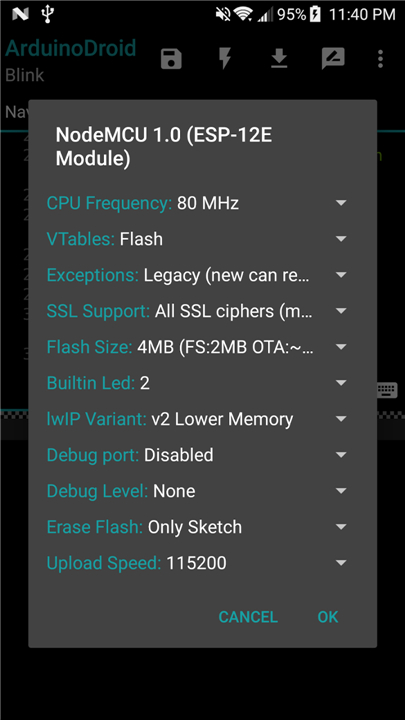
• Seamlessly upload sketches via USB or WiFi (OTA) to ESP8266 and ESP32 series, including S3 and C3 models.
• Extensive compatibility with classic Arduino boards like the Uno, Mega 2560, Nano, and Leonardo.
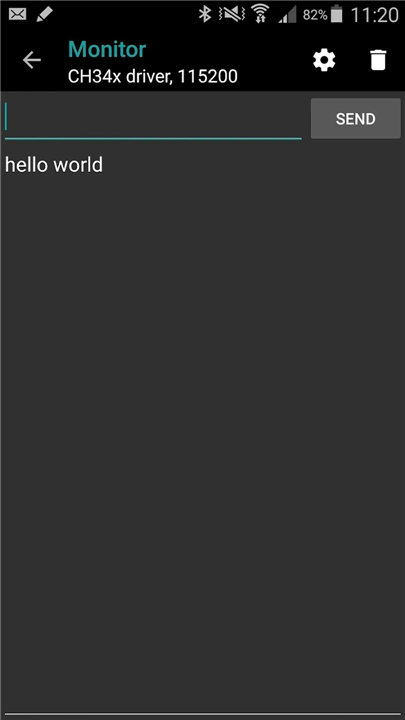
• Built-in serial monitor to track data and debug your hardware in real time.
True Mobile Independence
• Works entirely offline with no internet connection or mandatory registration required after initial setup.
• Automatic SDK management for ESP boards through a one-time setup.
• Securely sync and back up your work with integrated Dropbox and Google Drive support.
Project Transparency
• ArduinoDroid is an independent third-party application.
• While it offers the same robust functionality as official tools, it is maintained by an independent developer dedicated to the mobile maker community.
• Arduino is a trademark of the Arduino team.
Resources
• Application Blog: https://www.arduinodroid.app
• Technical Support: https://www.arduinodroid.app/p/troubleshooting.html
• Advanced Feature Overview: https://www.arduinodroid.app/p/advanced-features.html
FAQ
Q: Do I need a constant internet connection to write and upload my sketches?
A: One of the best features of ArduinoDroid is its ability to operate entirely offline once the initial setup and SDK downloads are complete. You do not need an active internet connection or a mandatory cloud account to compile or upload your sketches, making it a reliable tool for remote locations where connectivity might be spotty or unavailable.
Q: How does the application handle the uploading process for ESP boards?
A: You have the flexibility to upload your code to ESP8266 and ESP32 boards using two primary methods, which are a direct USB connection or wirelessly via Over-the-Air (OTA) updates. This versatility is particularly helpful when your hardware is already installed in a hard-to-reach location, as you can simply push your updates over your local WiFi network.
Q: What kind of coding assistance does the editor provide to help prevent syntax errors?
A: The editor is built with advanced features like smart code completion and real-time diagnostics that alert you to potential errors as you type. It also includes syntax highlighting and custom themes to make the coding experience more comfortable and efficient, much like the professional tools you would expect to find on a traditional PC.
Version History
v8.2.2——18 May 2026
ArduinoDroid is a mobile IDE app that lets you code, compile, and upload Arduino sketches on Android. Download the latest version of ArduinoDroid - Arduino/ESP IDE to enjoy new features and updates immediately!
*8.2.2
* Fixed: crash when ESP32S3 "4d system" board is chosen
*8.2.1
* Fixed: error if creating more than 26 sketches per day
*8.2.0
* Fixed: diagnostics for ESP targets
* Fixed: minor issues











Ratings and reviews
There are no reviews yet. Be the first one to write one.