

Document Scanner - PDF Creator APK
6.9.7
Document Scanner - PDF Creator
Document Scanner - PDF Creator APK
Download for Android
Document Scanner - PDF Creator
Empower Your Workflow
• Imagine a world where your paperwork never piles up and every document you need is just a tap away.
• Whether you are at home, in the office, or on the move, the power to digitize your life is now in your hands.
• Transform your smartphone into a high-performance productivity hub and turn chaotic piles of paper into structured, professional digital assets.
Scanning Excellence
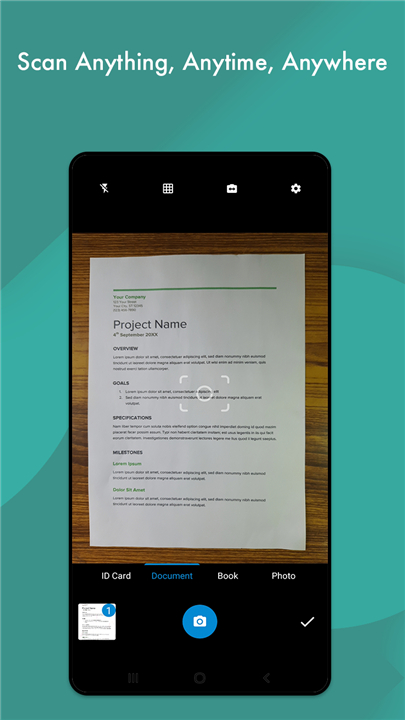
• Capture sharp, high-definition scans of any document instantly.
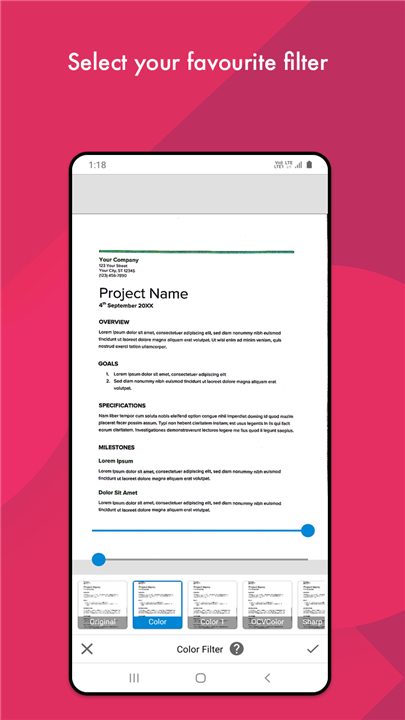
• Use smart auto-enhancement or manual controls to achieve a perfect finish.
• Utilize intelligent cropping to focus exactly on what matters.
• Revitalize old, faded documents by removing digital noise and grain for a crisp look.
Professional PDF Creation
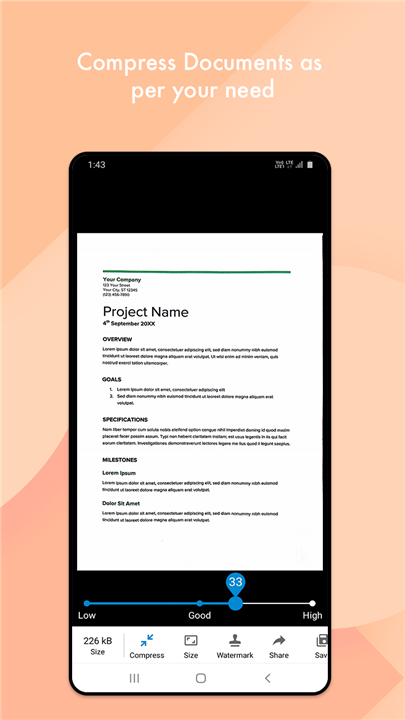
• Convert images into high-quality PDFs tailored to any size, from A1 to A-6.
• Choose from specialized optimization modes including Grayscale, Color, and Vibrant Dark.
• Seamlessly turn your existing photo gallery into organized PDF documents.
• Ensure every scan is clear, sharp, and ready for professional distribution.
Smart Organization and Cloud Integration
• Keep your digital life tidy with a customizable folder and sub-folder system.
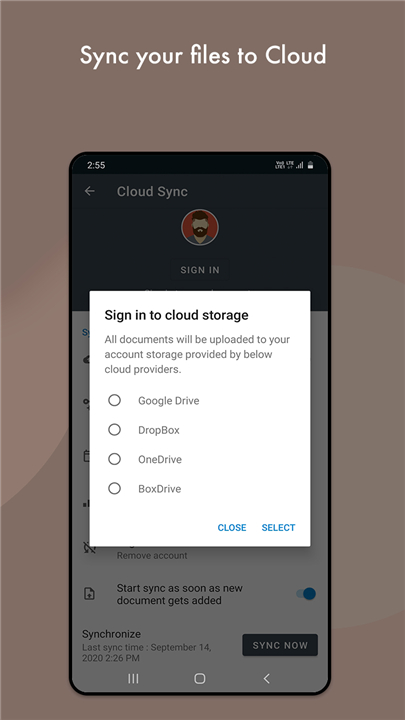
• Sync your files directly to the cloud via Google Drive, Dropbox, and other platforms.
• Print or fax your documents directly from the app for immediate results.
• Share your work effortlessly via PDF or JPEG formats.
Versatile Integrated Tools
• Scan and generate QR codes or Barcodes with ease.
• Use the built-in flashlight feature to capture perfect scans even in low-light settings.
• Work anywhere at any time with full offline functionality—no internet required.
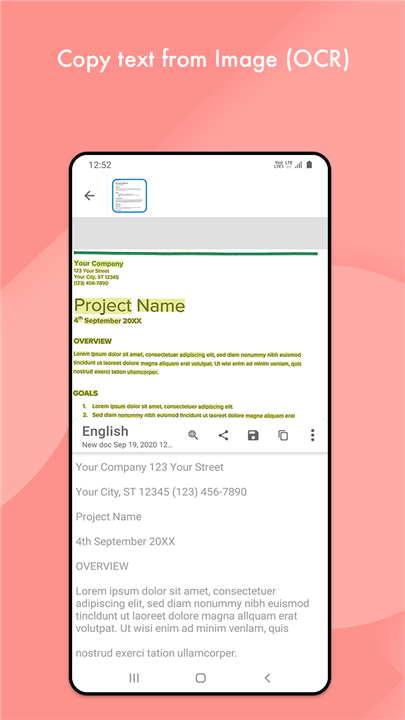
• Stay tuned for upcoming OCR text recognition to extract and edit text from your images.
Join Our Global Mission
• We are dedicated to making professional scanning accessible to everyone.
• If you would like to help us translate the app into more languages, please visit our collaboration page: http://cvinfotech.oneskyapp.com/collaboration/project?id=121989
FAQ
Q: Can I convert photos from my phone’s gallery into PDFs?
A: Absolutely, our app allows you to seamlessly select existing images from your photo gallery and compile them into organized, high-quality PDF documents.
Q: Does the app support different PDF page sizes?
A: Yes, you have full control over your document output and can choose from various sizes, ranging from A1 for larger documents down to A6 for smaller records.
Q: How can I improve the quality of a scan if the original document is faded?
A: Our app features smart auto-enhancement tools and manual controls designed to remove digital noise and grain, helping you revitalize old or faded documents for a crisp, professional finish.
Version History
v6.9.7——13 May 2026
Document Scanner(DocScanner) and PDF Creator App to scan documents on the fly Download the latest version of Document Scanner - PDF Creator to enjoy new features and updates immediately!
* 6.9.7
• New premium document filters
• Smarter Split with advanced options
• Pin documents for quick access
• Search Settings faster
• Improved date & time settings
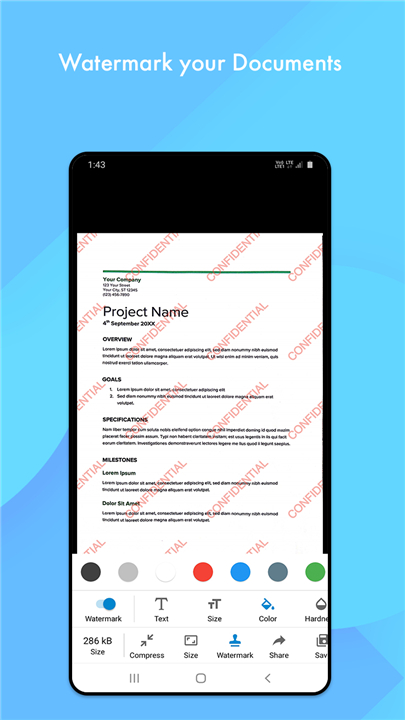
• New image watermark tool
• Set a default folder for new scans
• Apply crop to all pages added.
• Bug fixes and performance improvements
*6.9.4
• New premium document filters
• Smarter Split with advanced options
• Pin documents for quick access
• Search Settings faster
• Improved date & time settings
• New image watermark tool
• Set a default folder for new scans
• Apply crop to all pages added.
• Bug fixes and performance improvements
*6.9.1
• New premium document filters
• Smarter Split with advanced options
• Pin documents for quick access
• Search Settings faster
• Improved date & time settings
• New image watermark tool
• Set a default folder for new scans
• Apply crop to all pages added.
• Bug fixes and performance improvements











Ratings and reviews
There are no reviews yet. Be the first one to write one.