

Lockscreen Widgets and Drawer APK
4.2.4
Lockscreen Widgets and Drawer
Lockscreen Widgets and Drawer APK
Download for Android
Lockscreen Widgets and Drawer
Reclaim Your Lock Screen
• Android once offered the convenience of lock screen widgets, but that capability vanished with the release of Android 5.0.
• While some manufacturers have since introduced their own restrictive, proprietary versions, full control remained out of reach—until now.
Lockscreen Widgets
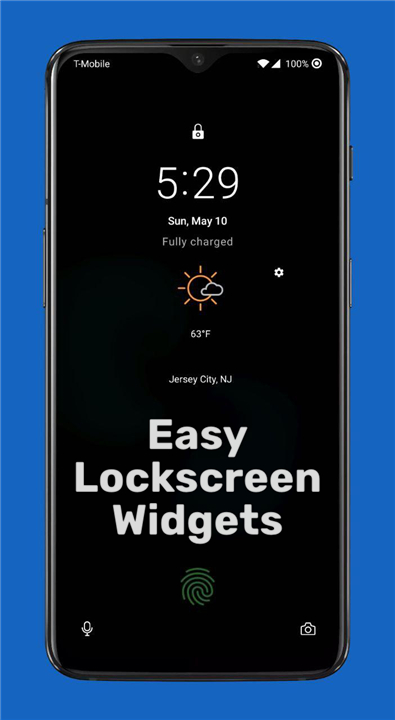
• Restores this lost functionality, giving you the power to use any home screen widget directly on your lock screen, exactly how you want it.
Key Features
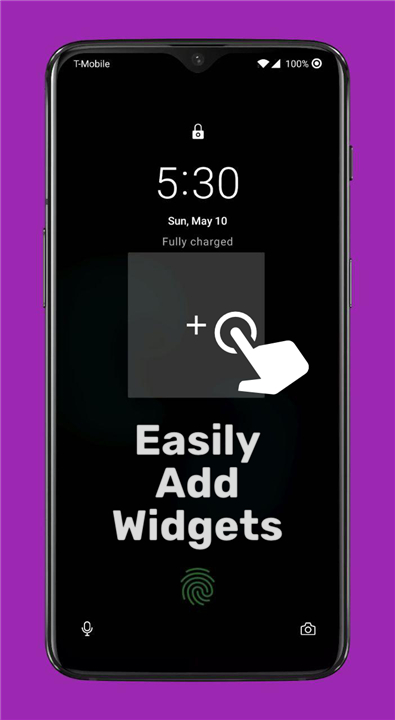
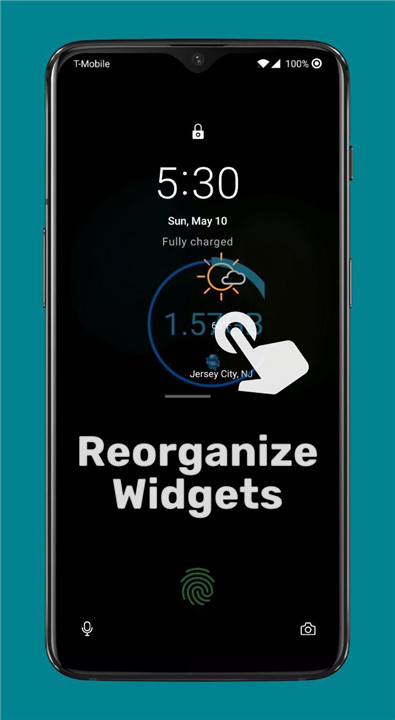
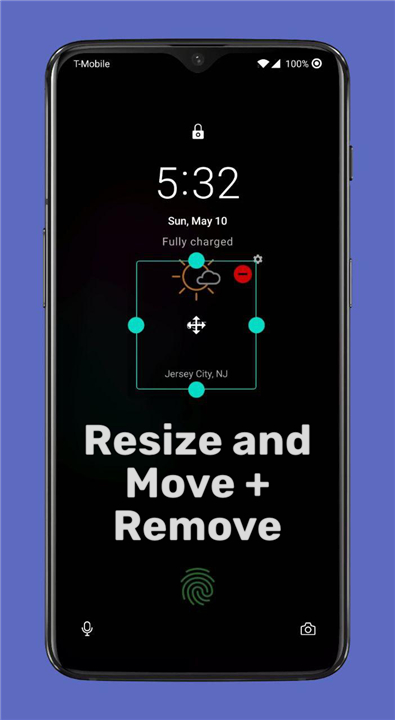
• Total Customization: Add any widget to a paged frame. Reorder, resize, or stack multiple widgets per page with simple touch gestures.
• Smart Interaction: Need to clear the view? Use a three-finger tap to hide the frame until the next time you wake your screen.
• The Widget Drawer: Access your favorite widgets from anywhere using an edge-swipe handle, or trigger it via Tasker and other shortcuts.
• No Root Required: Enjoy full functionality without the hassle of rooting your device. (Note: Android 13+ may require ADB or Shizuku for optimal performance).
Important Permissions
To provide this deep integration, the app requires specific permissions:
• Accessibility: Essential for rendering widgets directly over your lock screen.
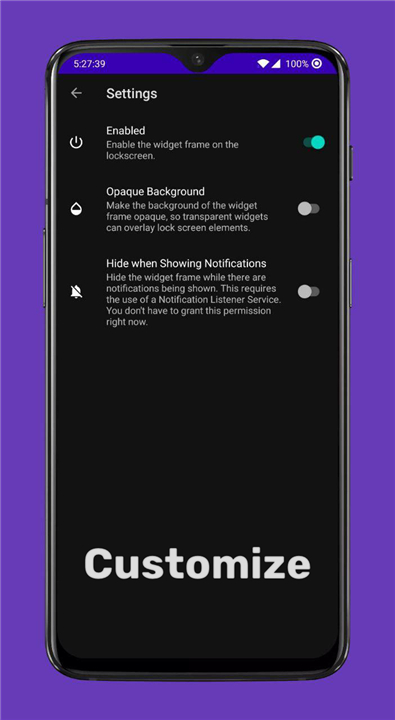
• Notification Listener: Optional; allows the frame to intelligently hide when notifications appear.
• Dismiss Keyguard: Improves flow by navigating to your security input when you interact with specific widgets. Your device security remains fully intact.
Compatibility and Support
• Requirements: Compatible with Android 5.1 and higher.
• Open Source: Transparency is our priority; the full source code is available for review.
• Get Involved: We welcome contributions to our translation project and value your feedback.
If you encounter issues or have questions, please reach out via email or join our community group at https://bit.ly/ZachareeTG.
Resources
• Source Code: https://github.com/zacharee/LockscreenWidgets
• Contribute Translations: https://crowdin.com/project/lockscreen-widgets
FAQ
Q: Do I need to root my device to use this app?
A: You do not need to root your device to enjoy the full functionality of the application. However, if you are running Android 13 or higher, the app may require you to set up ADB or Shizuku to ensure optimal performance and correct integration with the system.
Q: Can I use any widget from my phone on the lock screen?
A: Yes, the app allows you to add any widget that you would normally use on your home screen directly to your lock screen. This provides you with the flexibility to customize your lock screen experience to suit your personal needs.
Q: How can I hide the widget frame if I want a clean view of my lock screen?
A: The app includes a convenient smart interaction feature for this exact purpose. If you want to temporarily clear the view, you can perform a simple three-finger tap, which will hide the widget frame until the next time you wake your device.
Version History
v2.0.12——8 Jul 2026
Restore lost functionality with Lockscreen Widgets! Add any widget to your Android lock screen and access your favorite tools via the drawer. Download the latest version of Lockscreen Widgets and Drawer to enjoy new features and updates immediately!
*4.2.4
Lockscreen Widgets:
• Fix some crashes
• Update dependencies
Wallpaper Companion:
• Fix a crash
*4.2.3
• Hopefully fully fix frame moving/resizing and widget moving/resizing.
• Fix a couple crashes.
*4.2.2
• This is an intermediary release to fix the ability to move and resize the frame. Individual widget resizing still needs some work.











Ratings and reviews
There are no reviews yet. Be the first one to write one.