

Readbook - Text/Image Viewer APK
2.0.7
Readbook - Text/Image Viewer
Readbook - Text/Image Viewer APK
Download for Android
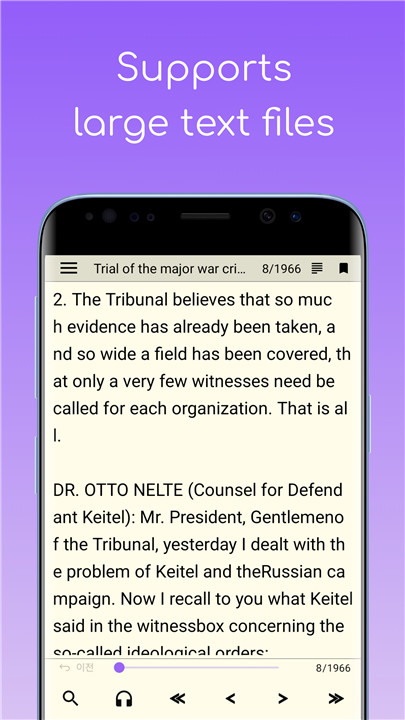
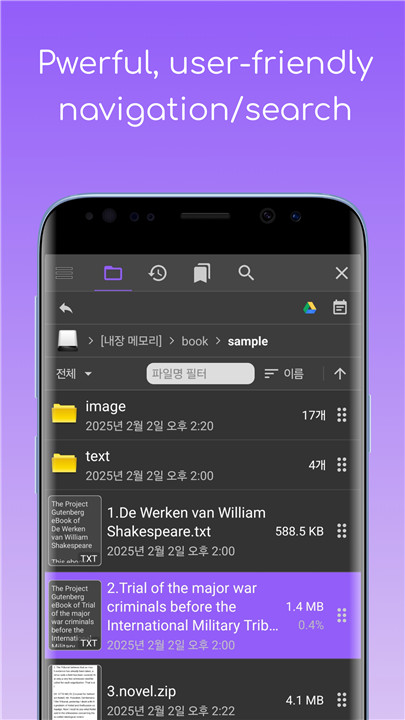
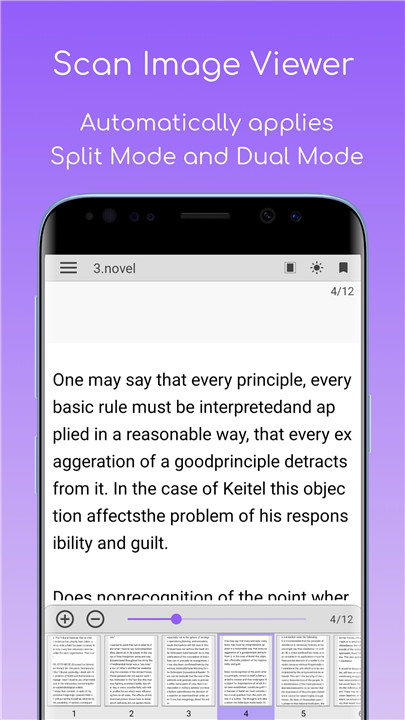
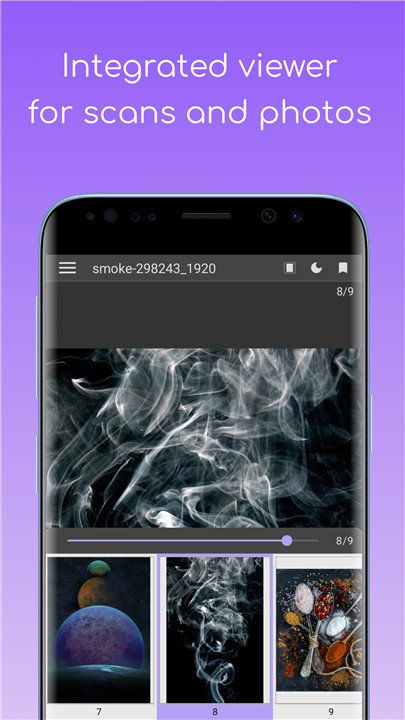
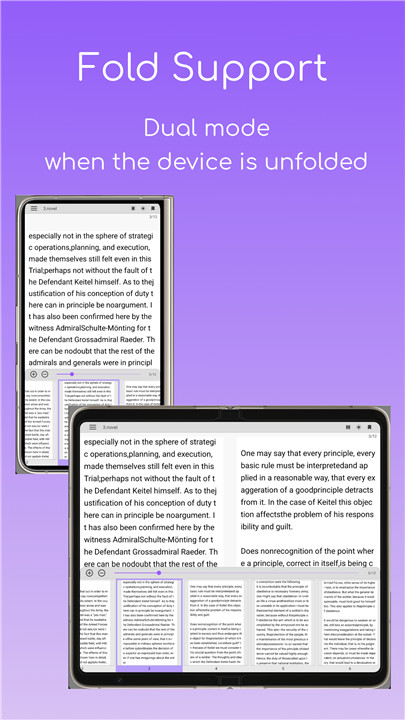
This application serves as a comprehensive text file viewer with a high capacity, as well as a scanned image viewer. It features a user-friendly explorer function and a text-to-speech (TTS) capability.
1. User-Friendly Explorer
- The interface includes a list view with various filtering and sorting options, along with a user-input word filter.
- Users can rename and delete folders or files easily.
- One-click access to Google or Naver reviews for the selected file name is available.
- Integration with Google Drive is supported.
- SD card access is enabled.
- A file search function is included.
- Thumbnail previews are provided.
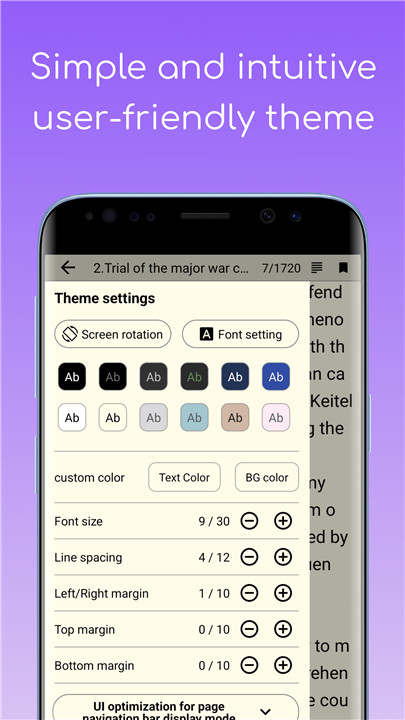
2. Customizable Themes
- Choose from 12 preset themes.
- Users can modify text color, background color, and font style.
- Adjustments for font size, line spacing, and margins (left, right, top, bottom) are available.
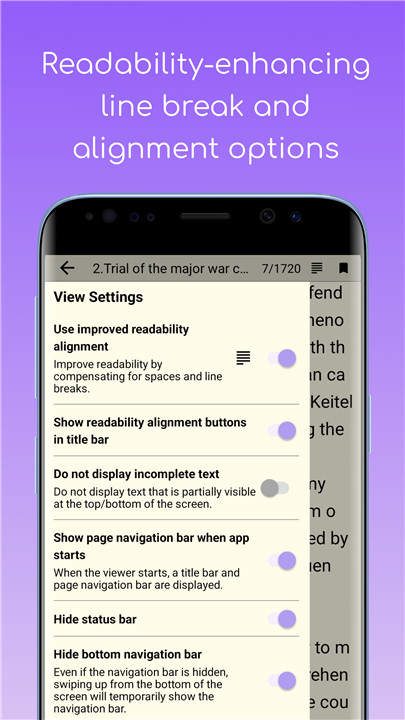
- The app compensates for spaces and line breaks to enhance readability, ensuring no incomplete text displays.
3. Viewing Options
- Supports both horizontal and vertical viewing modes.
- Easy page navigation.
- Search functionality for text within documents.
4. Control Features
- Navigate pages using volume buttons.
- Utilize the screen scroll feature.
- Swipe to turn pages.
- Option to prevent the screen from automatically turning off.
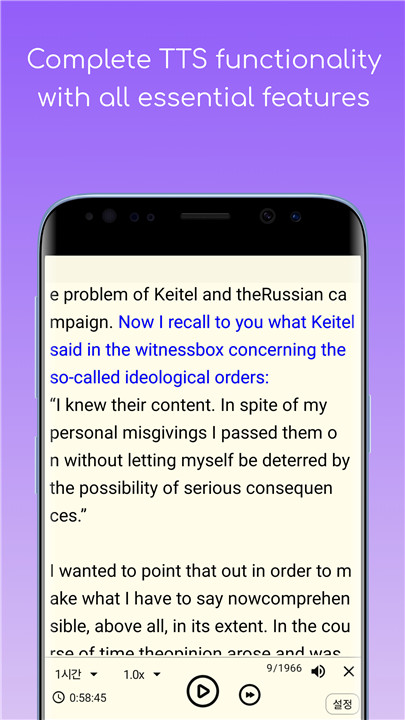
5. Text-to-Speech (TTS)
- Options to change the engine, voice, speed, and volume.
- Notification interface is provided.
- Timer function and a skip option for Hanja are supported.
6. Scanned Image Viewer
- Automatically selects split mode and two-page view.
- Offers dark, light, and clear filters.
- Includes a dark theme option.
7. Additional Features
- Remembers the last viewed file and its location.
- Recent files list is available.
- Bookmarking functionality is included.
For any errors or issues, please reach out via [Side menu > Send inquiry email] within the app.
[Permission Information]
- File reading permission: Required to access files across all device paths.
- Access to all files: As of OS 11, 'File reading permission' has been updated to 'Access to all files' in accordance with Google policy.
FAQ
Q: What is the primary function of this application?
A: This application serves as a comprehensive text file viewer with a high capacity and a scanned image viewer. It includes a user-friendly explorer function and text-to-speech (TTS) capability.
Q: How do I navigate through the files and folders in the application?
A: The application features a user-friendly explorer interface with a list view that includes filtering and sorting options. You can easily rename and delete folders or files, and access a file search function and thumbnail previews.
Q: Can I access my Google Drive files through this app?
A: Yes, the application supports integration with Google Drive, allowing you to access and view your files directly from your Google Drive account.
-----------------
What's New in the Latest Version 2.0.6
Last updated on Feb 13, 2025
Simple Text viewer, novel viewer, text-to-speech (TTS), Scan image viewer Download the latest version of Readbook - Text/Image Viewer 2.0.6 to enjoy new features and updates immediately!
• Menu Addition: Added an "Open File" menu to the side menu. (Added based on requests from users of version 1.x)
• Option Addition: It was confirmed that there was an issue with the handling of the TTS timer's completion in the text viewer, so a "Close app on TTS timer completion" option was added to the side menu of the text viewer. (Default: off)
• Bug Fixes









Ratings and reviews
There are no reviews yet. Be the first one to write one.