

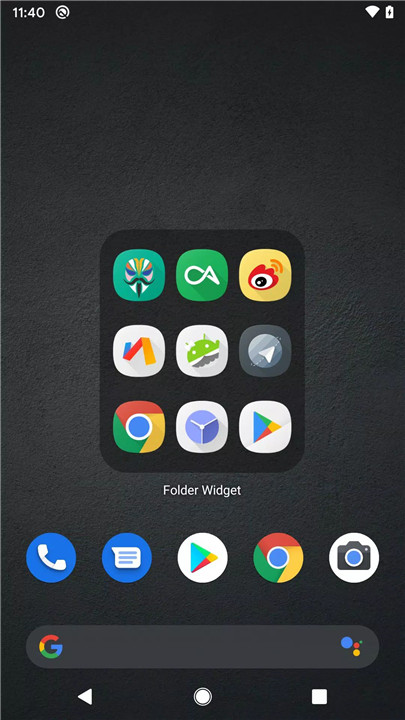
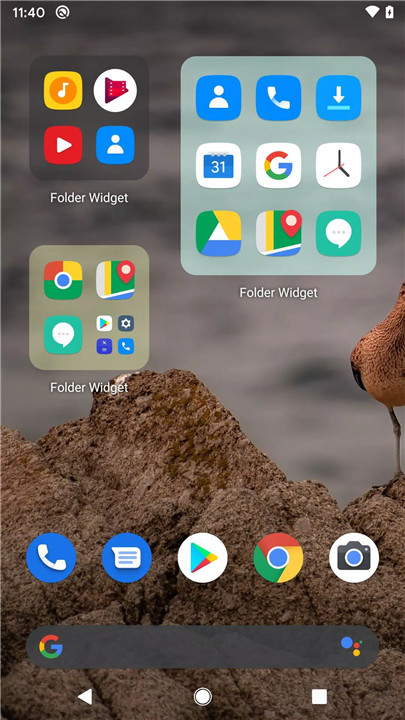
Say goodbye to cluttered home screens with Large Folders! This innovative app helps you organize your phone’s launcher home screen by consolidating your apps into one large folder. Access your apps quickly without the need to open each individual folder!.
Custom Widget Size and Styling
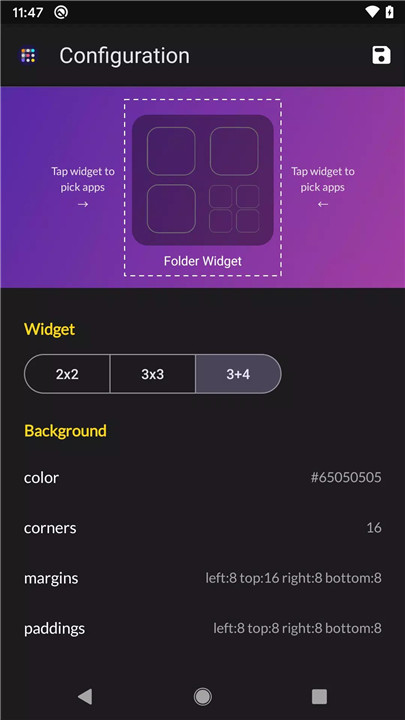
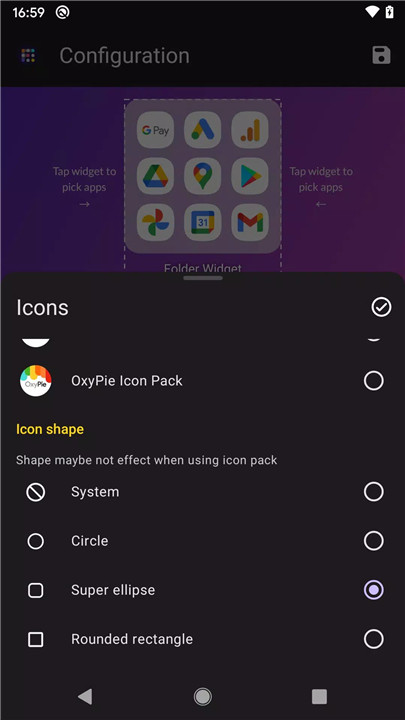
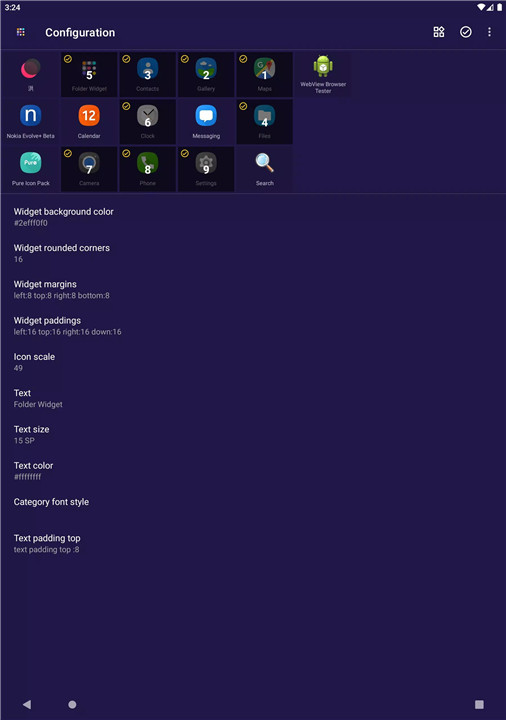
With Large Folders, you can personalize the appearance of your folder widgets. Adjust the widget size, background color, radius, margins, and padding to suit your style. The customization options let you make your home screen truly your own.
Custom Folder Settings
The folder itself is fully customizable. You can set a custom folder name, choose your desired text color and size, and adjust text padding for a clean look. You also have control over the folder's grid size and icon name visibility, allowing for a tailored design.
Quick Access to System Settings and Shortcuts
Large Folders doesn’t just organize your apps; it also gives you quick access to essential functions. Open system settings, shortcuts, or web pages instantly, or trigger a popup widget right from your folder, making navigation faster and more efficient.
Advanced Notification Styles
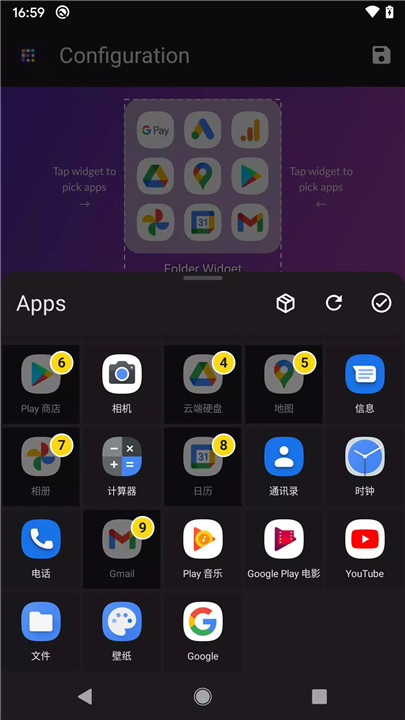
Personalize the notification experience within your folders. Large Folders supports changing the notification dot number styles, so you can customize how notifications appear for each app. Whether you prefer a more subtle or prominent notification style, you have control.
Scrollable Folder Box and Adaptive Icons
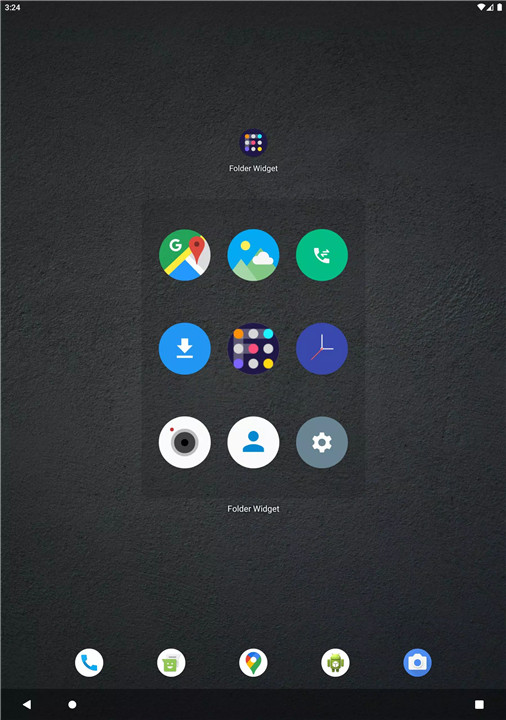
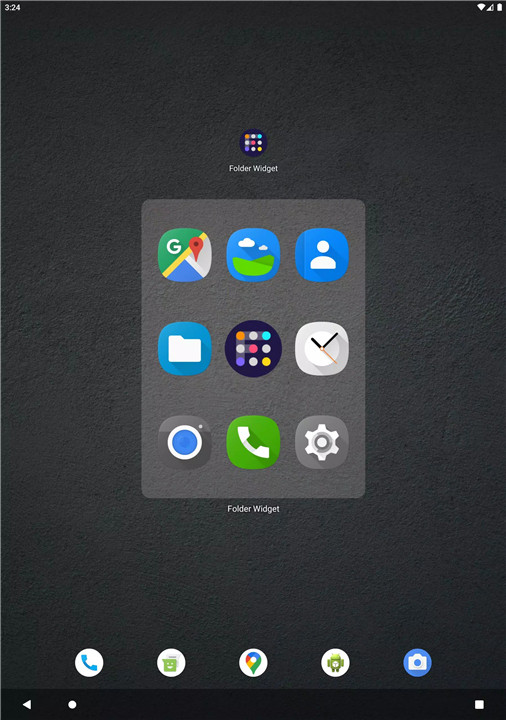
To make your folders more functional, the folder box is scrollable, so you can add more apps without crowding the screen. It also supports adaptive icon shapes and icon packs, giving you further flexibility in customizing your home screen.
Auto-Dark Folder Background and Shadow Options
For a sleek, modern look, Large Folders offers an auto-dark folder background, adjusting to your device’s dark mode settings. Additionally, you can apply a shadow effect to the folder name, adding depth and a stylish touch.
Widget Size Options and New UI Configuration
Choose from multiple widget sizes, including 2x2, 3x3, 3+4, 1x5, 2x3, and 3x2, to suit your needs. The new user interface makes it easy to configure your settings with a streamlined experience.
FAQs
1. How do I customize the size and style of the folder widget?
You can adjust the widget size, background color, radius, margins, and padding to match your preferences. These options are available within the app's configuration settings.
2. Can I change the folder name and text appearance?
Yes! Large Folders allows you to customize the folder name, text color, text size, and text padding, providing complete flexibility in how your folders appear.
3. Can I access system settings from the folder?
Yes, you can quickly access system settings, shortcuts, and web pages from within your folder, making it easy to navigate your phone without leaving the folder.
4. Can I use an icon pack with Large Folders?
Yes! The app supports icon packs and adaptive icon shapes, allowing you to customize your folder icons with a variety of designs and styles.
5. Does Large Folders support a dark mode?
Yes, Large Folders features an auto-dark folder background that automatically adjusts based on your device’s dark mode settings, giving your home screen a sleek, modern look.
Version History
v7.0.4—10 Mar, 2024
New: Rename folder items
New: Large big icon
New: Shortcuts manager
New: quick import widgets & shortcuts
New: Drag to dismiss opened folder
New: File shortcuts, schema, shell,web page
Set picture as folder background
Option of dark background color
Scrollable inside folder
custom folder grid size and show icon name
Popup widget in folder & edit icon individual
System settings shorcuts to folder widget
Notification dot number type support
v7.0.2—24 Feb, 2024
New: Large big icon
New: Shortcuts manager
New: quick import widgets & shortcuts
New: Drag to dismiss opened folder
New: File shortcuts, schema, shell,web page
Set picture as folder background
Option of dark background color
Scrollable inside folder
custom folder grid size and show icon name
Popup widget in folder & edit icon individual
System settings shorcuts to folder widget
Notification dot number type support
v7.0.0—2 Feb, 2024
New: more shape in icon editor
New: quick import widgets
New: Drag to dismiss opened folder
Fix: icon disappear
New: File shortcuts, schema, shell,web page
Set picture as folder background
Option of dark background color
Scrollable inside folder
custom folder grid size and show icon name
Popup widget in folder & edit icon individual
System settings shorcuts to folder widget
Notification dot number type support









Ratings and reviews
There are no reviews yet. Be the first one to write one.