

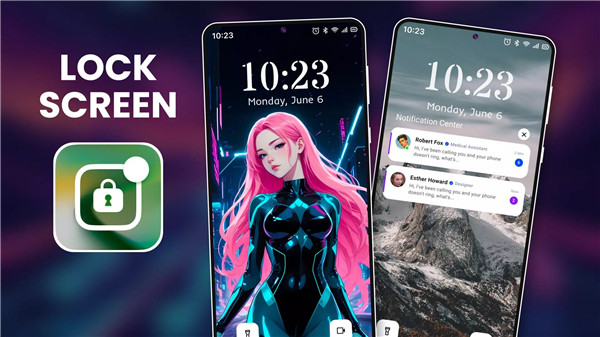
Lock Screen OS: A powerful replacement for your Android device’s default lock screen
Want to refresh your phone’s look? Or enhance functionality? Lock Screen OS is your app!
Personalize Your Lock Screen
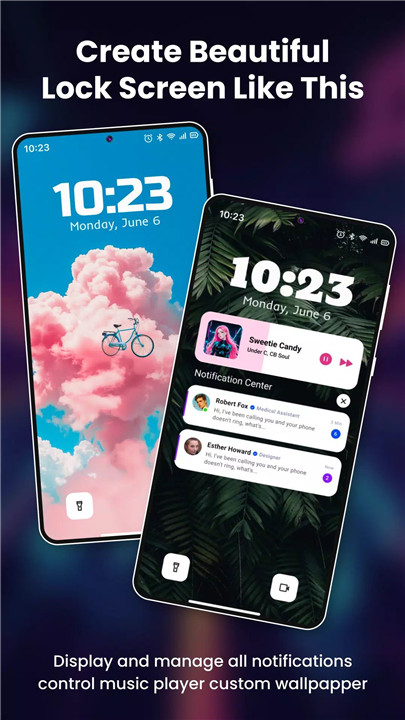
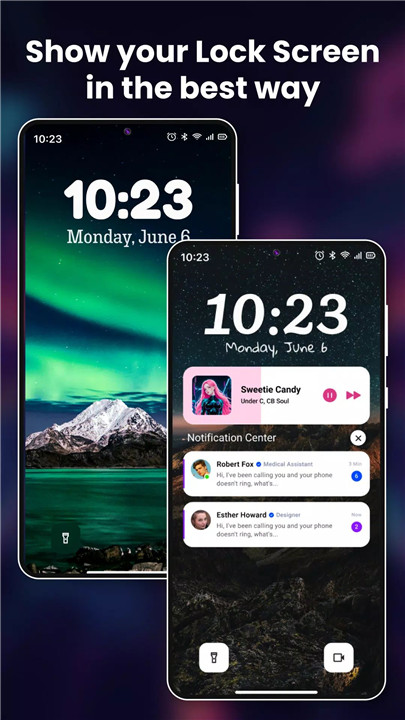
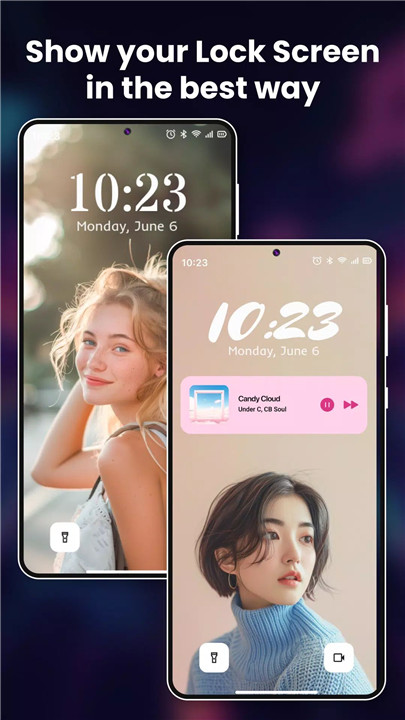
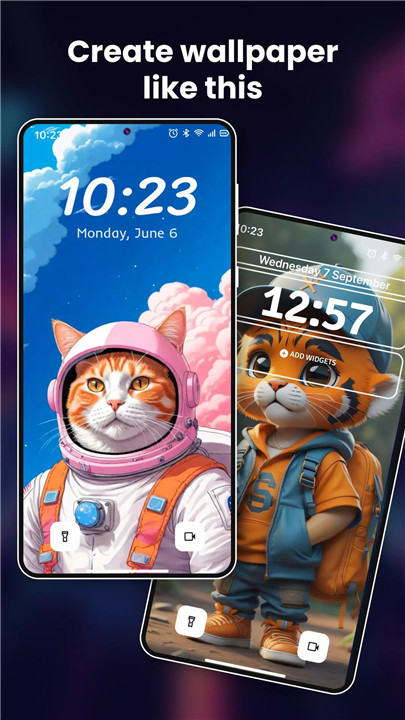
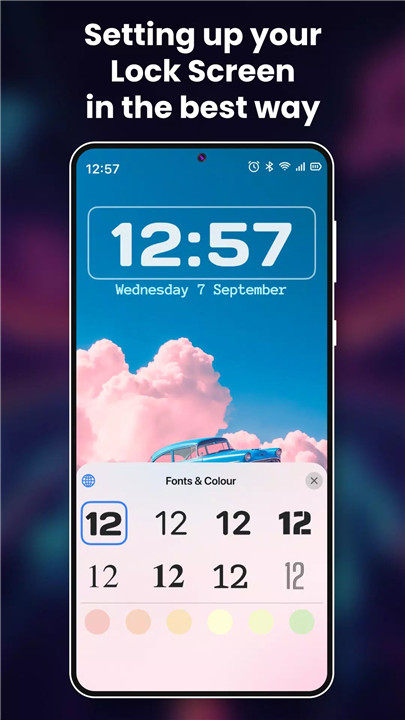
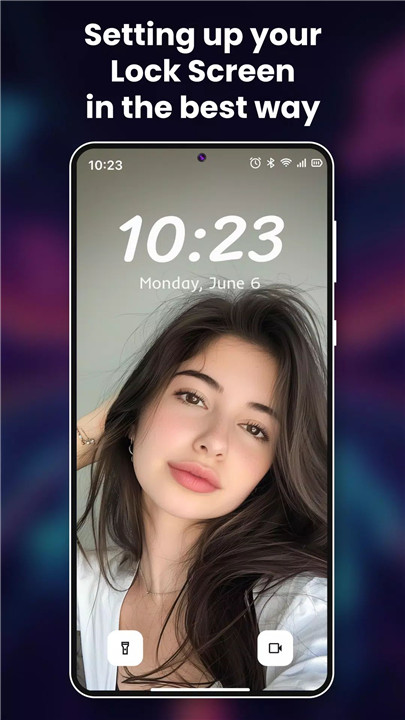
Transform your lock screen into a canvas of self-expression. With Lock Screen OS, you can choose from a curated gallery of stunning wallpapers, ranging from scenic landscapes to abstract art, ensuring your lock screen reflects your unique style. Customize font styles to match your mood and personality, creating a visual experience that’s distinctly yours. Additionally, display widgets that provide instant access to weather updates, calendar events, and more, right from your lock screen.
Reimagined Lock Screen OS
Transform your phone into an OS with brand new ways to personalize your lock screen. Freely customize font styles, display your choice of widgets so you can get information at a quick glance. You can also design multiple lock screens, each with its own wallpaper and style. Switch effortlessly between these designs to suit different occasions or moods, ensuring your lock screen always complements your day.
Effortless Notifications Management
Stay informed with notifications displayed directly on your lock screen. Choose from expanded, stacked, or hidden views to manage notifications seamlessly without unlocking your phone, keeping you connected at a glance.
To optimize your Lock Screen OS experience, the app requires certain permissions:
Camera: Access to open the camera from the lock screen.
Read Phone State: Display incoming calls on the lock screen.
Notification Access: Show notifications when the screen is locked.
Read/Write External Storage: Support wallpaper customization from both device storage and the app’s server.
Draw Over Screen: Display the lock screen over other applications.
Setting Up Lock Screen OS
1. Grant all required permissions.
2. Set up a passcode for security.
3. Disable the system lock to activate Lock Screen OS.
4. Customize notification settings based on your preferences.
Enjoy your new lock screen!
What's New in the Latest Version 2.9.10
Last updated on Jul 13, 2024
Lock screen version 2.9.10 - 48
+ Improver performance app
+ OS 17 performance
+ Lock Screen animation updated
+ Notifications expanded animation updated
+ Fix issue report by users









Ratings and reviews
There are no reviews yet. Be the first one to write one.