


MyCamu Lite – Detailed Overview
Important Note
• MyCamu Lite is an application designed exclusively for the parents and students of educational institutions that use the Camu platform.
• It is not a general-purpose app and functions only when your institution is registered with Camu.
• If you are unsure about your institution’s association with the Camu platform, please contact your school, college, or university administration for clarification before logging in or attempting to use the app.
About the App
• The MyCamu Lite app serves as a convenient mobile extension of the student and parent portal available on the Camu platform.
• It provides quick, secure, and user-friendly access to important academic and administrative information.
• Through this app, parents and students can stay connected with the institution and receive timely updates about academic progress, schedules, and events.
Key Features
1. Attendance Notifications
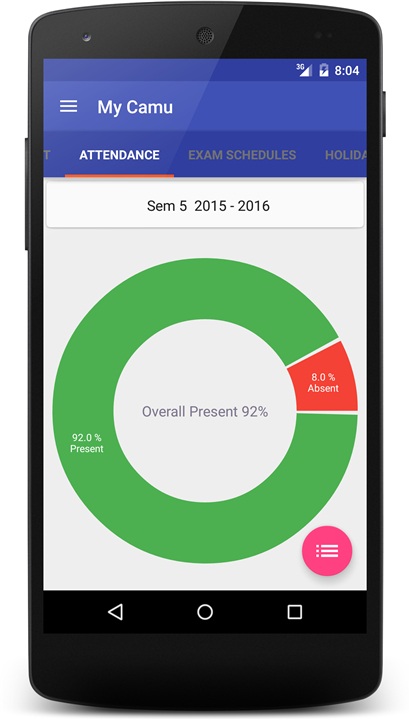
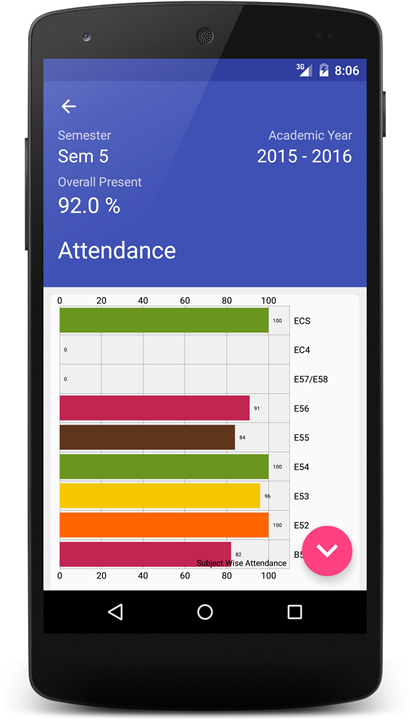
• Instantly receive alerts and updates about student attendance.
• Helps parents monitor daily attendance and be informed of absences.
2. Access to Timetable
• View class schedules and daily timetables anywhere, anytime.
• Stay organized and prepared for upcoming lectures and sessions.
3. Reminders
• Get automated reminders for assignments, exams, or important events.
• Ensures students never miss deadlines or scheduled activities.
4. Assignments and Online Assessments
• View assignment details, submission dates, and evaluation results.
• Participate in online tests or quizzes through a secure platform.
5. Exam Management
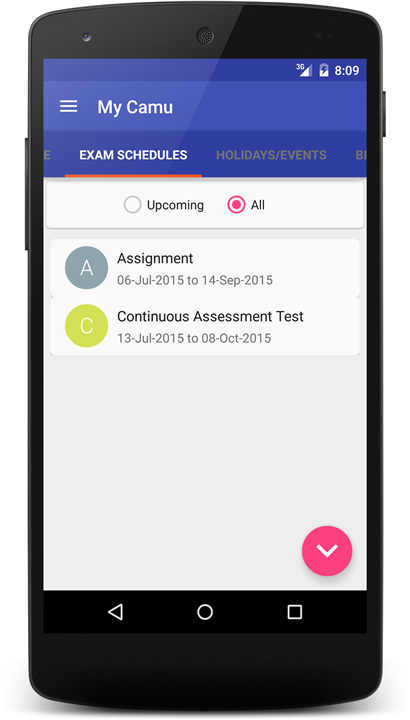
• Check exam timetables, seating arrangements, and exam-related notifications.
• Access exam results, report cards, and academic performance summaries.
6. Billing and Payment
• Review and track fee details and payment history.
• Make secure online payments for tuition and other institutional charges.
Support
• If you experience technical issues or need assistance using the app, please contact the MyCamu support team at support@octoze.com.
• The team will guide you with setup, troubleshooting, or any other help related to the MyCamu Lite application.
FAQ
Q: Can I use MyCamu Lite if my school isn’t registered with Camu?
A: No. The app only functions for institutions that have an active Camu integration. If you’re not sure whether your school is on Camu, the safest step is to ask your administration before trying to log in.
Q: How do I know whether my institution is on Camu?
A: Your school’s registrar, IT department, or the office that handles student services should be able to confirm Camu registration. They’ll also provide you with any institution‑specific login details you may need.
Q: Who is allowed to log into MyCamu Lite?
A: The app is intended exclusively for two groups: parents who have been granted access to view their child’s information, and the students themselves. Each user must have a valid Camu account linked to the institution.
Version History
v5.59——14 Oct 2025
MyCamu app allows Students and Parents access to Camu platform. Download the latest version of MyCamu Lite to enjoy new features and updates immediately!
*5.59
General Release
*5.58
General Release
*5.57
General bug fixing









Ratings and reviews
There are no reviews yet. Be the first one to write one.