

Video to photo, image -GetPict APK
2.1.6
Video to photo, image -GetPict
Video to photo, image -GetPict APK
Download for Android

Video to photo, image -GetPict
Video to Photo and Image Extraction
• GetPict is a free and user-friendly application designed for anyone who wants to capture still images from their favorite videos.
• Whether you are preserving a memorable moment from a personal recording or pulling a perfect frame from a creative project, GetPict makes the process simple, precise, and efficient.
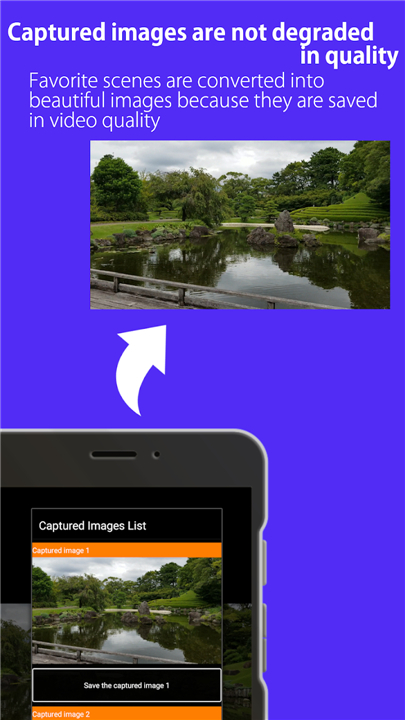
• With just a few taps, you can convert a specific scene into a high-quality image file and store it for later use.
Key Features
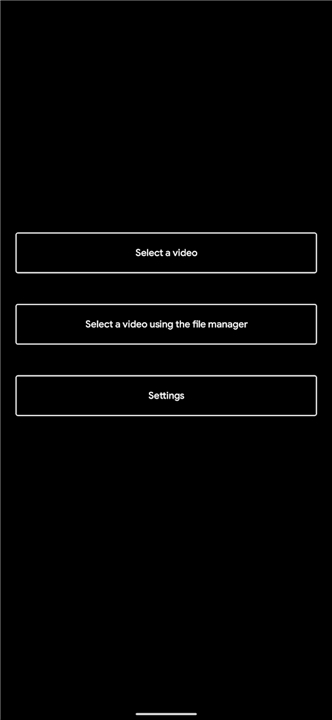
• Video Selection – Choose any video stored in your device’s gallery or file manager.
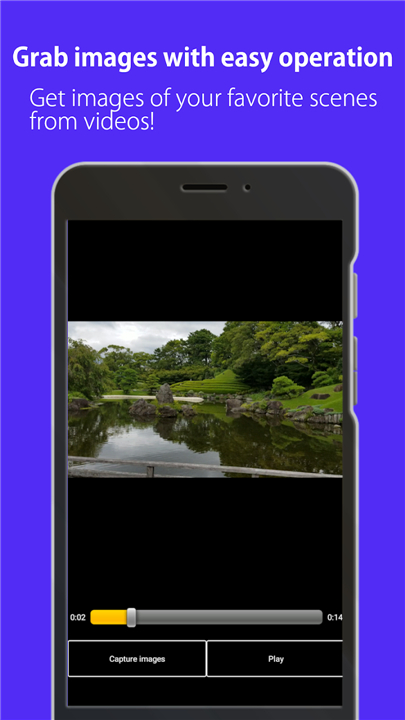
• Scene Extraction – Pause the video at the exact frame you want to capture.
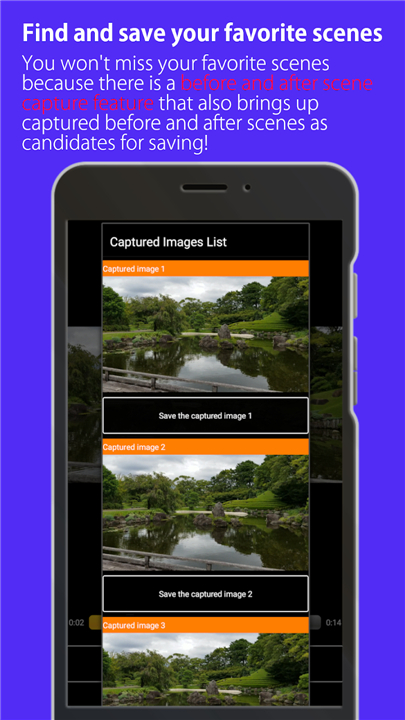
• Multiple Capture Options – The app generates four image candidates around your chosen moment to ensure you get the best shot.
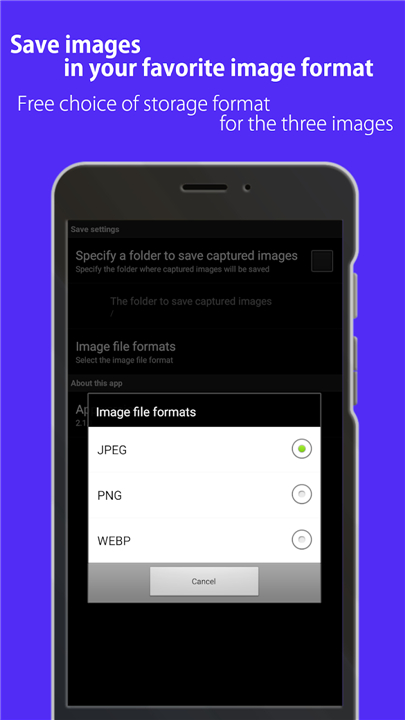
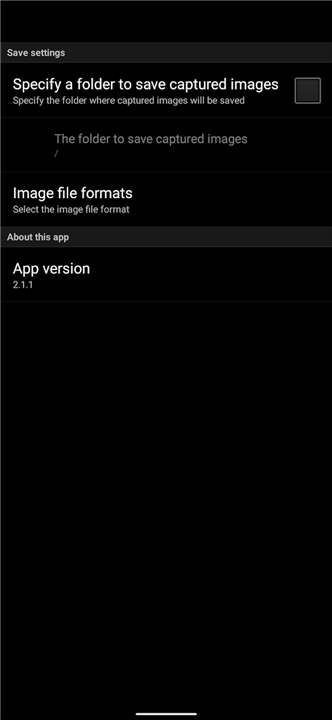
• Custom Save Location – Decide where the extracted photo will be stored for easy access.
• Simple Interface – Minimal steps and intuitive controls suitable for all skill levels.
Possible Usage Scenarios
• Saving your favorite movie or video scene as a still image for personal enjoyment.
• Capturing a memorable moment from a family video, event recording, or travel vlog.
• Extracting a still frame for use as a reference image in creative or professional work.
• Creating images from video footage to share on social media or use in presentations.
How to Use GetPict
1. Open the App – Launch GetPict on your device.
2. Select a Video – Choose a file from your gallery or file manager.
3. Play and Pause – Play the video and pause at the exact frame you wish to capture.
4. Capture the Image – Tap the capture button to generate still frames.
5. Choose the Best Shot – Review the four suggested images and select your favorite.
6. Save the Image – Store it in your chosen folder for future use.
FAQ
Q: How do I select the exact frame I want to capture?
A: After opening your chosen video in GetPict, simply play it until you reach the general moment you want, pause the playback, and then use the on-screen controls to fine-tune the timing. Once you are satisfied, tapping the capture button will generate four closely adjacent frames around that moment. Reviewing these options ensures that even if you’re a few milliseconds off, you’ll still be able to pick the image that best captures the scene you had in mind.
Q: Which video formats are supported by GetPict?
A: GetPict is designed to work with the most common video file types found on mobile and desktop devices. It currently supports MP4, MOV, AVI, and MKV formats, so you should be able to load almost any recording or cinematic clip saved in your gallery or file manager without needing to convert the file first.
Q: I see four image options after capturing a scene. How do I know which one to choose?
A: The four images represent slightly different frames around your chosen pause point. Because even a split-second can change the composition, movement, or facial expressions in your video, having these alternatives lets you compare small variations. You can preview them side by side within the app, and then simply tap on the version that best meets your needs—whether that means sharper detail, better lighting, or the most compelling expression.
Version History
v2.1.6——13 Jan 2026
This app allows you to cut out a photo from a video! Download the latest version of Video to photo, image -GetPict to enjoy new features and updates immediately!
*2.1.6
Added support for Android 16.
*2.1.5
bug fix
*2.1.3
Fixed bugs









Ratings and reviews
There are no reviews yet. Be the first one to write one.