

USB Connect - TV Share Screen APK
2.0
USB Connect - TV Share Screen
USB Connect - TV Share Screen APK
Download for Android
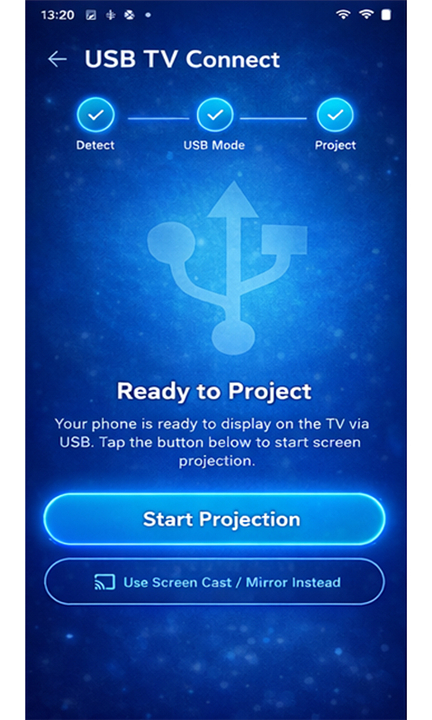
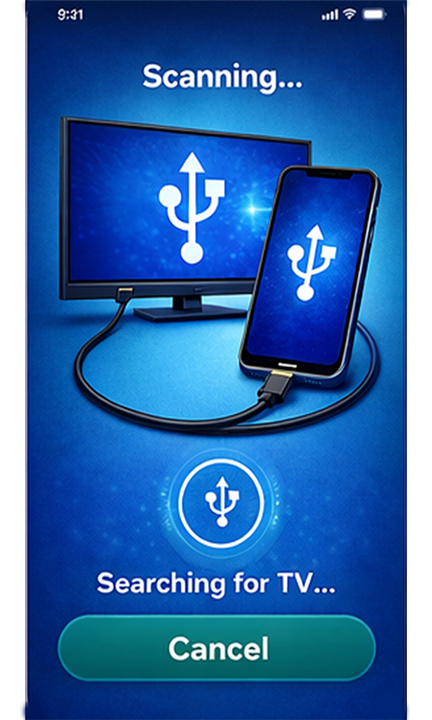
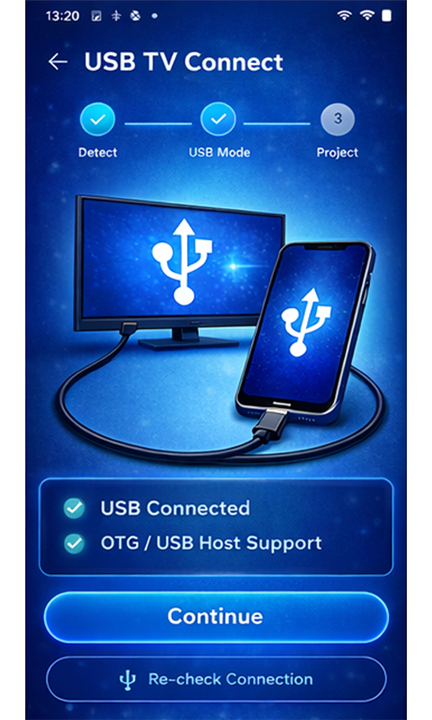
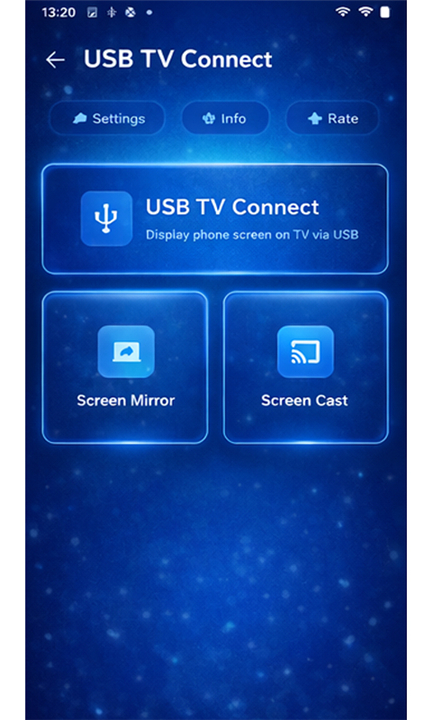
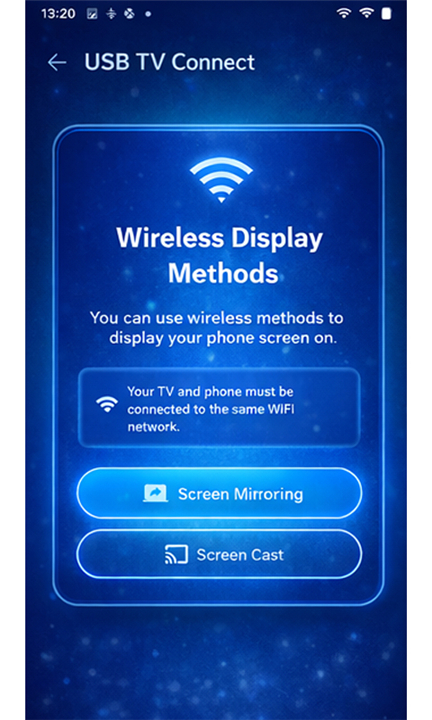
USB Connect - TV Share Screen
Seamless Phone-to-TV Display
• The "USB Connect - TV Share Screen" application offers an intuitive and effective solution for projecting your smartphone's content onto a larger television display.
• This innovative tool empowers users to effortlessly connect, cast, and share their mobile phone screen directly onto a TV, simplifying the mirroring process.
• It enhances media consumption, presentations, or shared experiences, providing an immersive viewing experience.
Versatile Connectivity Methods
The application provides flexible methods to link your mobile device to a television, catering to various user preferences:
1. Direct USB Connection (Wired):
• This method utilizes a physical cable (such as a standard USB or HDMI Mobile High-Definition Link (MHL) cable) for a highly stable, high-quality link.
• It's ideal where wireless signals are unstable or unavailable, guaranteeing consistent, uninterrupted broadcast.
2. Seamless Wireless Connection:
• For convenience and freedom of movement, the app fully supports wireless connectivity.
• This allows casting without physical cables, offering flexibility for quick sharing, presentations, or content enjoyment without device tethering.
Advanced Features for Superior Screen Sharing
1. Stable & High-Quality USB Screen Mirroring:
• When opting for a USB connection, the app delivers exceptionally stable, high-definition screen mirroring.
• This ensures mobile content is reproduced with pristine clarity, vibrant colors, and sharp detail.
• It guarantees smooth, reliable performance for all screen sharing needs, effectively eliminating issues like lag or pixelation.
2. Exceptional HD Quality Casting via HDMI MHL:
• Full support for HDMI Mobile High-Definition Link (MHL) technology enables true high-definition (HD) quality casting.
• Users enjoy incredibly crisp visuals and vibrant colors, whether streaming movies, browsing high-resolution photos, or delivering detailed presentations directly from their phone to the TV.
3. Reliable & Lag-Free USB Screen Sharer:
• Beyond passive mirroring, the integrated USB screen sharer facilitates a direct, secure, and virtually lag-free connection.
• This is crucial for real-time interaction like mobile gaming, interactive educational content, or synchronized displays during collaborative work, ensuring responsiveness and precision on the big screen.
FAQ
Q: How does the direct USB connection method benefit the user?
A: Using a direct USB or HDMI MHL cable creates a very stable and high-quality link between your phone and the television. This wired approach is particularly helpful in situations where wireless signals are weak or unavailable, as it ensures that your broadcast remains consistent without any of the drops or interruptions often found in wireless setups.
Q: Is there an option to use the app without any physical cables?
A: The app fully supports a seamless wireless connection mode for those who prefer convenience and freedom of movement. This allows you to cast your screen and share content quickly without being tethered to the TV, which is perfect for casual sharing or when you need to use your phone as a remote from across the room.
Q: What kind of visual quality can I expect when mirroring my screen?
A: When you use the high-quality USB or HDMI MHL connection methods, the app delivers exceptionally clear and high-definition results. Your mobile content is reproduced with vibrant colors and sharp details, effectively eliminating common issues like pixelation or blurry images that can occur with lower-quality mirroring tools.
Version History
v2.0——30 Mar 2026
Phone Connect To TV - HDMI USB & WiFi Screen Mirroring or Screen Cast Download the latest version of USB Connect - TV Share Screen to enjoy new features and updates immediately!
*2.0
Minor bug fixes and improvements. Install or update to the newest version to check it out!
*1.0
Minor bug fixes and improvements. Install or update to the newest version to check it out!









Ratings and reviews
There are no reviews yet. Be the first one to write one.