

VifunAI : AI Video Generator APK
1.1.0.0
VifunAI : AI Video Generator
VifunAI : AI Video Generator APK
Download for Android
VifunAI : AI Video Generator
Breathe Life Into Your Still Images
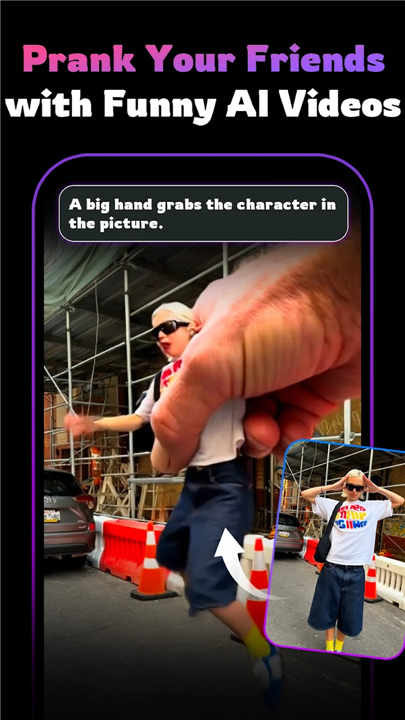
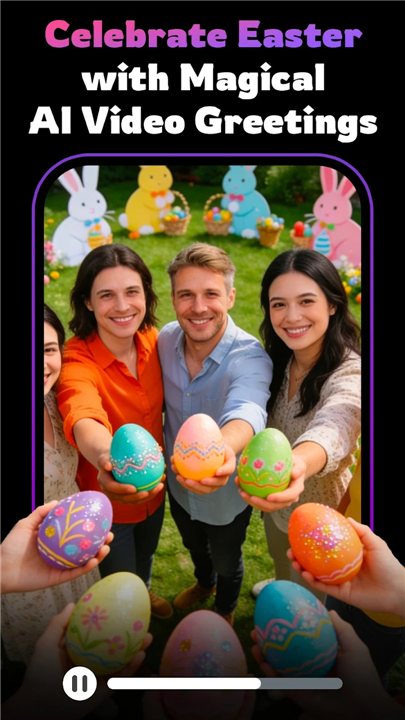
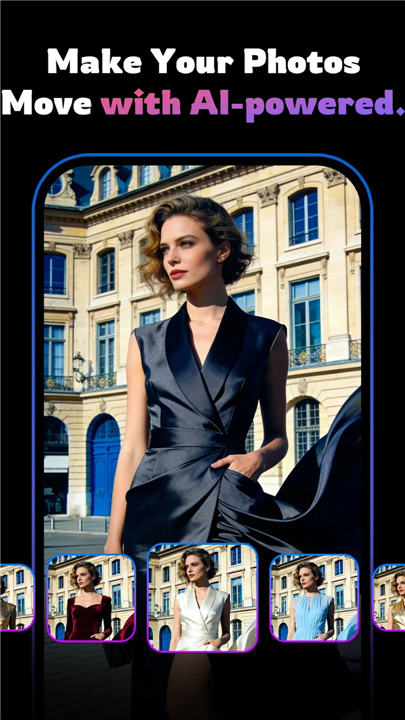
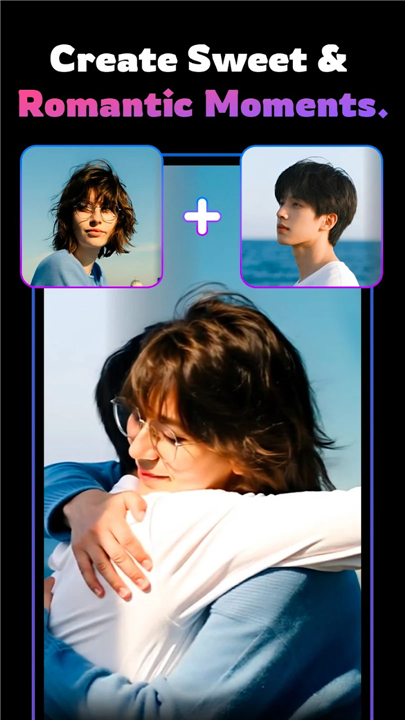
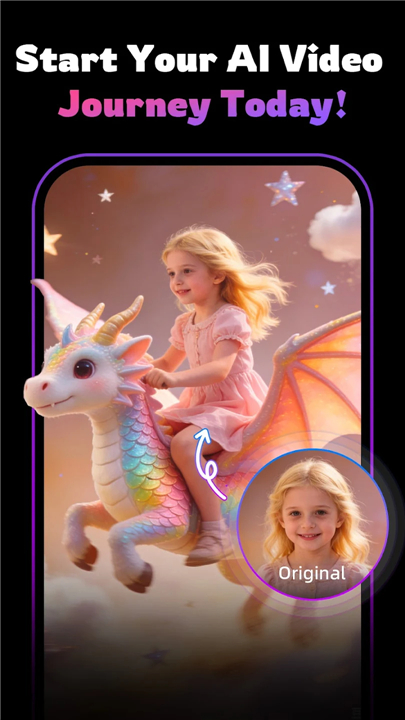
• Transform your static photos into captivating AI-driven videos with VifunAI.
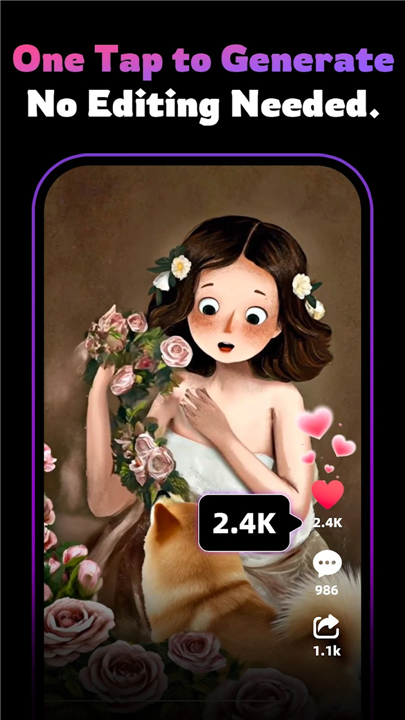
• Our intuitive platform removes the need for complex editing software, allowing you to turn simple snapshots into dynamic, professional-grade visual content in seconds.
Core Creative Capabilities
• Dynamic Animation: Convert portraits into expressive, moving visuals with natural motion and lively effects.
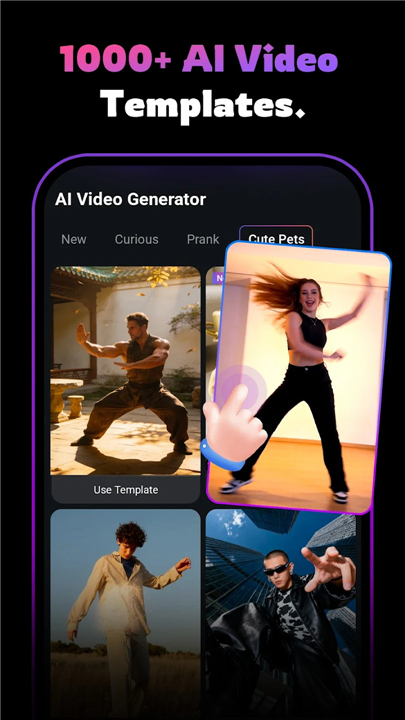
• Trend-Driven Templates: Access a constantly evolving library of viral dance styles and high-energy visual templates.
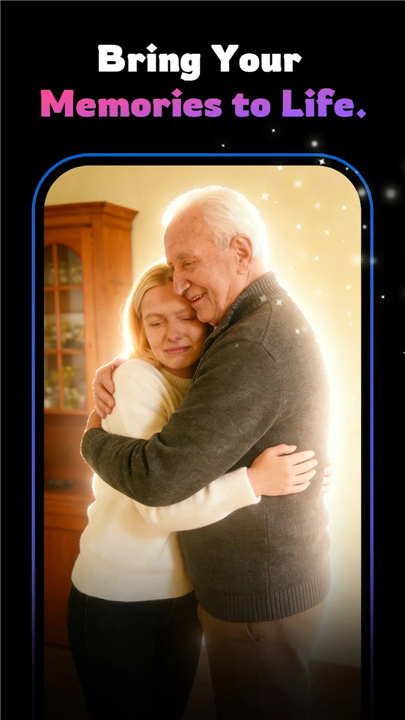
• Nostalgic Revitalization: Bring your cherished memories to life by adding subtle, realistic movements like smiles and blinks.
• Stylized Action: Infuse your images with creative energy through our curated collection of action-oriented animation styles.
• Constant Innovation: We regularly refresh our template library to ensure your content stays at the forefront of social media trends.
How It Works
• Select Your Style: Browse our diverse gallery of animation templates to find the perfect look for your image.
• Upload Your Media: Choose a clear portrait or photo from your device.
• Generate and Share: Let our AI handle the processing and export your masterpiece for instant sharing across all your social channels.
Usage Policy and Responsibility
• VifunAI promotes the ethical use of artificial intelligence.
• By using our service, you agree to the following:
+ Ownership and Consent: You are responsible for ensuring you have full rights and explicit permission to use any images and likenesses uploaded to our platform.
+ Creative Expectation: Our AI is designed for entertainment and artistic expression. Please note that results may vary and are not intended to serve as factual or hyper-realistic representations.
+ Safety Standards: We strictly prohibit the creation of harmful, misleading, or non-consensual content. Any abuse of these terms will result in immediate account restrictions to maintain a safe environment for all users.
FAQ
Q: Do I need previous experience in video editing to use this tool?
A: Not at all. We have designed VifunAI specifically to remove the need for complex editing software. Our platform is built to be user-friendly, meaning you can achieve high-quality results regardless of whether you have professional editing experience or are just starting out with creative tools.
Q: How does the dynamic animation feature work for portraits?
A: Our dynamic animation feature analyzes the facial structure and features in your portrait and applies natural, fluid motion. This can include subtle expressions like blinks or smiles, or more complex movements, helping your subjects look lively and engaging rather than stationary.
Q: Can I use VifunAI to keep up with current social media trends?
A: Absolutely. We offer a library of trend-driven templates that includes popular dance styles and high-energy visual effects. We update this library constantly to ensure that the content you create stays fresh and relevant to the latest social media trends.
Version History
v1.1.0.0——21 May 2026
Create fun AI video generator clips from photos with dance & effects! Download the latest version of VifunAI : AI Video Generator to enjoy new features and updates immediately!
*1.1.0.0
Core Updates:
AI Video Evolution: Integrated Kling 2.6, supporting one-click Text-to-Video generation.
Professional Control: Added multi-parameter adjustments to meet advanced creative needs.
Content Flow Optimization: Added support for content banner configurations.
UI Upgrade: Refreshed homepage style with support for category layout switching.
*1.0.9.2
Core Updates:
AI Video Evolution: Integrated Kling 2.6, supporting one-click Text-to-Video generation.
Professional Control: Added multi-parameter adjustments to meet advanced creative needs.
Content Flow Optimization: Added support for content banner configurations.
UI Upgrade: Refreshed homepage style with support for category layout switching.
*1.0.9.1
Core Updates:
AI Video Evolution: Integrated Kling 2.6, supporting one-click Text-to-Video generation.
Professional Control: Added multi-parameter adjustments to meet advanced creative needs.
Content Flow Optimization: Added support for content banner configurations.
UI Upgrade: Refreshed homepage style with support for category layout switching.











Ratings and reviews
There are no reviews yet. Be the first one to write one.