


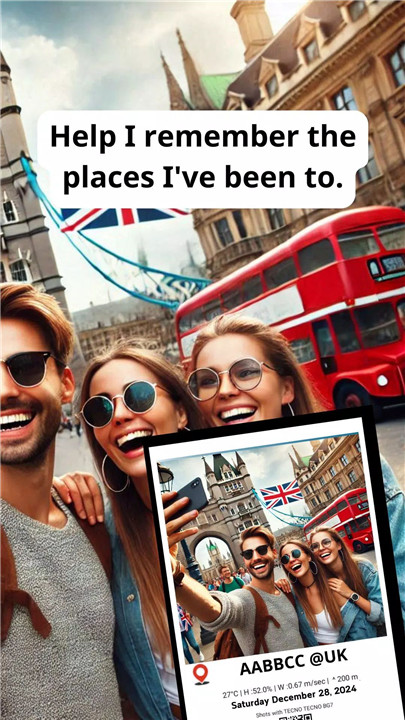
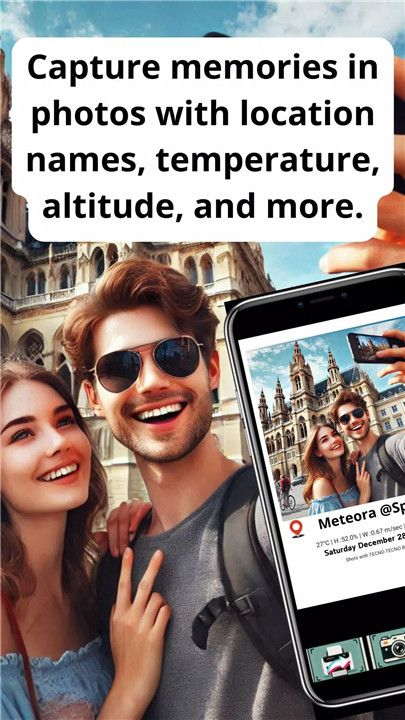
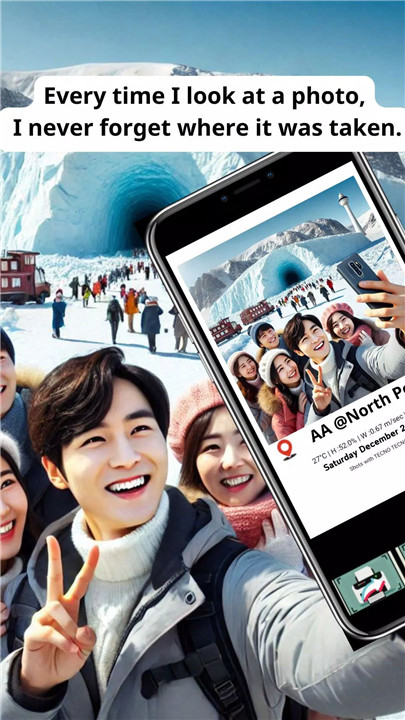
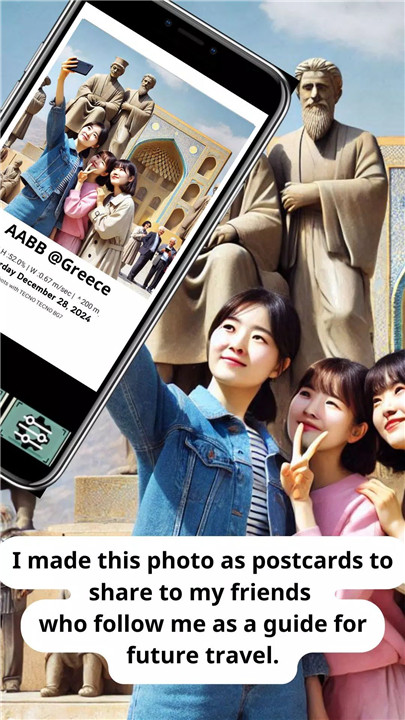
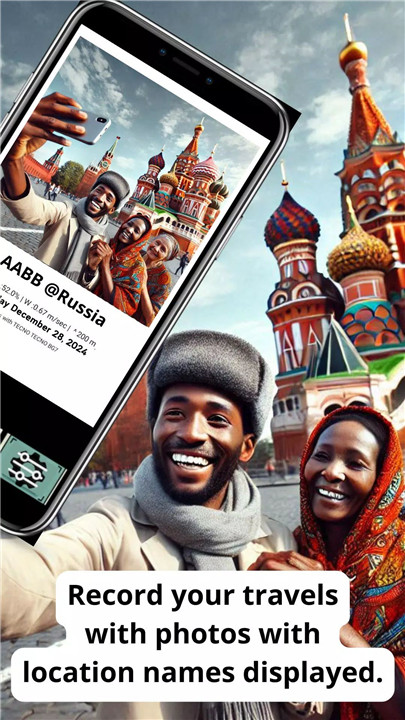
Checkin Camera is the camera app for travelers, photographers, and memory makers alike! This powerful tool allows you to capture breathtaking photos while embedding detailed information right onto your images.
Capture Detailed Photos with Embedded Info
When you take a photo with Checkin Camera, it automatically embeds important details about your location, such as the name of the place, weather conditions, altitude, and GPS coordinates. This ensures that every photo tells the full story of where you were, creating rich, memorable images.
QR Code Generation for Easy Sharing
Share your travel experiences effortlessly with the built-in QR code feature. This QR code links directly to your location, allowing others to scan and see exactly where the photo was taken. It’s a perfect way to share your journey with friends or create a travel blog with detailed location markers.
Customizable Settings for Personal Preferences
You have full control over how much information you want to display. Choose between Celsius or Fahrenheit for temperature settings, and toggle the visibility of GPS details based on your preferences. Tailor the app’s features to suit your style of documenting memories.
Polaroid-Style Layout
Checkin Camera offers a beautiful Polaroid-style photo layout, giving your images a nostalgic and timeless feel. This unique design adds a personal touch to every photo you capture, making it ideal for printing or sharing on social media.
Perfect for Travel & Social Media
Whether you're exploring a new city or revisiting favorite spots, Checkin Camera is perfect for documenting your travels. Its intuitive interface and beautiful layout make it a must-have for anyone who loves to share memories on social platforms or create detailed travel logs.
FAQs
1. What is Checkin Camera?
Checkin Camera is an app that allows you to capture photos while embedding detailed location information, such as place names, weather, altitude, and GPS coordinates. It’s perfect for travelers and memory keepers!
2. How do I share my photos with others?
You can easily share your photos by generating a QR code linked to your exact location. This QR code allows friends and family to scan and view the details of your journey.
3. Can I customize the details displayed in my photos?
Yes, Checkin Camera allows you to customize settings such as choosing between Celsius or Fahrenheit for temperature, and deciding whether or not to display GPS details. You have full control over the photo information!
------------------------------
What's New in the Latest Version 1.5
Last updated on Jan 8, 2025
Colors frame added,Fixed text layout and some functions for better performance.









Ratings and reviews
There are no reviews yet. Be the first one to write one.