

Bixby Connect, connect with your community
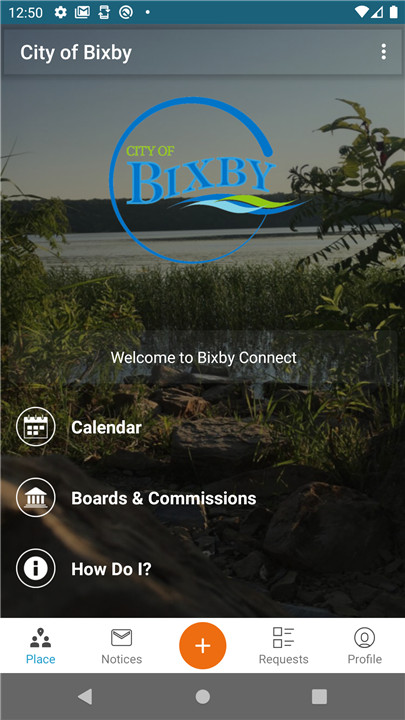
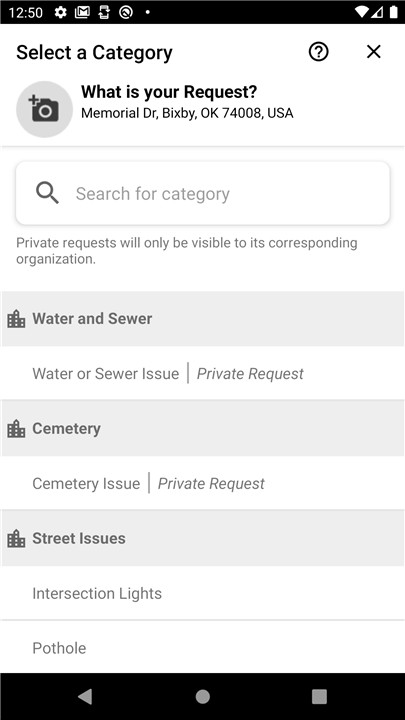
Have you ever hit a pothole on your way to work or noticed a missing stop sign? These situations can be quite annoying, but there's now an easy solution available to you. The Bixby Connect Mobile app is here to empower residents by offering a simple and efficient way to report various community issues.
Engage with City Officials
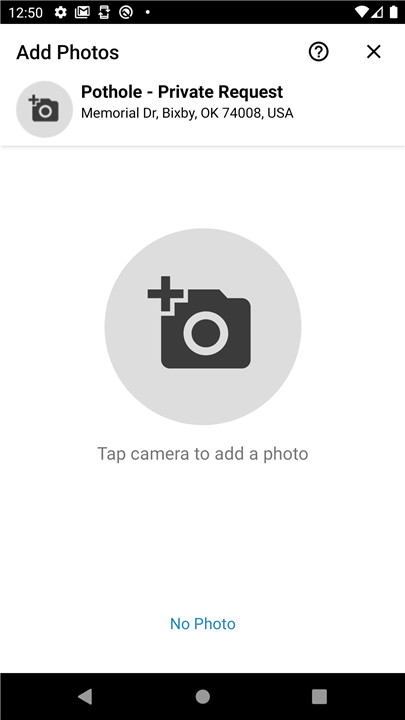
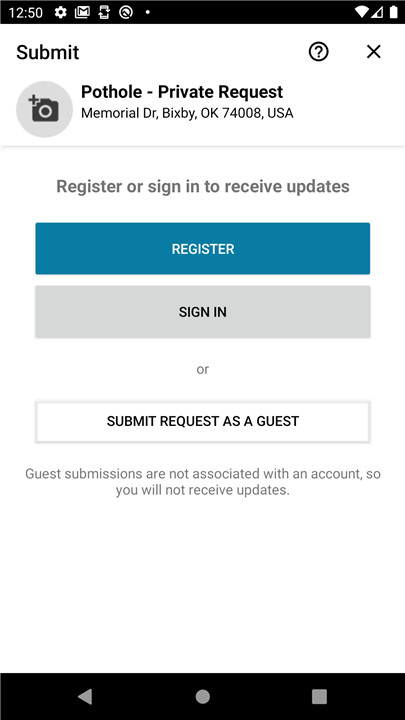
This cutting-edge app allows residents to swiftly connect with city officials and monitor the status of their requests in real-time. This feature promotes transparency and keeps residents updated on their reports. A notable aspect of the Bixby Connect Mobile app is its capability to let users attach photos when reporting problems. This visual aid helps city staff grasp the situation better and respond more effectively.
Accurate Reporting with GPS
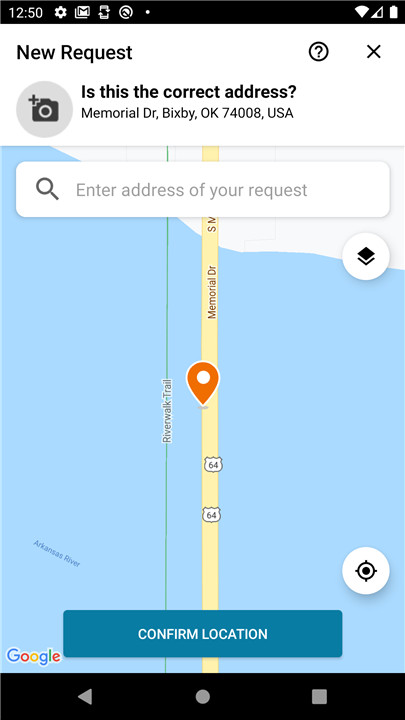
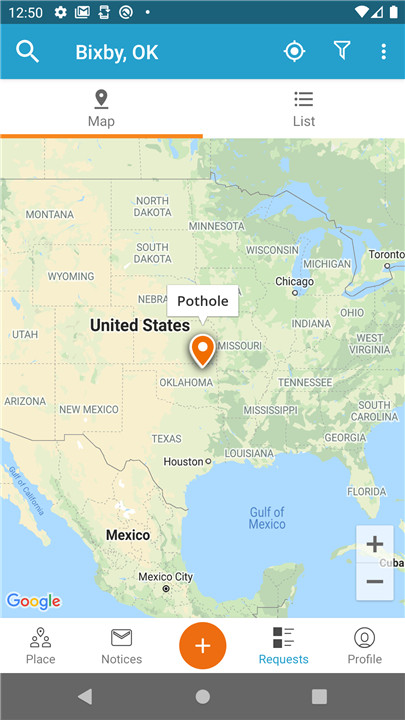
The app utilizes advanced GPS technology, enabling clearer and more accurate reporting of issues. Whether it's a malfunctioning streetlight, a cracked sidewalk, or any other concern, users can provide detailed information that aids city officials in addressing these problems promptly and efficiently.
Stay Informed
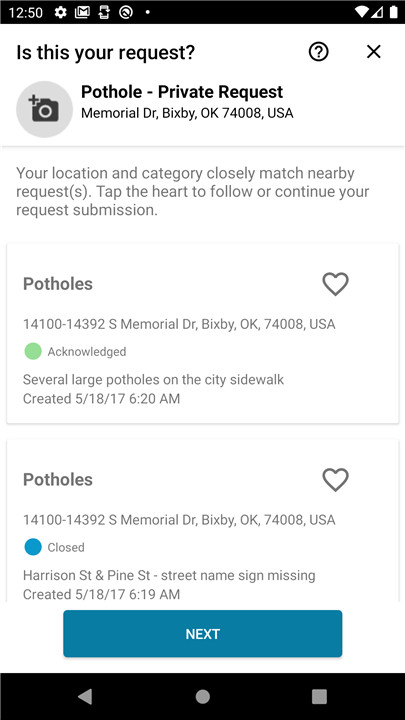
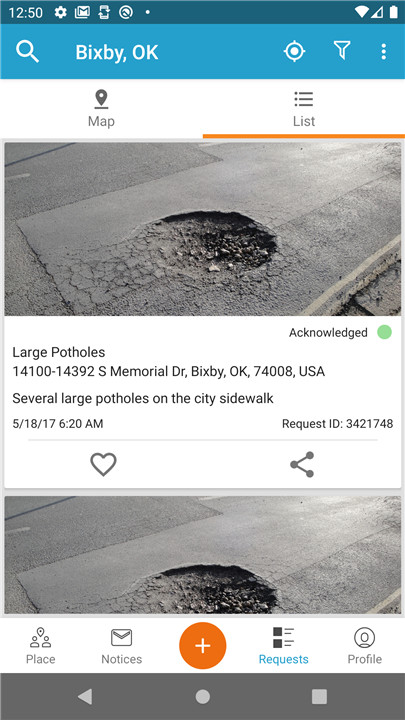
Beyond reporting issues, users of the Bixby Connect Mobile app can also access reports submitted by fellow residents, both past and present. This feature keeps citizens informed about ongoing community issues and encourages collective efforts to enhance their neighborhood.
Additionally, the app offers quick access to a range of helpful resources, including Frequently Asked Questions, utility payments, and other vital services provided by the City of Bixby. This comprehensive approach simplifies the experience for residents as they navigate city services and strengthens the bond between citizens and local government. With the Bixby Connect Mobile app, residents can actively participate in maintaining and improving their community, making Bixby a better place for everyone.
FAQ
Q: Can I attach photos to my reports?
A: Yes, one of the key features of the Bixby Connect Mobile App is the ability to attach photos to your reports. This helps city officials better understand the issue and respond more effectively.
Q: How does the app use GPS to enhance reporting?
A: The app utilizes advanced GPS technology to automatically pinpoint the exact location of the issue you are reporting. This ensures that city staff can locate and address the problem more accurately and efficiently.
Q: How can I provide feedback on the app?
A: If you have feedback or suggestions for improving the Bixby Connect Mobile App, you can use the "Contact Us" feature within the app. Your input is valuable and helps the city continuously enhance the app to better serve residents.
Version History
v7.2.0.4761——5 Mar 2025
Submit non-emergency requests to City of Bixby, & track their resolution! Download the latest version of Bixby Connect 7.2.0.4761 to enjoy new features and updates immediately!
- Upgrade to Android 14









Ratings and reviews
There are no reviews yet. Be the first one to write one.