

Livmet Pro: Voice & Video Chat APK
1.5.6.9986
Livmet Pro: Voice & Video Chat
Livmet Pro: Voice & Video Chat APK
Download for Android


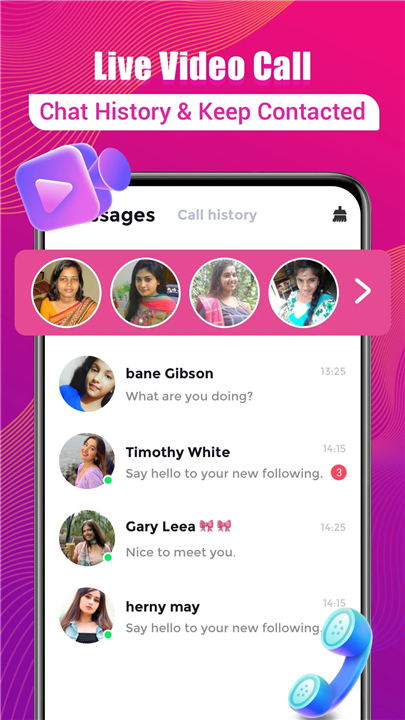
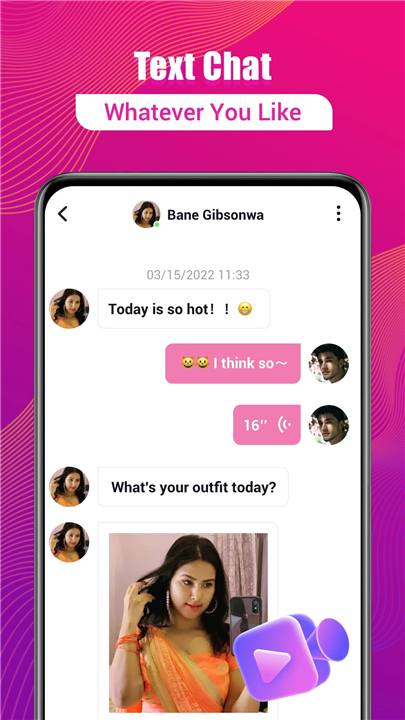
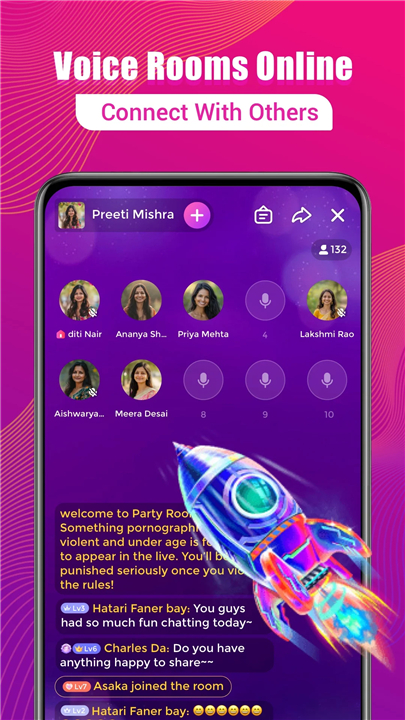
Livmet Pro: Voice & Video Chat
Where Conversations Go Live (and Stay Fun)
• Tired of boring, one-sided texts? Welcome to Livmet Pro, the place where voices, faces, and personalities actually show up.
• Whether you’re catching up with a buddy, meeting someone new, or just curious who’s out there, we’ve got the tools to make it happen — in style.
Face-to-Face Without the Awkward Angle
• HD Video Calls: See every smile, eyebrow raise, and "Did you just say that?" moment in crystal clarity.
• Tap-and-Go: No complicated menus — start chatting with one finger.
• World-Wide Reach: If they’ve got Wi-Fi, you can say hi.
Voice Chats That Actually Sound Human
Sometimes you just want to hear a voice — preferably not robotic.
• Instant Start: Jump into a voice chat faster than you can make coffee.
• Clear as Day: Hear every laugh, gasp, and dramatic pause.
• Privacy You Control: Decide who gets in your ear.
Making Connections That Stick
We’re not about empty small talk — unless that’s your thing.
• Find Your People: Search or browse recommendations to meet kindred spirits.
• Interactive Fun: Stickers, reactions, and more to keep the chat lively.
• Safety First: Your info stays yours. Period.
Why Livmet Pro Rocks
• Live video calls that feel like real life
• Voice chats that sound like you’re in the same room
• Easy ways to meet people from everywhere
• A safe space for genuine conversations
Ready to meet, greet, and maybe overshare?
• Join Livmet Pro today — where every conversation has a face, a voice, and zero buffering on the fun.
FAQ
Q: How do I initiate a live video call in Livmet Pro?
A: Starting a video call on Livmet Pro is as simple as tapping a single button. Once you’re in a chat window with a friend or new connection, just press the camera icon. The app handles resolution and bandwidth automatically, so you can dive right into eye-to-eye conversation without worrying about complicated settings.
Q: Can I use Livmet Pro for voice chats without turning on my camera?
A: Absolutely. Livmet Pro offers dedicated voice-only calls for moments when you’d rather not be on camera. Just select the phone-style icon in your chat screen, and you’ll jump straight into clear, real-time audio without any video feed.
Q: Is there a time limit for video or voice calls on Livmet Pro?
A: There is no built-in time restriction on individual calls. Whether you want to catch up for five minutes or spend an hour swapping stories, Livmet Pro lets you chat as long as you like. Your only limit is the strength and stability of your internet connection.
Version History
v1.5.6.9986——22 Dec 2025
Livmet Pro brings HD video & crystal-clear voice chats worldwide. Connect, share & have fun safely. ownload the latest version of Livmet Pro: Voice & Video Chat to enjoy new features and updates immediately!
*1.5.6.9986
bug fix
*1.5.5.9789
bug fix
*1.5.4.9487
bug fix









Ratings and reviews
There are no reviews yet. Be the first one to write one.