

Studley AI - Get better grades APK
3.8.0
Studley AI - Get better grades
Studley AI - Get better grades APK
Download for Android
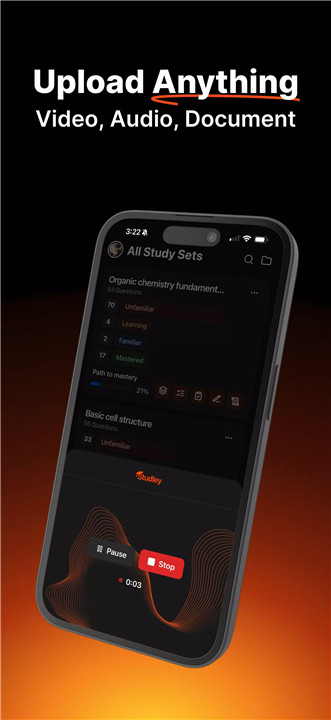
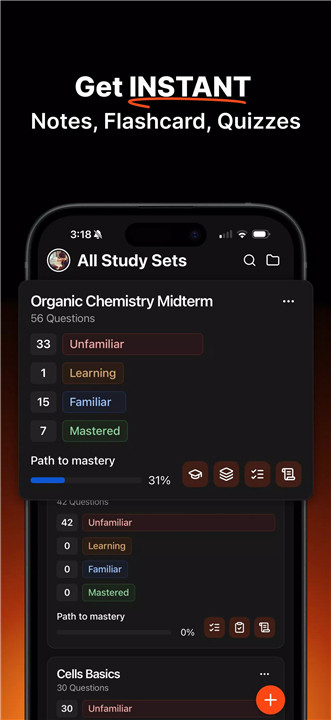
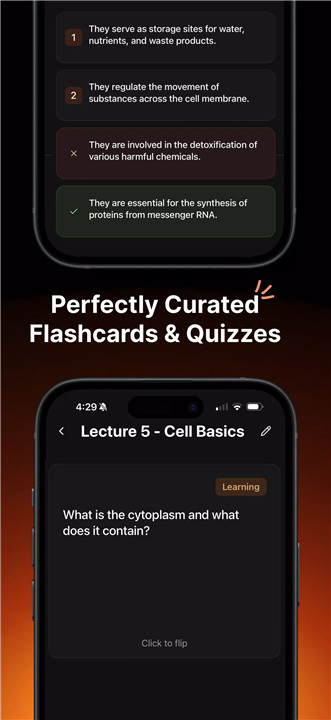
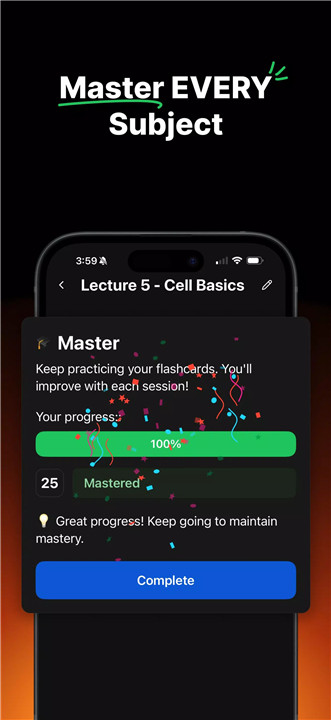
Studley AI is a modern AI-powered study platform created to simplify the learning process for students. Instead of relying on traditional study techniques such as repetitive note reading or manual flashcard creation, the platform transforms educational content into interactive study tools automatically. Lecture slides, textbook chapters, online articles, and videos can all be converted into structured learning materials within seconds.
Turn Any Content into Study Sets
Studley AI allows students to transform almost any learning material into a structured Study Set. Content such as lecture slides, textbook chapters, PDF files, YouTube videos, or online articles can be uploaded directly into the platform.
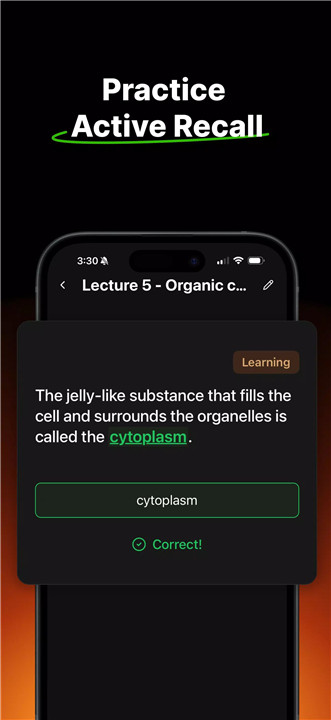
Once uploaded, Studley AI automatically generates interactive learning resources including flashcards for memorization, multiple-choice quizzes for quick recall testing, fill-in-the-blank exercises for active learning, written tests for deeper understanding, and Tutor Mode explanations that function like a personal instructor.
Each study question is fully editable, allowing students to modify, add, or remove content to match their personal study preferences.
Smart Tagging and Mastery Tracking
Every generated question is automatically tagged based on the student’s familiarity level. Categories such as unfamiliar, learning, familiar, and mastered help identify knowledge gaps and track progress throughout the learning process.
Memory Science Learning System
Studley AI incorporates proven educational methods to improve knowledge retention and long-term memory. The system uses techniques such as Active Recall, which encourages retrieving information from memory instead of simply rereading notes.
Spaced Repetition is also implemented to ensure that important concepts are reviewed at optimal intervals, preventing forgetting and strengthening long-term learning.
Solve Tab with Step-by-Step Explanations
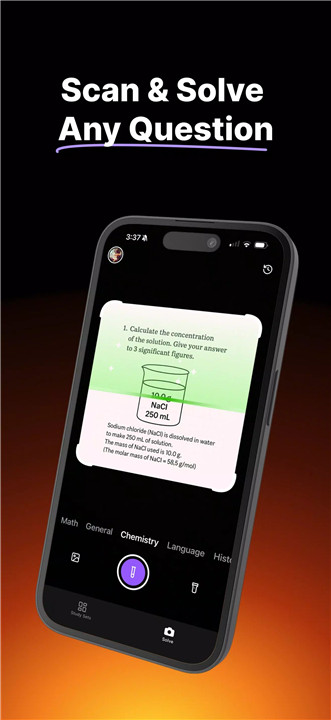
The Solve Tab acts as an instant homework assistant. Students can take a photo of a question or problem, and Studley AI provides a detailed step-by-step explanation rather than just a final answer.
All-in-One Study Platform
Studley AI combines multiple study tools into a single platform. Instead of switching between note-taking apps, flashcard platforms, quiz tools, and tutoring services, students can access everything in one place.
Built on Proven Learning Techniques
The platform is designed around established educational frameworks that support deeper learning. These include the Feynman Technique, which encourages explaining concepts clearly to improve understanding, and Bloom’s Taxonomy, which promotes higher-level thinking beyond simple memorization.
Flexible Access and Upgrade Options
Studley AI offers a free plan that allows students to explore the platform’s features. However, access is limited under the free tier. Upgrading unlocks additional capabilities such as unlimited Study Sets and extended Solve Tab usage, providing a more powerful study experience.
FAQs
Q1: What is Studley AI used for?
Studley AI is an AI-powered study tool that converts learning materials into flashcards, quizzes, practice tests, and step-by-step explanations to help students study more effectively.
Q2: What types of content can be uploaded into Studley AI?
Students can upload lecture slides, textbook chapters, PDFs, YouTube videos, and article links to automatically generate interactive study sets.
Q3: How does Studley AI help improve memory retention?
The platform uses learning techniques such as Active Recall and Spaced Repetition to strengthen memory and ensure that information is reviewed at optimal intervals.
Q4: What is the Solve Tab feature?
The Solve Tab allows students to take a photo of a homework problem and receive detailed step-by-step explanations from Studley AI.
Q5: Does Studley AI offer a free plan?
Yes, Studley AI provides a free plan with limited access, while a premium upgrade unlocks unlimited study sets and additional features.
Version History
v3.8.0—14 Jan, 2026
The latest version includes bug fixes & performance improvements.
v3.7.0—20 Dec, 2025
The latest version includes bug fixes & performance improvements.
v3.5.0—25 Nov, 2025
The latest version includes bug fixes & performance improvements.









Ratings and reviews
There are no reviews yet. Be the first one to write one.