

AlexCalc is a cutting-edge scientific calculator crafted to elevate the user experience with a range of remarkable features tailored for both casual and dedicated users.
Here’s a closer look at what sets AlexCalc apart:
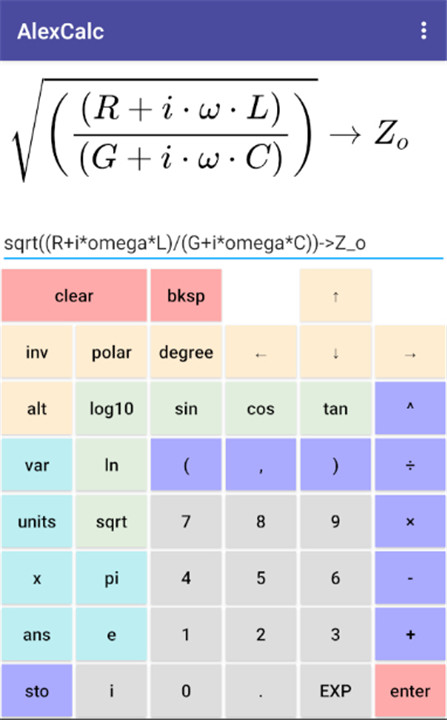
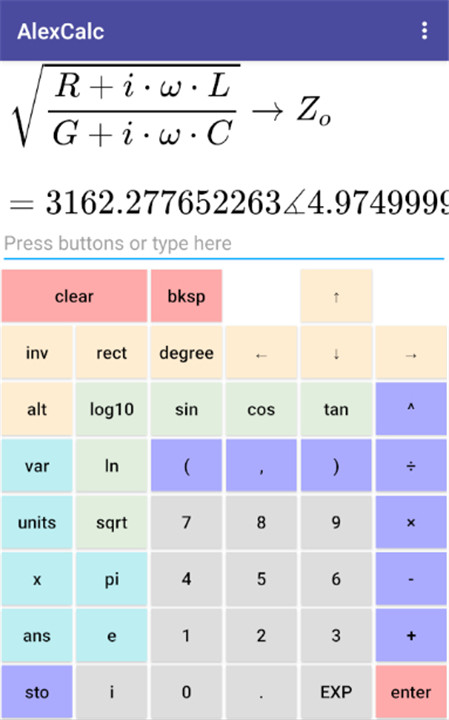
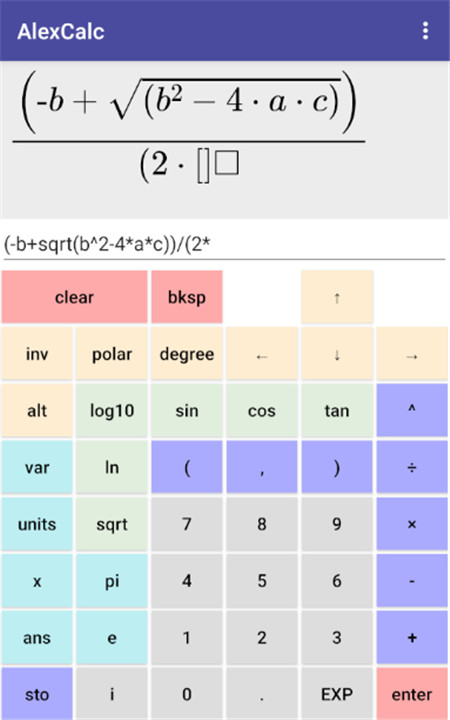
* Displays equations in a well-structured LaTeX format, eliminating the hassle of counting brackets to ensure correct entry. It also generates LaTeX code.
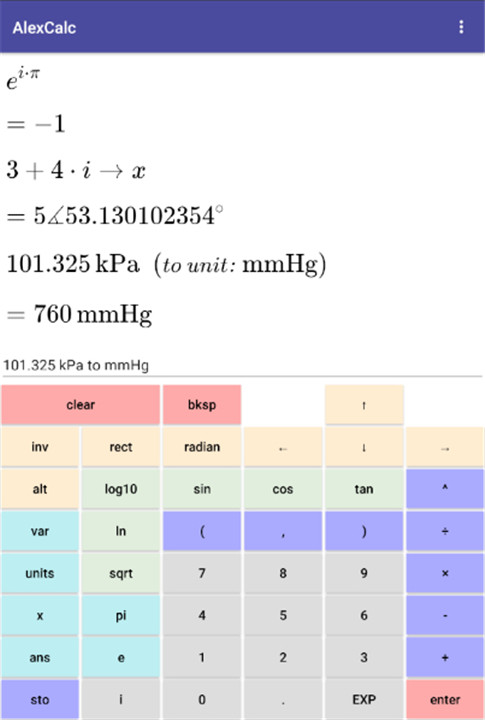
* Supports complex numbers in both rectangular and polar forms (e.g., `3 + 4i` or `1 angle 90`).
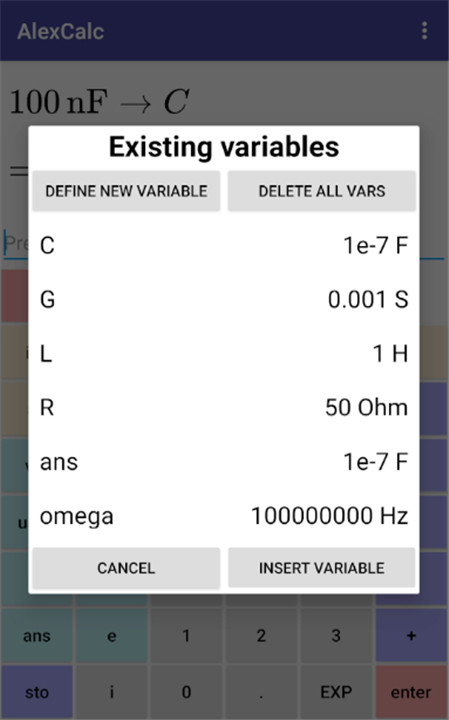
* Allows for variable storage (e.g., `123 -> x`, followed by `3*x^2 - 4*x + 5 -> y`).
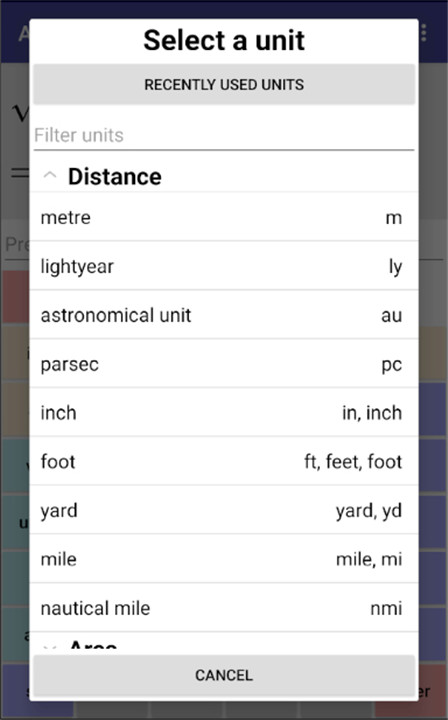
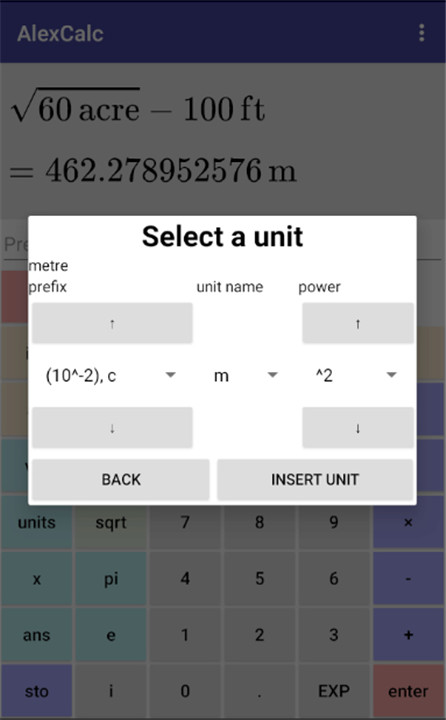
* Incorporates units in calculations and conversions (e.g., `1 inch * 3 ft to cm^2` or `sqrt(60 acre) - 100 ft`).
* Users can input data through button presses, typing, or copy/pasting, with all button inputs converted to plaintext for easy copying.
* Simplifies equation displays upon pressing enter, allowing users to focus on the LaTeX format rather than plaintext input. Redundant brackets are removed for a cleaner look (e.g., `(a + b)/(c + d)` can be displayed as "a + b" over "c + d" without brackets).
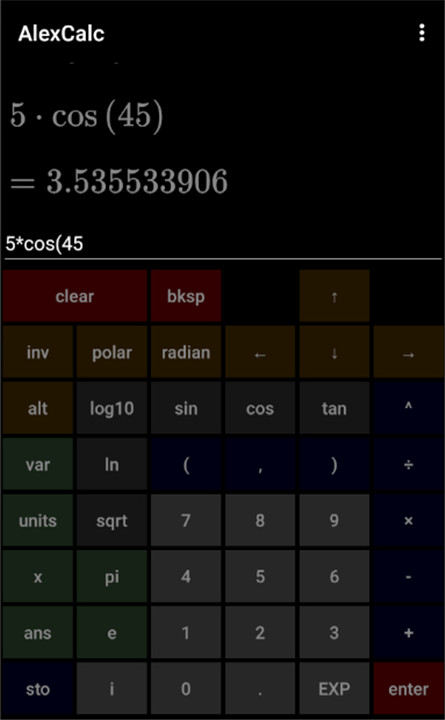
* Offers both light and dark themes.
* Users can navigate and edit previous inputs using the "up" and "down" buttons.
* Retains previous inputs, variables, and recently used units even after the app is closed.
* Includes standard scientific calculator functionalities, such as:
* Trigonometric functions: sin, cos, tan, arcsin, arccos, arctan.
* Logarithmic functions: log (base 10) and ln (base e).
* Constants like `e` and `pi`, along with the square root function.
* Supports scientific notation input (e.g., `1.23E6` represents 1.23 times 10^6).
In summary, AlexCalc is a robust scientific calculator that merges user-friendly design with comprehensive features, making it an indispensable resource for students, professionals, and anyone requiring advanced mathematical computations.
FAQ
Q: How does AlexCalc display equations?
A: AlexCalc displays equations in a well-structured LaTeX format, which makes it easier to read and verify your inputs. It also generates LaTeX code, which can be useful for academic or professional documentation.
Q: Does AlexCalc support complex numbers?
A: Yes, AlexCalc supports complex numbers in both rectangular and polar forms. For example, you can input 3 + 4i (rectangular form) or 1 angle 90 (polar form).
Q: How can I input data into AlexCalc?
A: AlexCalc allows you to input data through button presses, typing, or copy/pasting. All button inputs are converted to plaintext for easy copying and editing.
Version History
v1.0.6——17 Mar 2025
Scientific calculator with equation display, variables, units, complex numbers. Download the latest version of AlexCalc 1.0.6 to enjoy new features and updates immediately!
* allow omitting leading decimal place
* insert "ans" if binary operator is pressed as first button, allowing user to operate on previous result
* above requires adding unary negative `(-)` button
* round output of trig functions if output is small (<1e-15)
* add kilocalrie and "big"/"food" Calorie units









Ratings and reviews
There are no reviews yet. Be the first one to write one.