

Zipline
Overview
• Zipline is a comprehensive mobile application designed to interface seamlessly with self-hosted Zipline instances, requiring version 4.2.3 or higher.
• It provides a robust suite of tools for managing digital assets, links, and server configurations directly from a mobile device.
File Management
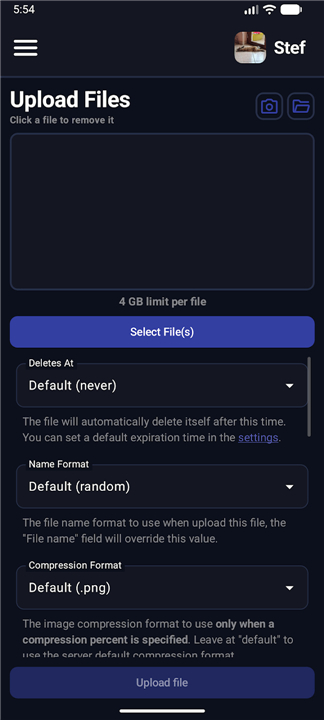
• Upload any file type with granular control over privacy and accessibility.
• Secure uploads with password protection or set files to automatically delete after a specific time.
• Implement view limits to restrict how many times a file can be accessed.
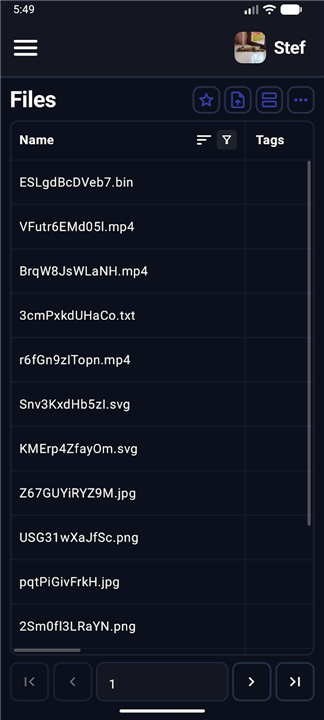
• Browse, download, rename, and delete existing files on the instance.
URL Shortening and Organization
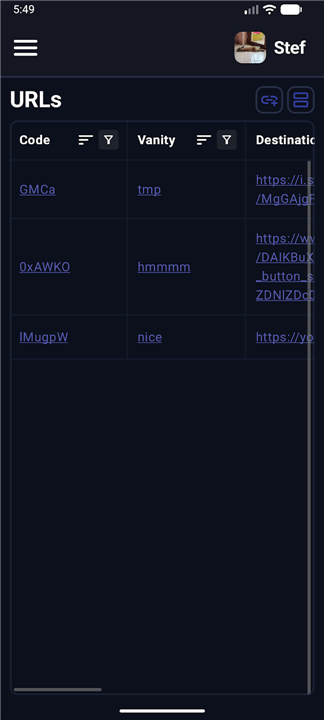
• Generate shortened URLs with optional vanity IDs for customized branding.
• Apply security measures to links, including passwords and maximum view counts.
• Open, modify, or remove shortened URLs through a dedicated management interface.
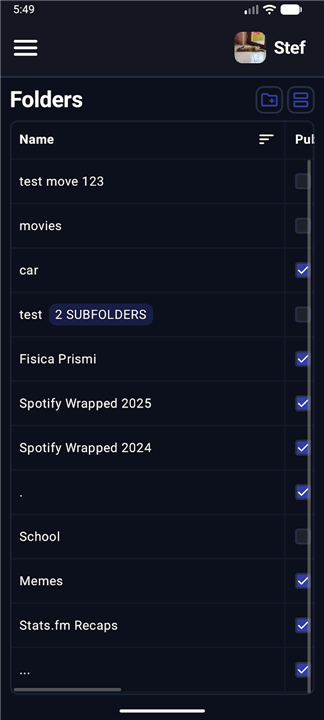
• Organize content into folders with full support for creating, editing, and deleting directories.
• Upload files directly into specific folders for improved asset categorization.
Analytics and Monitoring
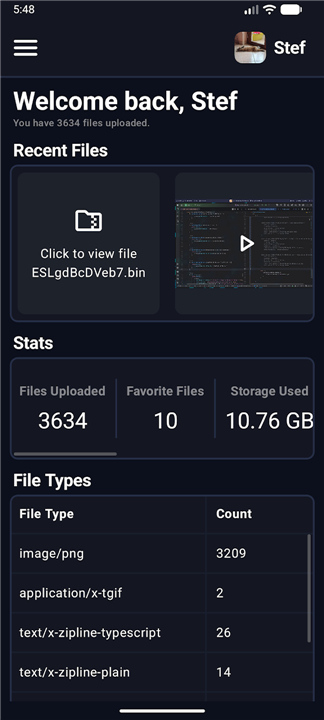
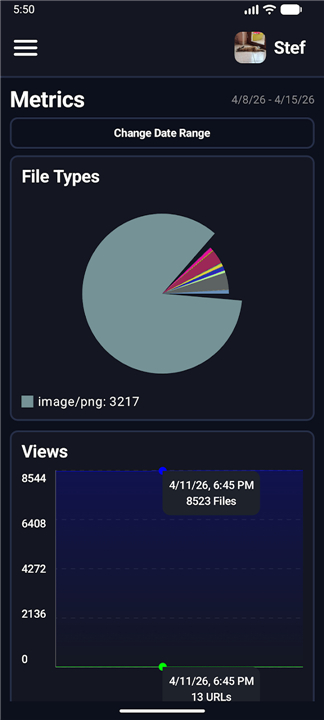
• Access detailed metrics regarding instance usage and storage consumption.
• Track total view counts for files and shortened links to monitor engagement.
• View aggregate data on the total number of files and URLs hosted.
Administrative and User Controls
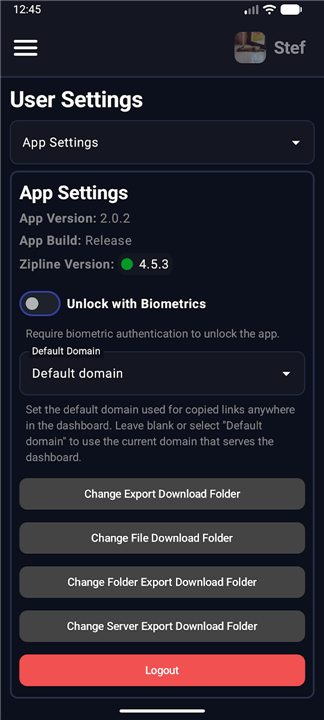
• Manage personal profiles by updating usernames, passwords, and avatars.
• Administrators can oversee all registered users, including the ability to create, edit, or delete accounts.
• High-level access allows administrators to audit and manage files uploaded by any user.
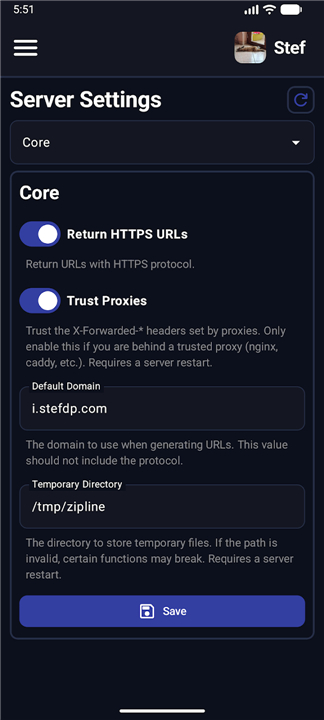
• Superadmins can modify global instance settings, such as rate limits and maximum file size restrictions.
The Zipline application is open-source software
• The source code and contribution guidelines are available for public review on GitHub via the Stef-00012/Zipline-Android-App repository.
FAQ
Q: Are there any specific server requirements I should be aware of before installing the app?
A: To ensure the app functions correctly and stays synced with your data, your self-hosted Zipline instance must be running version 4.2.3 or higher. Using an older version may lead to compatibility issues or missing features, so it is always a good idea to keep your server updated.
Q: What kind of control do I have over the files I upload through the app?
A: The app allows you to upload any file type with highly granular control over privacy and accessibility. You can decide who gets to see your files and how those files behave once they are stored on your instance, giving you professional-grade management over your digital library.
Q: Can I set my files to expire or delete themselves automatically?
A: Yes, you can easily configure files to automatically delete after a specific period of time. This is an excellent feature for sharing temporary documents or media that you do not wish to store permanently on your server, helping you save space and maintain privacy.
Version History
v2.1.10——10 Aug 2026
Zipline is the ultimate mobile app for self-hosted file management and URL shortening. Secure your digital assets, track analytics, and more. Download the latest version of Zipline to enjoy new features and updates immediately!
*2.1.10
Minor bug fixes and improvements. Install or update to the newest version to check it out!
*2.1.9
Minor bug fixes and improvements. Install or update to the newest version to check it out!
*2.1.8
Minor bug fixes and improvements. Install or update to the newest version to check it out!











Ratings and reviews
There are no reviews yet. Be the first one to write one.