

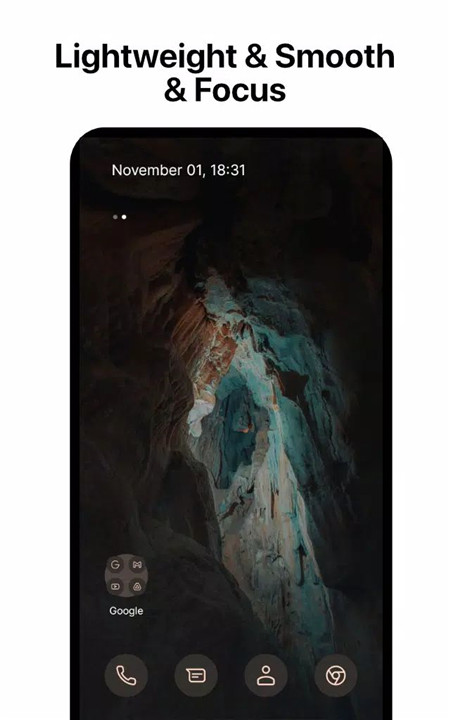



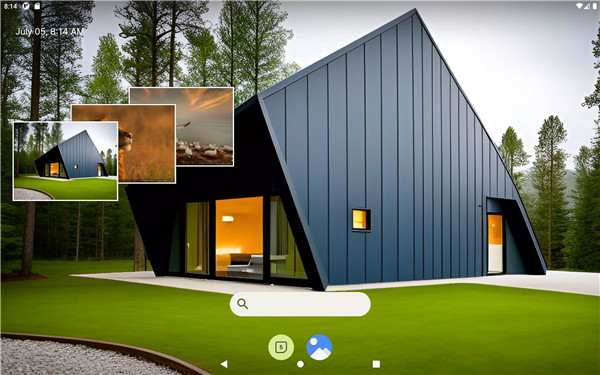
Pixel Launcher offers a fresh and dynamic home screen experience, enhancing your Android device with a range of customization and organizational tools. Built on a new codebase, this updated version introduces dark mode and significant performance upgrades, including faster load times, reduced memory usage, improved battery efficiency, and smooth animations.
Customizable Icons
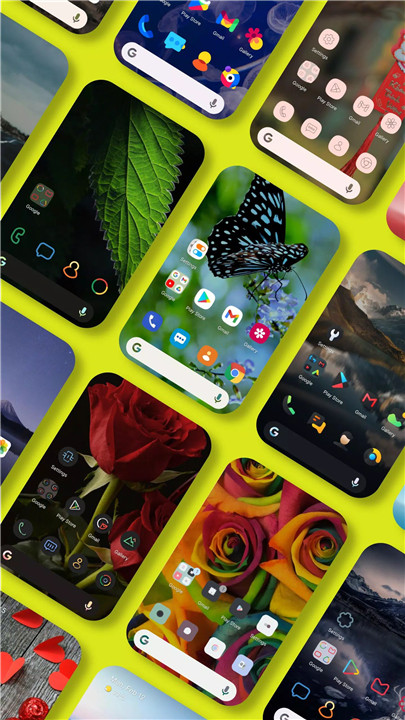
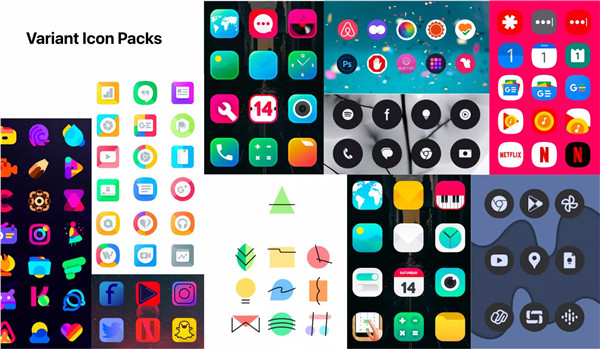
Personalize your device with adaptive pixel icons and custom icon packs. Icons change color based on the background for a cohesive look.
Notification Dots
Customize notification dots with numerical indicators for better tracking.
Dock Customization
Adjust the dock bar with pixel-perfect corner and radius settings to fit your style.
Folder Icons
Customize folder icons on the home screen for enhanced visual appeal.
Gestures
Use a variety of gestures that can be personalized to suit your preferences.
At A Glance Widgets
Keep essential information easily accessible with customizable widgets.
Font and Icon Sizes
Modify launcher fonts and adjust icon sizes in the app drawer to fit your needs.
Adaptive Icons Support
Utilize adaptive icons for a more integrated look
Dock Servers
Choose from various dock servers like Google, Bing, Wikipedia, or DuckDuckGo for quick searches.
Wallpapers
Access a range of beautiful wallpapers from Unsplash to personalize your device’s background.
Google Feed:
Install it with these steps:
1. Download and install Pixel Bridge (https://github.com/amirzaidi/AIDLBridge/releases/download/v3/pixelbridge.apk)
2. Restart launcher from Launcher Settings
Dark Theme:
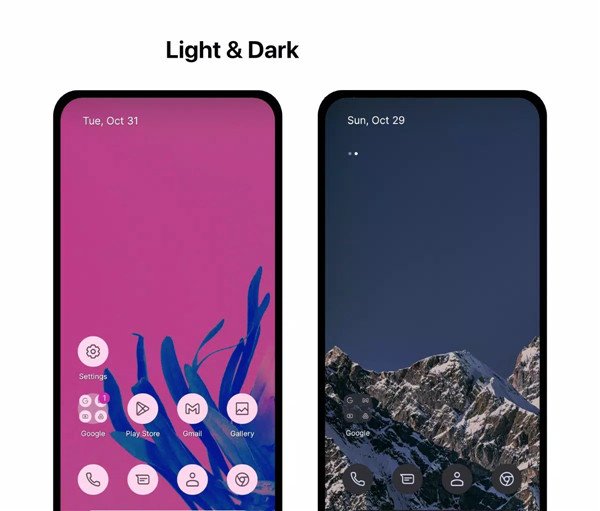
Enable dark mode to reduce eye strain in low-light environments, fully compatible with Android's dark mode settings.
Backup and Restore:
Easily transfer your home screen setup between devices or back up your preferences locally or to the cloud.
Accessibility:
Pixel Launcher uses accessibility services with user consent to facilitate gestures and other functions. We are committed to protecting your personal information and do not disclose sensitive data.
Contact us:
Email: phuctc.freelancer@gmail.com
Facebook: https://www.facebook.com/profile.php?id=100094232618606
What's New in the Latest Version 2.09
Last updated on Aug 8, 2024
Recent changes:
- Add new themes and wallpapers
- Fix some issues and improve performances
- Fix Break Restore Backup Screen UI
- Add new shortcut for supporting view all our apps
- Allow custom workspace page indicator (Launcher Settings -> Home Screen -> Page Indicator)
- Fix page indicator dots were broken









Ratings and reviews
There are no reviews yet. Be the first one to write one.