

ownCloud
Welcome to the ownCloud Android App
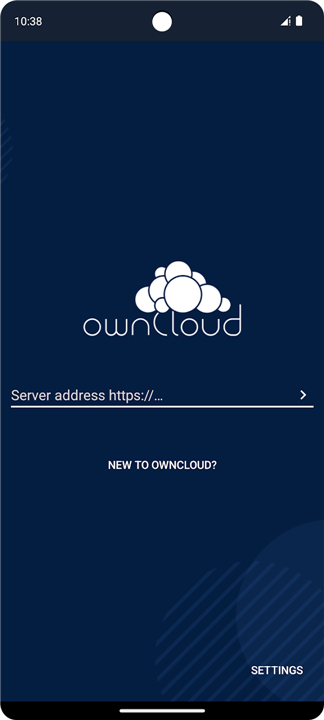
• By connecting your device to a private ownCloud server, you can transform your mobile hardware into a powerful extension of your personal or organizational storage infrastructure.
• Whether you are an individual managing personal files or an enterprise scaling operations, ownCloud provides a secure, self-hosted alternative to public cloud providers.
Key Features and Capabilities
1. Seamless Synchronization:
• Experience effortless file management.
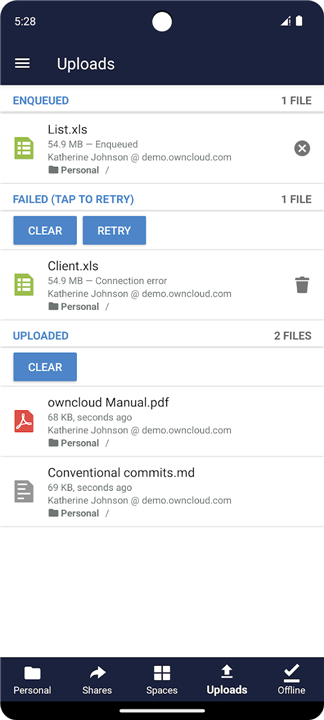
• Simply move a file into a directory on your server, and ownCloud automatically synchronizes the contents across all connected mobile, desktop, and web clients.
2. Comprehensive File Management:
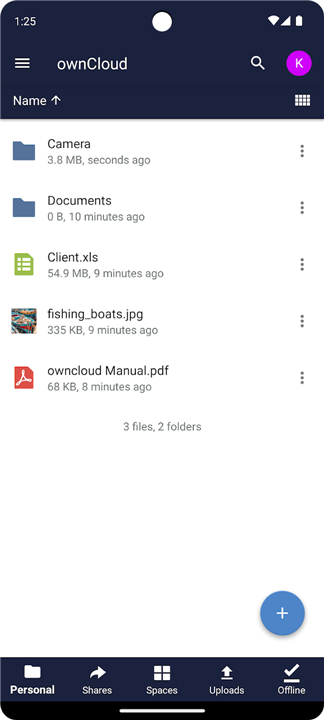
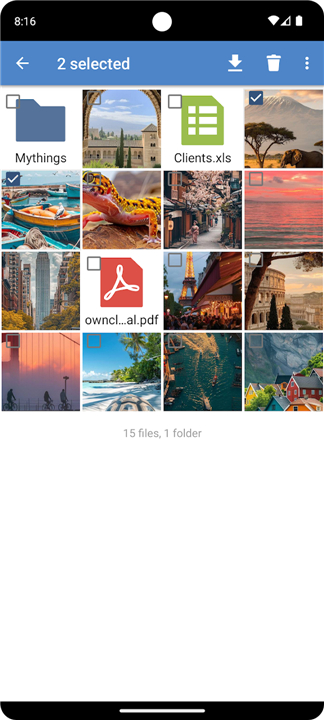
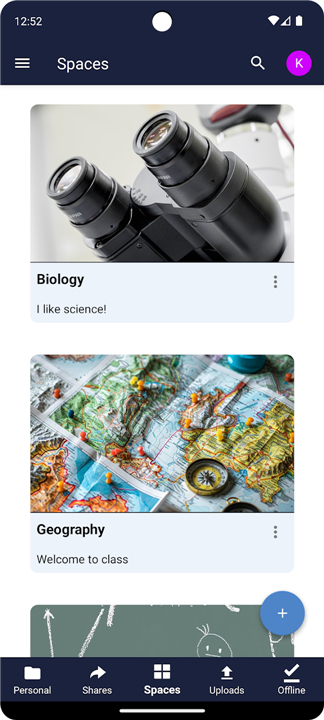
• Browse your entire file repository, create new documents, edit existing files, and manage folder structures directly from your Android interface.
3. Collaborative Sharing:
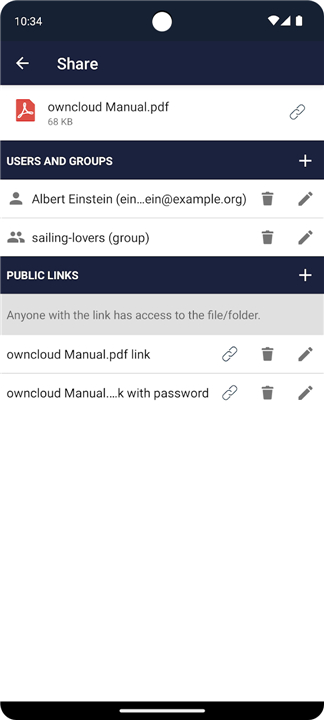
• Securely share files and folders with colleagues and team members, ensuring that the right people have access to the right information at the right time.
4. Total Control:
• Operate on your own terms.
• Because the software runs on servers within your own data center, you maintain complete sovereignty over your data, ensuring full compliance and privacy.
A Scalable, Open Source Solution
• ownCloud caters to a wide spectrum of users.
• From individuals utilizing the free, open-source community edition to large-scale organizations requiring the robust features of the ownCloud Enterprise Subscription, the platform is designed for flexibility and security.
• With ownCloud, it remains your cloud, your data, and your way.
Support and Resources
• If you encounter technical difficulties with synchronization or server connectivity, please seek assistance through our community channels:
+ Report issues at: https://github.com/owncloud/android/issues
+ Join the discussion at: https://central.owncloud.org
+ For product information and enterprise subscriptions: www.ownCloud.com
+ For the community-driven open source server: www.ownCloud.org
FAQ
Q: Is my data stored on public cloud servers when I use this app?
A: Absolutely not. One of the primary benefits of ownCloud is that it provides a self-hosted alternative to public clouds. Because you operate the software on your own infrastructure or data center, you maintain full sovereignty and control over where your data resides.
Q: Does the app automatically update files across my different devices?
A: Yes, ownCloud features seamless synchronization. Whenever you move or change a file within your designated server directory, the app ensures those updates are reflected across all your connected devices, including your other mobile platforms, desktop computers, and web browsers.
Q: Can I create and organize new folders directly from my phone?
A: You certainly can. The app provides comprehensive file management capabilities, allowing you to browse your entire file repository, create new folders, rename items, and organize your document structures directly through the Android interface.
Version History
v4.8.2——16 Jul 2026
Add an ownCloud server now and get your Cloud, your Data, your Way! Download the latest version of ownCloud to enjoy new features and updates immediately!
*4.8.2
- Space membership and public links for spaces
- Set emoji as space image
- Show destination for copy/move operations
- Bugfixing
*4.8.0
- Space membership and public links for spaces
- Set emoji as space image
- Show destination for copy/move operations
- Bugfixing
*4.7.0
- Space membership and public links for spaces
- Set emoji as space image
- Show destination for copy/move operations
- Bugfixing











Ratings and reviews
There are no reviews yet. Be the first one to write one.