

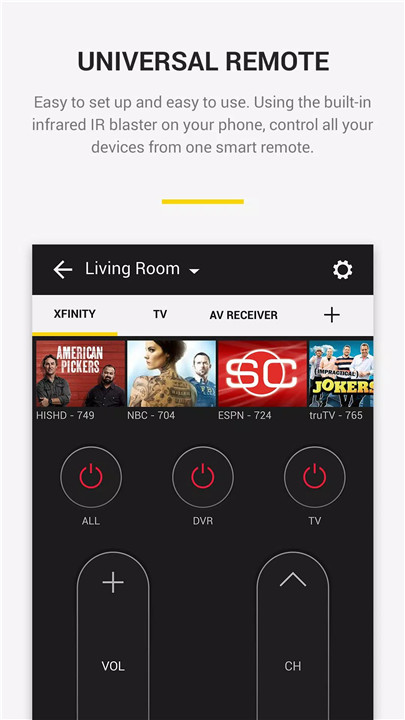
Peel Smart Remote transforms your smartphone into the ultimate remote control for all your devices. Forget juggling multiple remotes—Peel combines all your favorite devices into one sleek interface. It’s a must-have app for anyone looking for convenience and efficiency in managing their home entertainment and appliances.
Control TVs
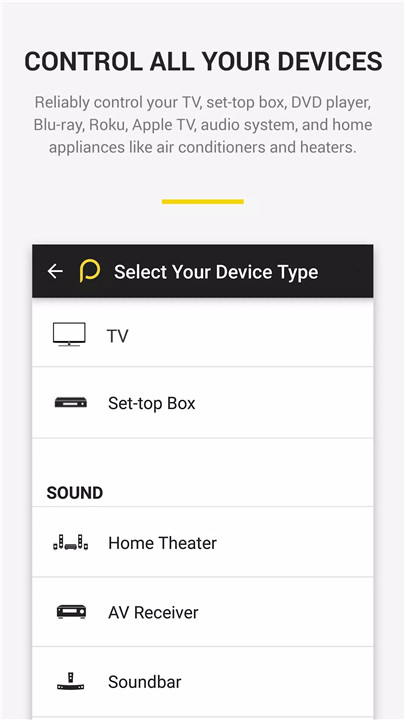
Peel Smart Remote lets you control a wide range of devices from your smartphone. Compatible with popular TV brands like Samsung, LG, Sony, Vizio, and Toshiba, Peel also supports cable and satellite boxes from Comcast, Dish, and DirecTV.
Control MORE Than Just Tvs
Not just TVs, it extends to streaming devices like Apple TV, Roku, Xbox, Chromecast, and even home appliances such as air conditioners and heaters from brands like Samsung, LG, and Panasonic.
Works with IR & Wi-Fi
Peel uses your phone’s built-in IR hardware for models like LG G2/G4/G5, Huawei Honor, and Xiaomi phones to control devices. For phones that lack IR hardware (like Samsung S8 and S7), Peel seamlessly uses Wi-Fi to discover and control your devices, ensuring compatibility for a wide range of smartphones.
Smarter Lock Screen
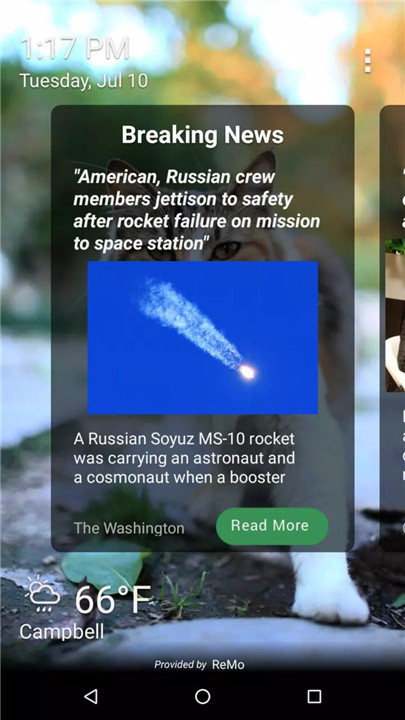
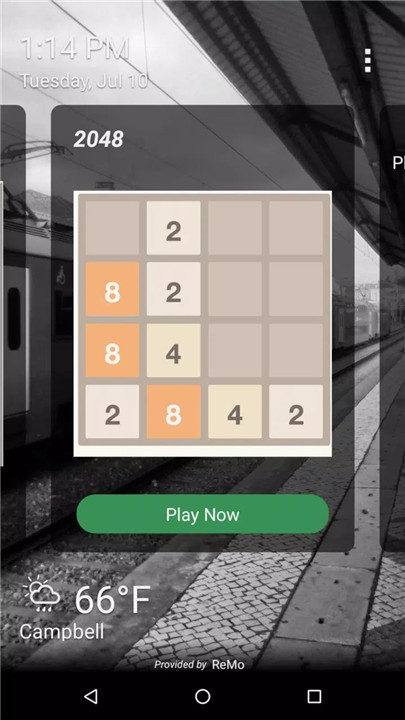
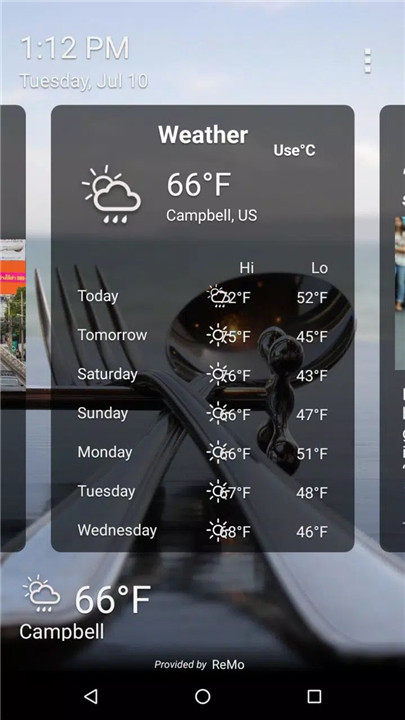
Peel Smart Remote makes your phone’s lock screen more functional. Get daily updates like breaking news, weather, horoscope, and more—all on your lock screen! You can even play games in between your daily routine, turning your lock screen into a dynamic hub for information and entertainment.
Easy Setup & Intuitive Interface
Peel makes setting up your devices easy. The app automatically detects devices on your Wi-Fi network and sets up remote controls for them. You can quickly access basic controls from the lock screen widget or tap on the yellow bubble for full functionality. Managing your devices has never been so simple.
Entertainment Recommendations & Reminders
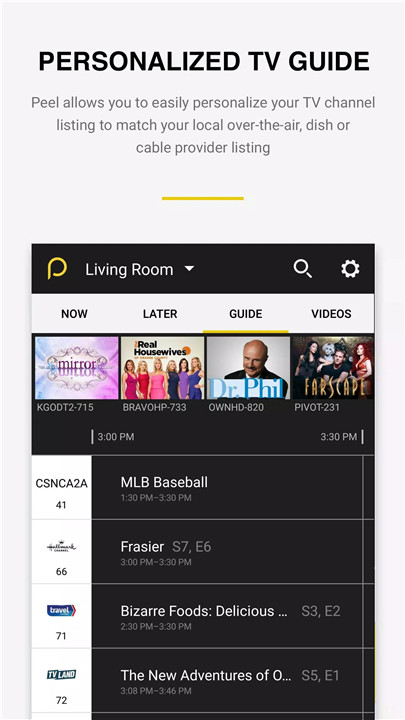
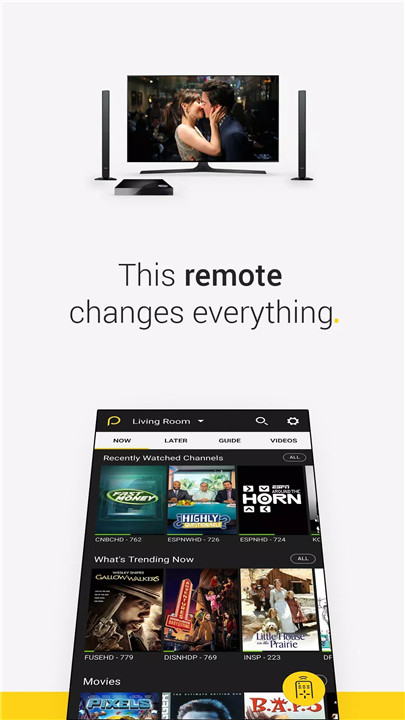
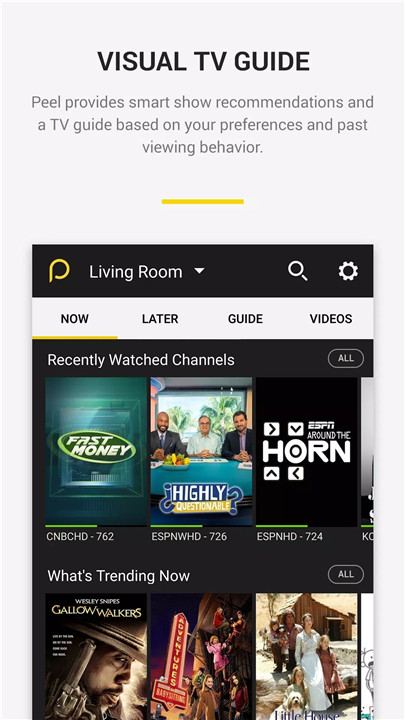
Peel not only controls your devices but also enhances your entertainment experience. It recommends shows, movies, and sports based on your viewing habits. You can browse trending shows and recently watched channels, set reminders for upcoming programs, and receive notifications for sports games and movie premieres.
FAQs
1. How do I set up Peel Smart Remote?
Peel automatically detects devices connected to your Wi-Fi network and sets up remote controls for them. If necessary, you can manually set up remotes for your TV and cable box.
2. Which devices are compatible with Peel Smart Remote?
Peel supports a wide range of devices including TVs (Samsung, LG, Sony, Vizio, etc.), cable boxes (Comcast, Dish, DirecTV), streaming media players (Apple TV, Roku, Xbox, Chromecast), and home appliances (Samsung, LG, Panasonic).
3. Do I need a specific smartphone model for Peel to work?
Peel works with smartphones that have built-in IR hardware, like LG G2/G4/G5, Huawei Honor, and Xiaomi devices. For phones without IR hardware, such as Samsung S8/S7, Peel uses Wi-Fi to control devices.
4. Can I use Peel to control devices from different brands?
Yes, Peel supports multiple brands and devices, including TVs, cable/satellite boxes, streaming devices, and even home appliances.
5. Does Peel offer entertainment recommendations?
Yes, Peel recommends content based on your preferences. You can get lists of trending shows, movies, and sports, and set reminders for your favorite programs.
Version History
v10.10.0.5—14 May, 2024
Minor bug fixes and improvements. Install or update to the newest version to check it out!
v10.7.7.0—11 May, 2019
Minor bug fixes and improvements. Install or update to the newest version to check it out!
v10.7.5.2—11 May, 2019
Minor bug fixes and improvements. Install or update to the newest version to check it out!









Ratings and reviews
There are no reviews yet. Be the first one to write one.