

JUMP PAINT by MediBang APK
6.3
JUMP PAINT by MediBang
JUMP PAINT by MediBang APK
Download for Android
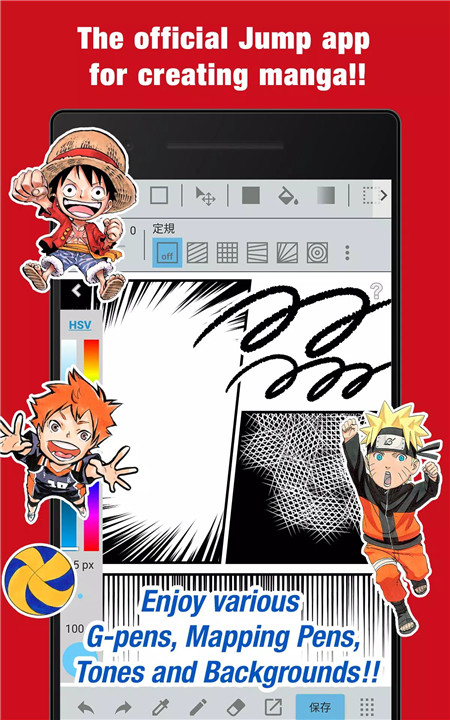
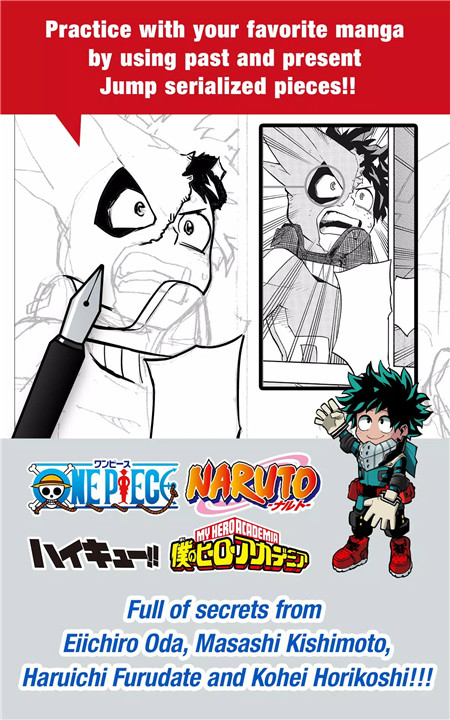
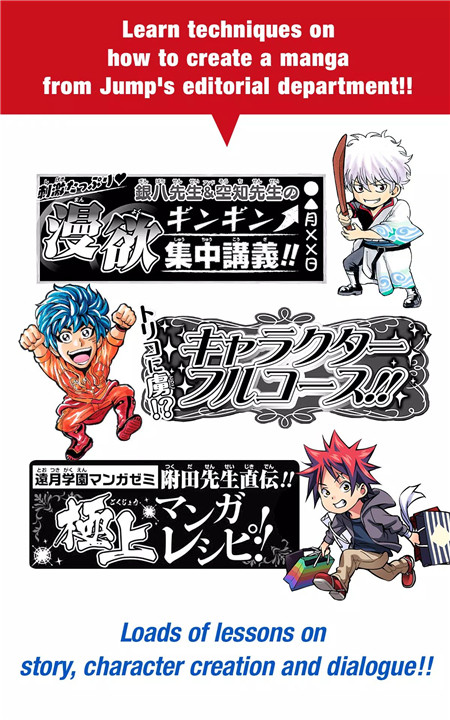
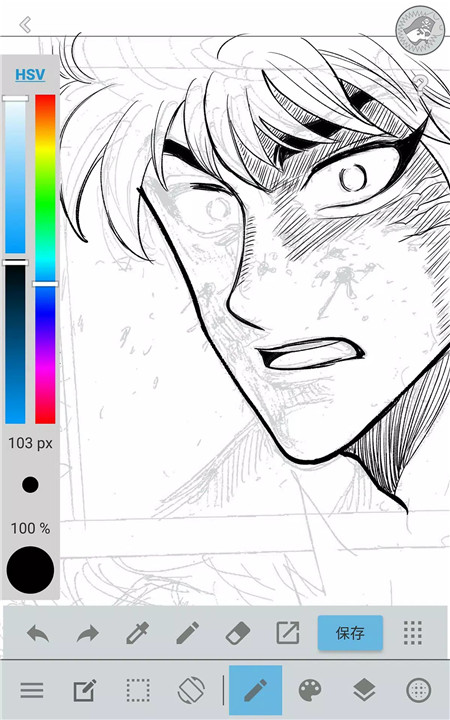
Jump Paint by MediBang is the ultimate manga creation app that brings professional-grade tools and features directly to your mobile device! Developed in collaboration with Weekly Shonen Jump and MediBang Paint, this free app offers a wide range of brushes, resources, and helpful tips from renowned manga creators.
Free Brushes, Tones, and Backgrounds
Jump Paint offers an impressive selection of free brushes—over 90 of them! G-pens, Mapping Pens, Watercolor, or Soft Pastel, you'll find all the tools you need to create your ideal manga artwork. Plus, there are 800 free tones and backgrounds available, including pre-made clouds, vehicles, and buildings, that you can use with a simple tap.
Collaboration with Jump Authors
One of Jump Paint's standout features is its insight into the world of manga creation. The app is packed with lessons from famous Jump authors such as Eiichiro Oda (One Piece) and Kohei Horikoshi (My Hero Academia). With their tips on story creation, character design, and dialogue writing, you'll have access to invaluable guidance directly from the masters. You can even practice by drawing using pieces from past and current Jump manga series.
Learn to Create Manga with Jump Paint
The app provides a wealth of lessons that teach you how to create compelling manga. Learn the essentials of writing, storytelling, and character development, all while using the app’s simple interface to sketch and draw.
Drawing Tools and Features
Jump Paint is packed with powerful drawing tools designed for both beginners and advanced artists. With a wide range of customizable brushes, layers, comic fonts, and drawing guides, the app offers a professional-level manga creation experience on your mobile device. You can adjust brush sizes, choose different blending modes, and create comic panels with ease. The app also supports tools for perspective drawing and line stabilization to help you make precise, clean art.
Cloud Sync and Backup
Never worry about losing your work! Jump Paint supports cloud storage, which allows you to safely backup your projects and sync them between your mobile device and the desktop version of Jump Paint. This feature ensures that your data is always safe, even if something unexpected happens. Plus, you can manage and save multipage projects, making Jump Paint perfect for both short and long-form manga creation.
Manga Contests and Opportunities
Jump Paint also opens doors for aspiring artists to enter official Jump manga contests. The app provides information about upcoming contests, giving you the chance to showcase your manga skills and potentially get noticed by the industry.
User-Friendly Design
Jump Paint is designed with user experience in mind. The interface is intuitive, with customizable shortcuts and quick access to drawing tools. You can even switch to full-screen mode with a single touch, giving you a clean and focused workspace.
FAQs
1. What is Jump Paint?
Jump Paint is a free manga creation app developed in collaboration between MediBang Paint and Weekly Shonen Jump. It provides a comprehensive suite of tools and resources for manga artists, including brushes, backgrounds, comic fonts, and lessons from famous Jump authors.
2. Does this app support cloud save?
Yes, Jump Paint supports cloud saving! In order to use the app’s cloud features, you need to create a MediBang account. This allows you to back up your work and easily transfer it across devices.
3. Can I enter manga contests with Jump Paint?
Absolutely! Jump Paint provides information on official Jump manga contests. The app helps you learn essential manga techniques and refine your work, so you can submit your creations and compete with other aspiring manga artists.
--------------------------
What's New in the Latest Version 6.3
Last updated on Nov 20, 2024
Added functionality only to the Japanese version.









Ratings and reviews
There are no reviews yet. Be the first one to write one.