

iSpring LMS
Mobile Learning Solution
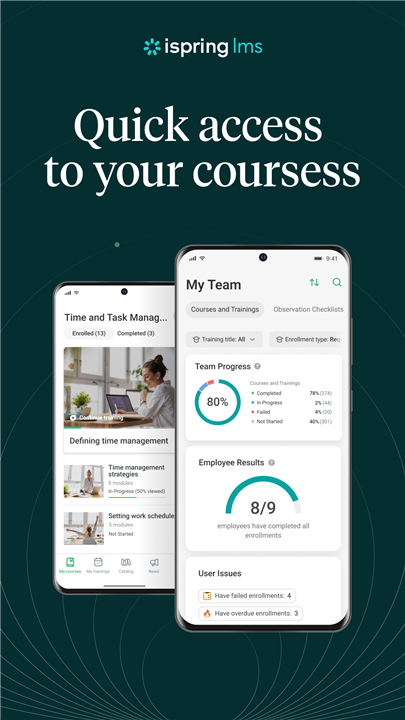
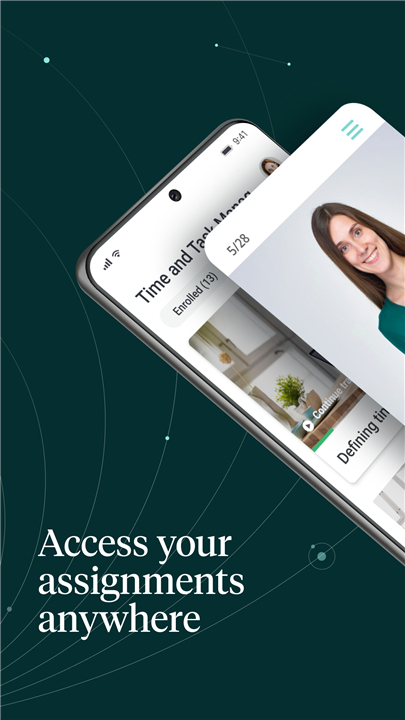
• iSpring LMS offers a powerful and user-friendly mobile platform that makes training accessible anytime, anywhere.
• Teams can quickly access learning materials through a single mobile interface, enabling them to learn at their own pace without being tied to a desktop or fixed schedule.
• With support for 30 languages, the intuitive app caters to diverse, global teams.
• It requires no formal onboarding process — learners can log in and start courses instantly.
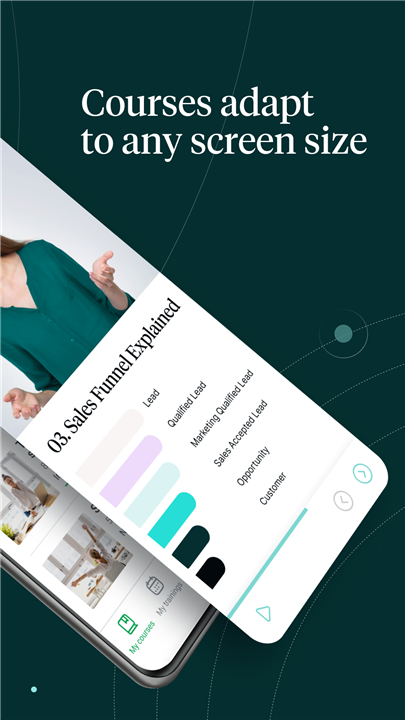
• The platform’s responsive design ensures that all training materials, including courses, quizzes, and interactive content, automatically adapt to any device, whether on a desktop, tablet, or smartphone, maintaining quality and consistency across screen sizes and orientations.
Benefits for Trainees
1. Flexible Access to Courses
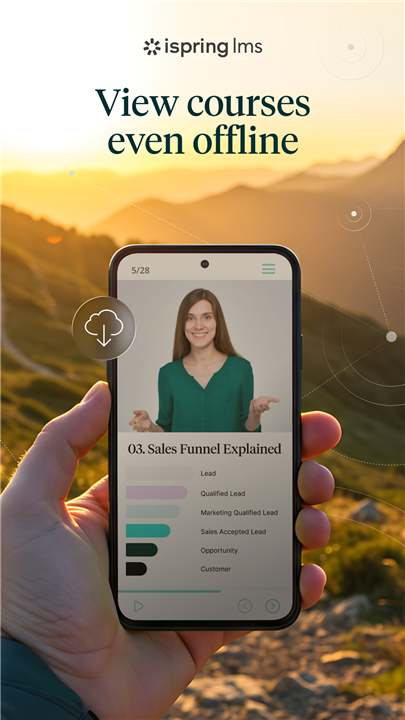
• Learners can download training content for offline use, making it possible to continue learning in low-connectivity environments.
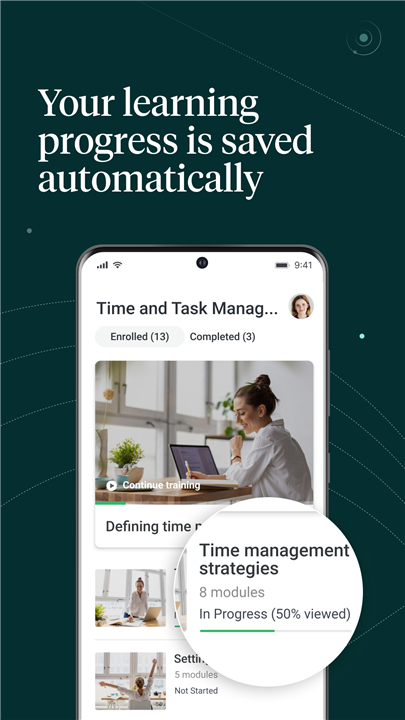
• Progress is stored locally and automatically synced once the device reconnects to the internet.
2. Timely Notifications
• Push alerts keep learners informed about new assignments, webinars, deadlines, and schedule changes, helping them stay on track with training programs.
3. Corporate Knowledge Base Access
• Employees can instantly retrieve workplace guidelines, operational instructions, and other essential resources from the Knowledge Base, with the option to download for offline reference.
4. Easy Setup
• All that’s required is an iSpring LMS account provided by the corporate trainer or LMS administrator — no complex configuration needed.
Benefits for Managers and Trainers
1. Training Impact Tracking
• The Supervisor Dashboard offers a real-time overview of key performance indicators, employee competencies, completion rates, and areas needing improvement.
2. On-the-Job Training Tools
• Managers can design role-specific checklists, carry out observation sessions, evaluate performance against standards, and deliver timely feedback directly from their mobile device.
FAQ
Q: Do I need special training to use the iSpring LMS mobile app?
A: Not at all. The app is designed to be intuitive, so you can start learning as soon as you log in. There is no complex setup or onboarding process — just sign in with the account provided by your trainer or LMS administrator, and you’re ready to go.
Q: Can I use iSpring LMS on different devices?
A: Yes. iSpring LMS has a responsive design, which means your learning materials automatically adapt to any device you choose, whether it’s a desktop computer, tablet, or smartphone. The layout adjusts perfectly to different screen sizes and orientations while keeping materials clear and easy to interact with.
Q: Is learning possible without an internet connection?
A: Absolutely. You can download courses and materials to your device for offline learning. This is especially helpful if you’re traveling or in an area with poor connectivity. Any progress you make offline will be saved locally and synced automatically once you reconnect to the internet.
Version History
v4.96.0——9 Dec 2025
iSpring LMS mobile learning makes training accessible anytime, anywhere. Learn offline, track progress & boost skills. Download the latest version of iSpring LMS to enjoy new features and updates immediately!
*4.96.0
Building a better app! This update focuses on improved functionality and bug fixes for a more enjoyable experience.
*4.95.0
Building a better app! This update focuses on improved functionality and bug fixes for a more enjoyable experience.
*4.91.2
Building a better app! This update focuses on improved functionality and bug fixes for a more enjoyable experience.









Ratings and reviews
There are no reviews yet. Be the first one to write one.