

NerdCalci
Overview
• NerdCalci represents the smooth middle ground between a traditional calculator and a sophisticated text editor.
• While standard calculators lose track of your logic, NerdCalci allows you to document, reuse, and organize your math in a way that makes sense.
• It is a powerful, user-friendly tool for anyone who needs to do more than just crunch basic numbers.
Smart Calculation Features
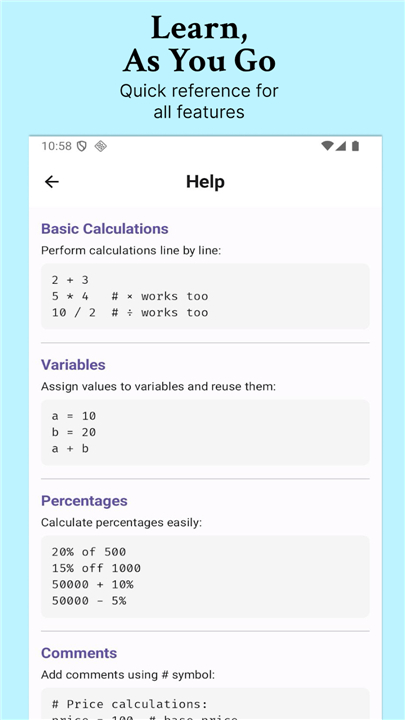
• Use natural language for complex math, such as calculating percentages or discounts with ease.
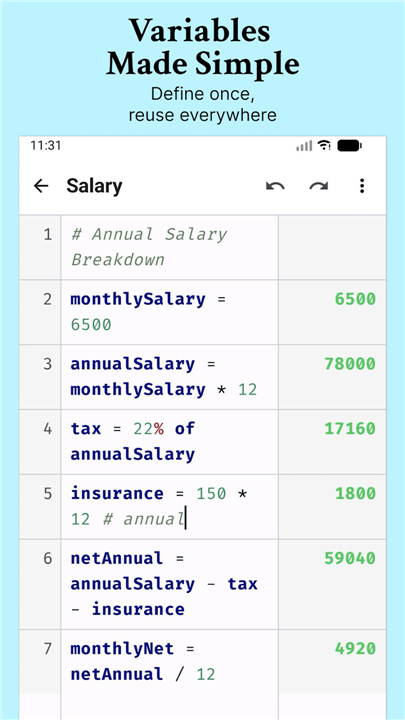
• Define your own variables and custom functions to streamline repetitive formulas.
• Get instant insights with dynamic block sums and averages.
• Add comments to your work so you never forget the logic behind your results.
Refined User Experience
• Read your work clearly with syntax highlighting and line numbers.
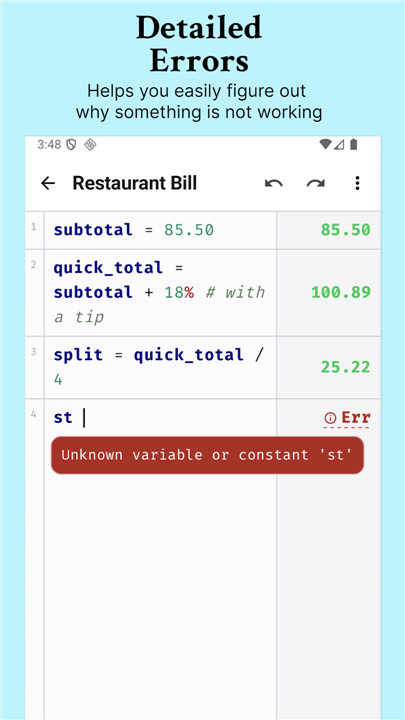
• Catch mistakes quickly with human-friendly error diagnostics that explain exactly what went wrong.
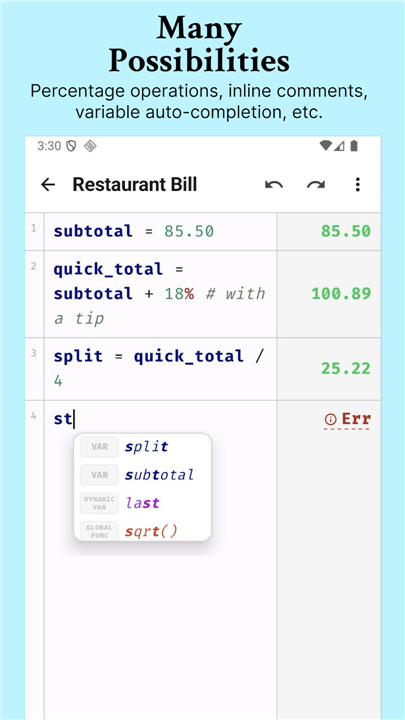
• Save time using smart auto-completion for variable names.
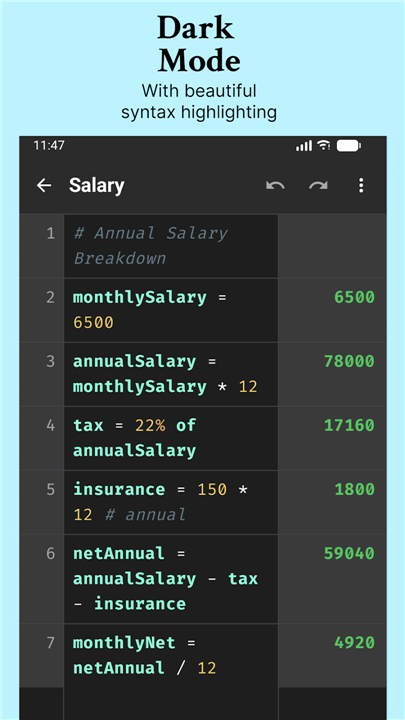
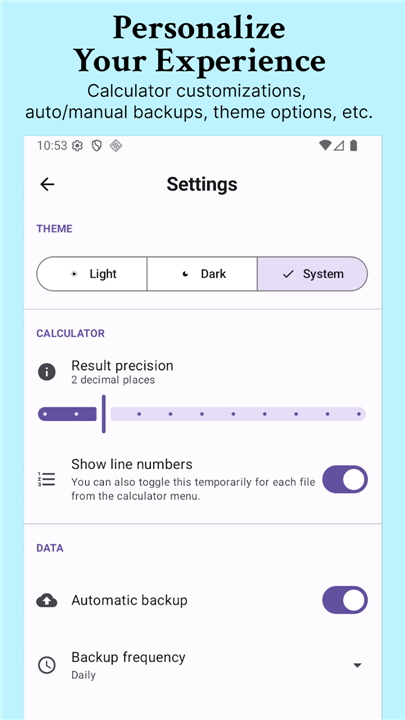
• Choose between light and dark modes to suit your environment.
File Management and Organization
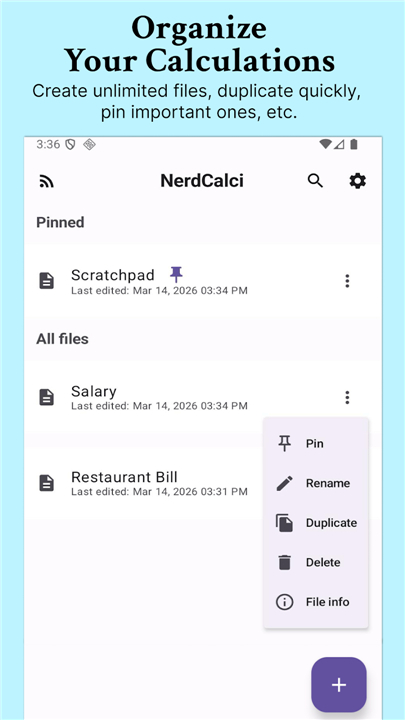
• Stay organized by keeping calculations in separate, auto-saving files.
• Use the search and pin features to find your most important work instantly.
• Enjoy peace of mind with 30-step undo history and automatic file backups.
• Duplicate files or restore from previous versions whenever you need a fresh start.
Reliability and Sharing
• Work anywhere with full offline support.
• Share your results professionally by exporting calculations as PNG images or multi-page PDFs.
• Copy your logic along with the final results to paste into other documents.
One Step Solution
• Whether you are balancing a budget, studying for exams, or managing professional project costs, NerdCalci provides the flexibility of apps like Numi and Soulver in a package designed for everyone.
• It turns your calculations into a clear, reusable, and organized workspace.
FAQ
Q: How is NerdCalci different from the standard calculator app on my phone?
A: While a standard calculator typically loses your history as soon as you clear the screen, NerdCalci treats your calculations like a living document where you can go back and edit any line at any time. It lets you add comments to explain your reasoning and use custom variables so that your math looks more like a clear story rather than a jumble of disconnected numbers.
Q: Can I use natural language to perform complex calculations?
A: Yes, one of the most convenient features of NerdCalci is its ability to understand natural language expressions for common tasks like calculating percentages, discounts, or tax. This means you can type out phrases that make visual sense to you instead of memorizing complex button sequences, making the entire experience feel much more intuitive.
Q: How do I define and use variables within the application?
A: Using variables is very straightforward because you simply assign a value to a name of your choice, such as setting your "HourlyRate" or a specific "MonthlyBudget." Once defined, you can use these names throughout your document, and any changes you make to the initial value will automatically update every calculation that references it elsewhere in the file.
Version History
v3.7.2——14 Apr 2026
NerdCalci: A smart calculator & text editor for natural language math. Define variables, organize logic, & export results as PDF/PNG. Download the latest version of NerdCalci to enjoy new features and updates immediately!
*3.7.2
Added multi-word energy units (gigajoules, TNT variants), "dozen" multiplier, and speed-time-distance derivation rules.
Fixed an editor sync issue that caused cursor jumping or text overwriting during rapid typing
*3.7.1
Support plural numeral multipliers (hundreds, thousands, etc.) and extended support for quadrillion and quintillion scales.
Fix Enter key behavior to split current line at cursor position instead of appending new line
*3.7.0
Added file sorting functionality.
Removed duplicate create and scratchpad shortcuts on home when there are no files to show.
Added ability to lock files to protect them from accidental edits and deletions.
File rows now show both created and modified timestamps.











Ratings and reviews
There are no reviews yet. Be the first one to write one.