

Nice Night Clock with Alarm APK
NiceNightClock1.130
Nice Night Clock with Alarm
Nice Night Clock with Alarm APK
Download for Android
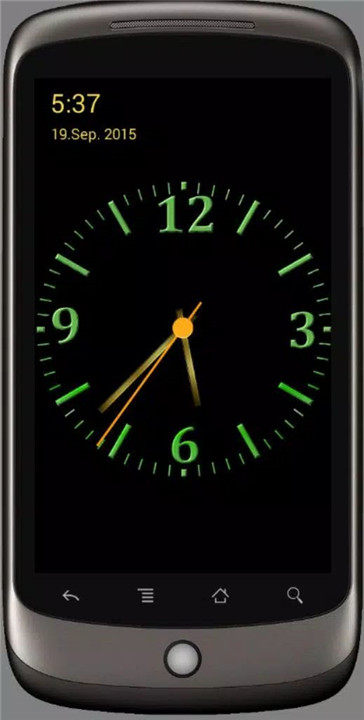
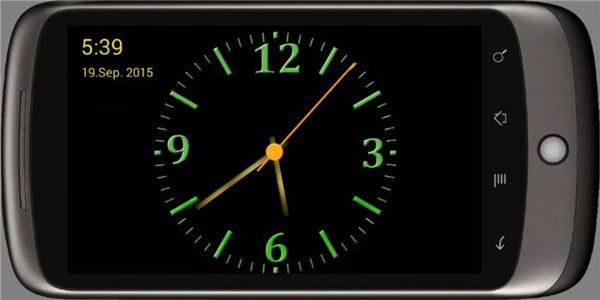
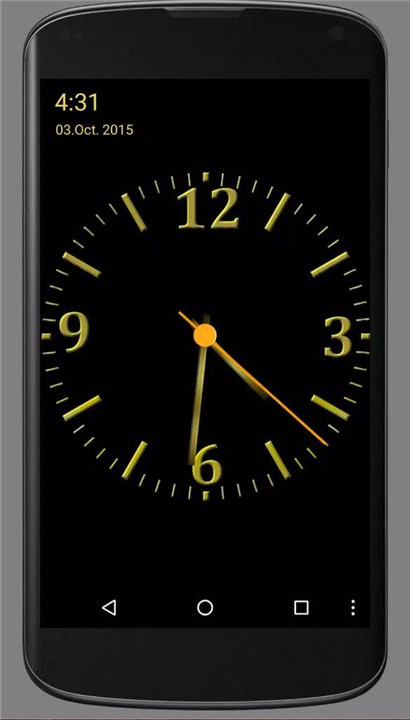
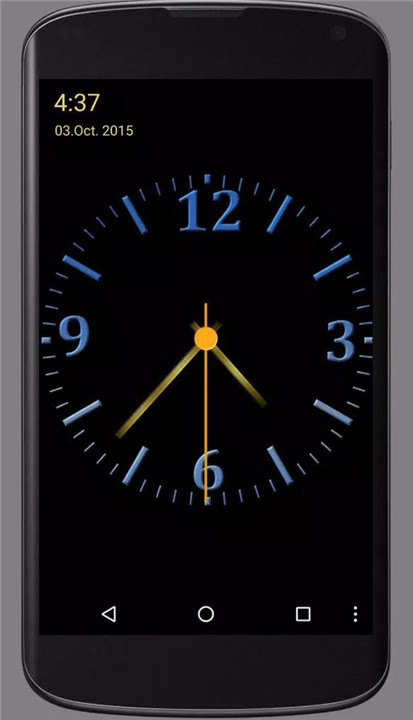

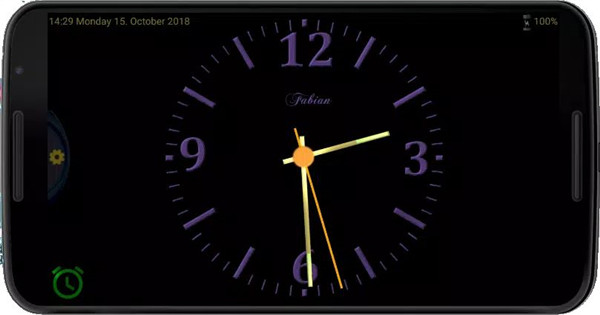
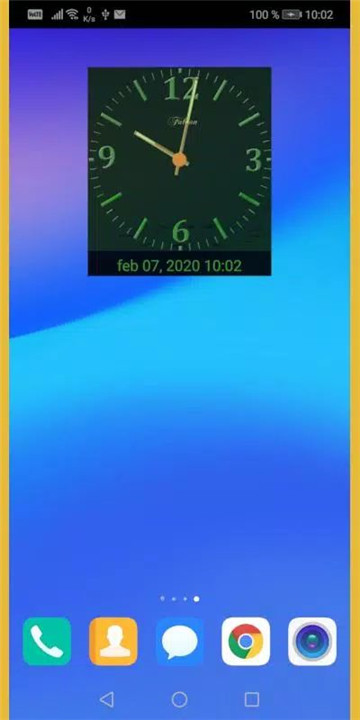
Nice Night Clock with Alarm is a stylish and functional app designed to enhance your device with a sleek analog clock featuring an alarm and a built-in night light. With its modern metal design, this app offers more than just the time—it provides a customizable, visually appealing clock experience that can seamlessly fit into your personal space.
Repeat Alarm Functionality
Setting up a repeated alarm is simple with just a tap of the alarm button. The button turns red when the alarm is active and repeats daily. Tap it again to turn off the alarm, and it will change to green, signaling that the alarm is no longer set.
Clock Customization
Change the clock’s color with a simple swipe left or right to match your aesthetic preferences. You can adjust the clock's design to suit your style and enhance the look of your nightstand.
Night Light Mode
Double-tap the clock's background to switch it to a high brightness mode, which acts as a night light, providing soft, comforting illumination during the night.
Control the Second Hand
For those who prefer a more minimalist design, tap the center of the clock to toggle the second hand on or off. This gives you control over the clock’s appearance and functionality.
Energy Efficiency
Save battery life by adjusting the brightness settings. If the clock is always on, reducing the brightness can help preserve your device’s power, ensuring you don’t have to worry about unnecessary energy consumption.
Sound Customization
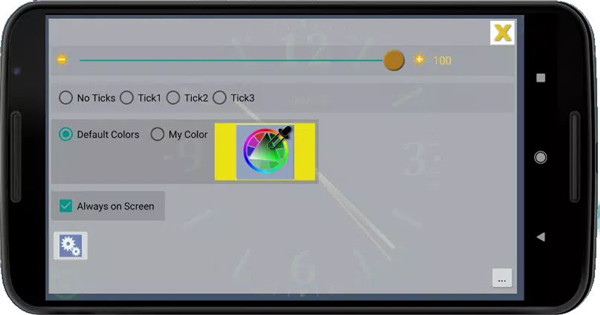
In the menu, you can choose to turn the ticking sound on or off, allowing you to personalize your clock to suit your preferences. You can also set your time and date easily, ensuring that your clock is always accurate.
Additional Settings
The app offers an in-app menu for further customization, including the option to change your clock’s color and adjust the brightness. You can also access various options to fine-tune your user experience.
FAQs
1. Does the app consume a lot of battery power?
The app is designed to consume minimal power. However, if the AlwaysOn mode is active, your device will remain on, which may impact battery usage depending on how well your device manages power. For extended use in AlwaysOn mode, it is recommended to keep your device plugged in to maintain battery life.
2. How do I set the alarm?
To set the alarm, tap the alarm icon and select your desired time. When the icon turns red, it indicates that the alarm is set to repeat daily at the same time. If the icon is green, the alarm is off. Please note that if your phone is turned off, the alarm will be cleared and won’t activate.
3. How do I change the alarm sound?
The app uses the default alarm sound set on your device, which can be adjusted through your phone’s settings. If you cannot use your device’s preset alarm sound, the app includes one custom sound to help keep the app size small, as audio files tend to take up significant storage space.
----------------------
What's New in the Latest Version Nice Night Clock 1.130
Last updated on Nov 24, 2024
Thank you for using Nice Night Clock.
What's new:
Some bugs have been fixed.
To maintain a cleaner design, the control buttons disappear after 8 seconds. Clicking on the screen will make them visible for 8 seconds.
If you have a problem, just let us know at slavo.fabian@gmail.com!
If you like it, please encourage us with 5★ : )









Ratings and reviews
There are no reviews yet. Be the first one to write one.