

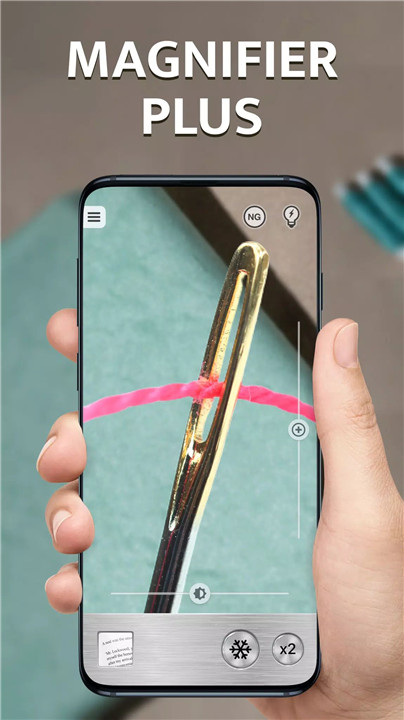
Magnifier Plus is the ultimate digital magnifying glass app for Android, designed to help you magnify tiny objects, read small text, and examine intricate details with ease. With a simple and user-friendly interface, this app transforms your smartphone into a versatile magnifying tool, packed with useful features like zoom, flashlight, text recognition, and more.
Digital Magnifier
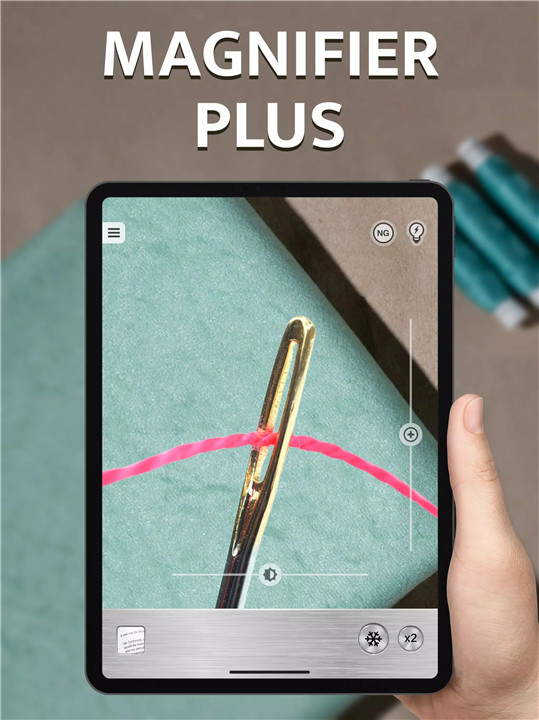
Magnifier Plus turns your smartphone camera into a powerful digital magnifying glass, allowing you to zoom in on any small object or text. Whether you need to read small labels, check intricate details, or examine a tiny object, this app lets you see it all with incredible clarity.
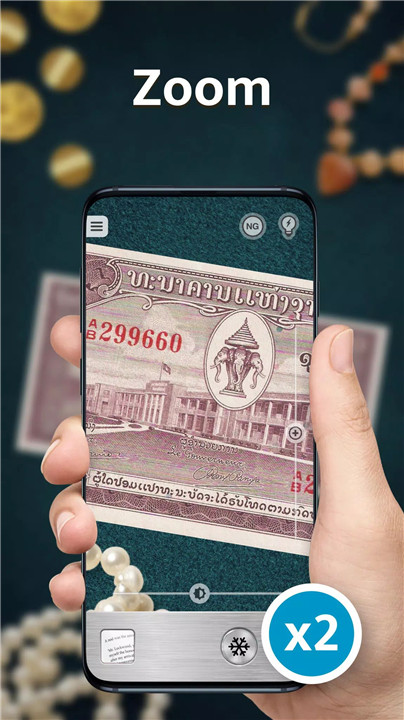
Zoom Functionality
Using your phone’s camera, Magnifier Plus allows you to zoom in on objects to the maximum, providing a detailed and closer look. It’s perfect for magnifying anything from fine print to intricate designs.
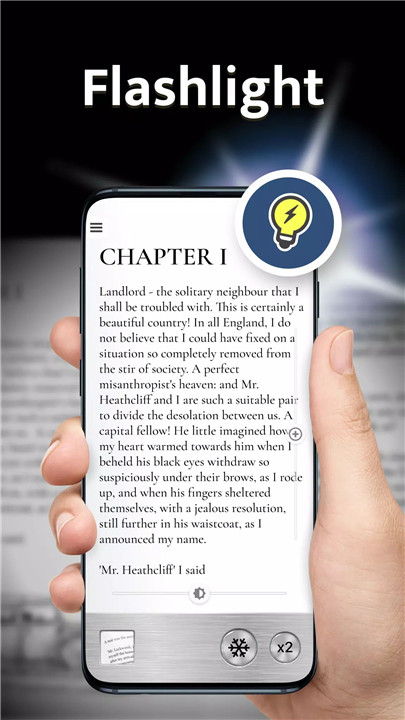
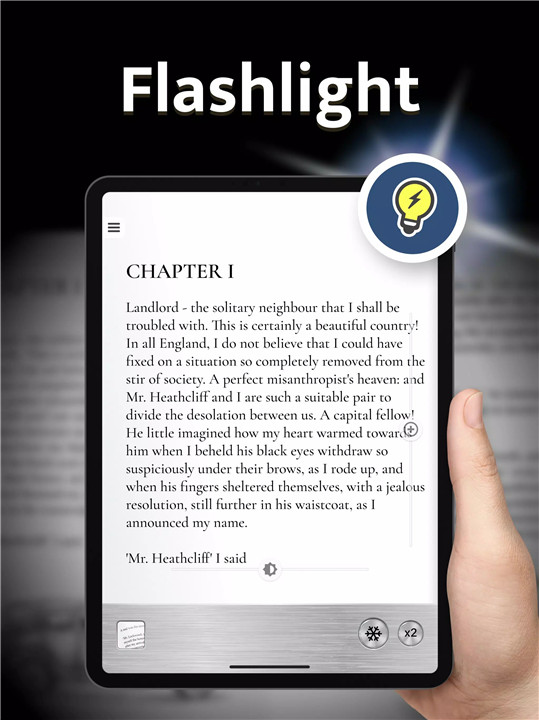
Flashlight for Enhanced Visibility
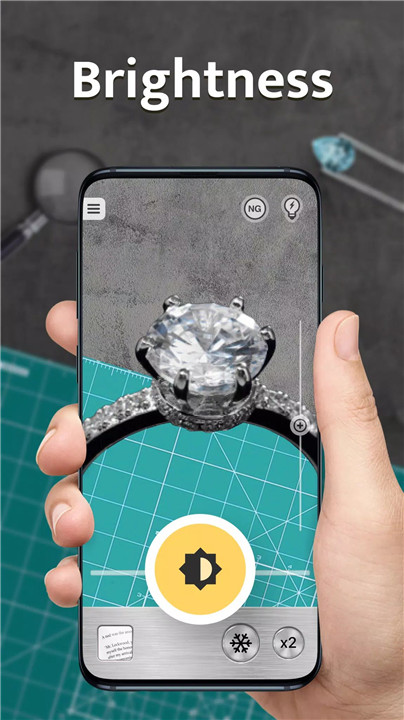
One of the standout features of Magnifier Plus is its built-in flashlight. Whether you're in low light or need extra brightness, the app uses your phone’s flashlight to ensure you get the brightest, clearest image possible. Easily adjust the zoom and light with on-screen controls for optimal results.
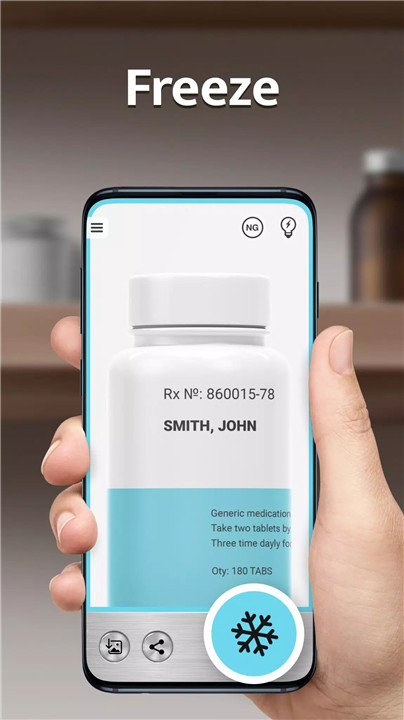
Freeze, Save, and Share
Sometimes, it’s not enough to simply magnify something. With the “freeze” feature, you can pause the image and view it at your leisure. You can also save or share the frozen image with friends, family, or colleagues for later use. It's an essential tool for sharing small details or capturing hard-to-see objects.
Text Recognition
Magnifier Plus features text recognition, setting it apart from many other magnifier apps. You can capture text and even listen to it being read aloud. The app also allows you to adjust the text size or share the text with others.
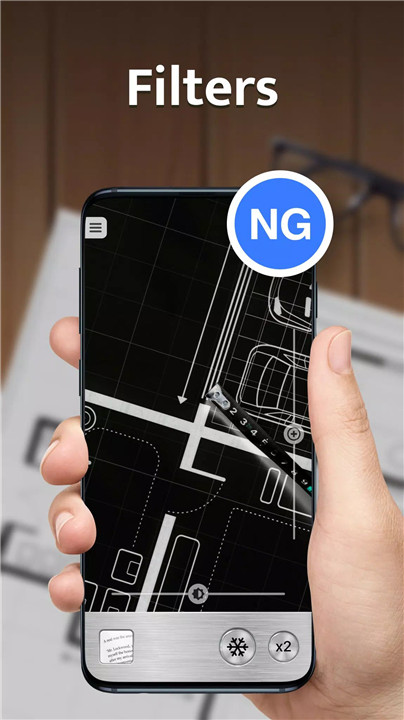
Filters for Camera & Pictures
Enhance your magnification experience with a variety of filters that can be applied to both camera images and saved pictures. With several filters to choose from in the free version of the app, you can further fine-tune the image to your preferences and increase visibility.
Full-Screen Mode
For an immersive experience, Magnifier Plus offers a full-screen mode that maximizes the display area, ensuring the object you’re viewing takes up the entire screen for easy inspection.
FAQs
Q1: What are some practical uses with this app?
A1: When you’re reading fine print, inspecting small objects, or just need a closer look, Magnifier Plus has you covered!
Q2: Can I use the flashlight while magnifying an object?
A2: Yes! Magnifier Plus includes a built-in flashlight feature that you can use to brighten up your view while magnifying objects. The flashlight can be easily toggled on or off using on-screen controls.
Q3: Is Magnifier Plus free to use?
A3: Yes, Magnifier Plus is free to download and use. The app comes with many useful features, including zoom, flashlight, and text recognition, all accessible at no cost. Additional filters are also available for free in the app.
---------------------------
What's New in the Latest Version 4.7.19r
Last updated on Nov 6, 2024
✓ Application performance and stability were improved.
✓ Image filters were added.
✓ The ability to recognize and voice text was added.
✓ The ability to upload images was added.
✓ Minor issues reported by users were fixed.
✓ Please send us your feedback!









Ratings and reviews
There are no reviews yet. Be the first one to write one.